The Business Rationale Behind System‑Level Ads
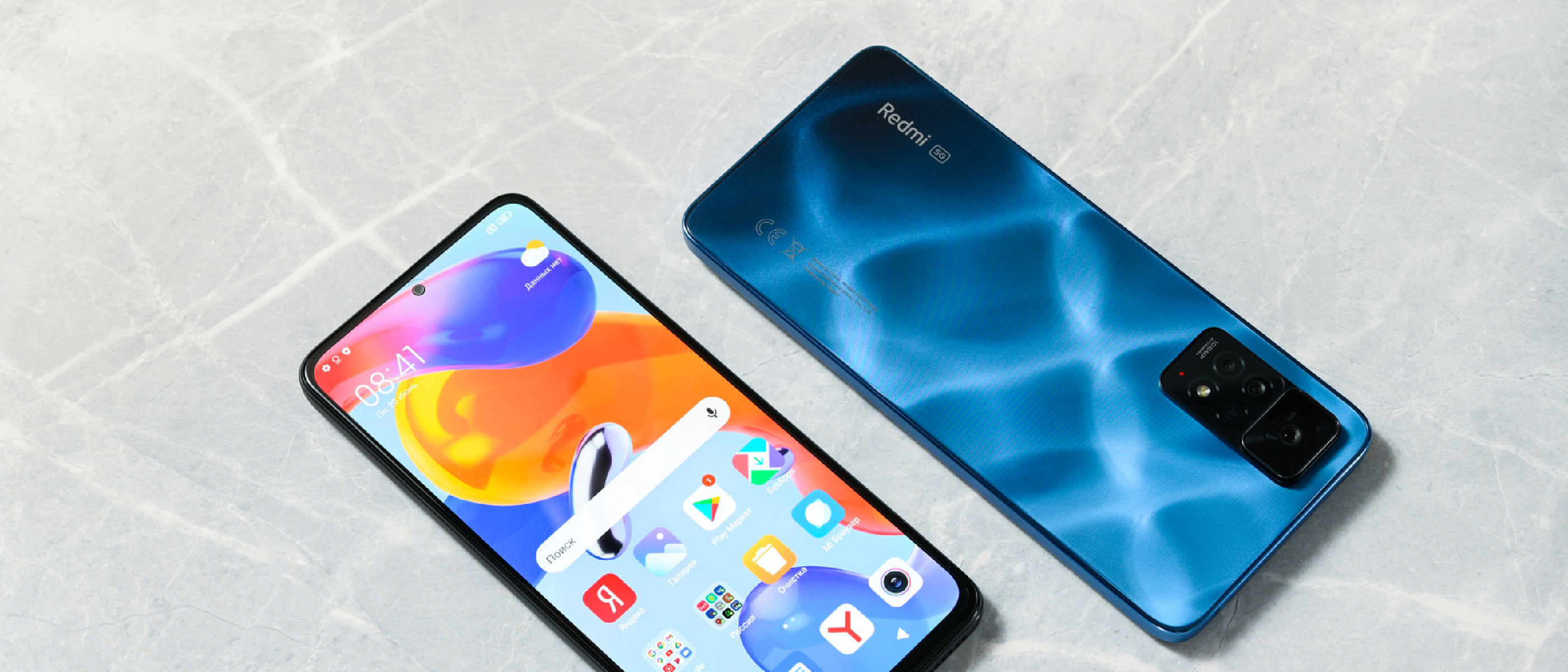
Xiaomi has built its global reputation on offering high‑spec hardware at prices that undercut most competitors. The secret sauce is a combination of aggressive component sourcing, large‑scale manufacturing, and, increasingly, a willingness to monetize the software layer. By inserting advertisements directly into MIUI (the company’s long‑standing Android skin) and the newer Hyper OS, Xiaomi can offset the margin lost on cheaper bill‑of‑materials.
From a financial perspective, each ad impression generates revenue that can be measured in fractions of a cent, but when multiplied across millions of daily active users the sum becomes a non‑trivial contribution to the bottom line. The model mirrors the approach taken by many “freemium” apps: the user gets a free or low‑cost product, and the software ecosystem pays for itself through ad inventory.
For markets where Xiaomi’s devices are sold at a premium—such as Europe and parts of Asia—the ad‑driven subsidy is less visible because the price point already includes a larger profit margin. In contrast, in regions where Xiaomi tries to gain a foothold by offering rock‑bottom prices (e.g., the United States, where the brand is still niche), the ad density feels disproportionately high, creating a cultural shock for users accustomed to a cleaner Android experience.
Technical Anatomy of MIUI/Hyper OS Ad Integration
The ad delivery mechanism is centered around a system app called MSA (MIUI System Ads). MSA runs as a privileged service with access to the notification shade, the launcher, and a host of pre‑installed Xiaomi apps. Its responsibilities include:
- Fetching ad payloads from Xiaomi’s cloud servers using the device’s Google Advertising ID (or a Xiaomi‑specific identifier when the Google services are unavailable).
- Injecting UI elements into native apps such as Files, Music, Themes, Downloads, and the Security suite. This is done by overlaying small banner views or by modifying the app’s RecyclerView adapters at runtime.
- Tracking user interaction to refine recommendation algorithms. The data is sent back to Xiaomi’s analytics backend, which then serves more targeted promotions.
On Hyper OS devices (e.g., the Xiaomi 17 series), the same architecture is retained but the settings hierarchy has been reshuffled. The “Authorization & revocation” screen now lives under Settings > Fingerprints, face data, and screen lock, reflecting a tighter integration with biometric security modules.
Because MSA is a system‑level component, it cannot be uninstalled without rooting the device. However, it can be disabled through the Settings UI, which effectively stops the service from launching at boot. The step‑by‑step guide below walks users through that process and the subsequent per‑app toggles.
Why U.S. Users Feel the Impact More Strongly
Xiaomi’s primary markets are China, India, and Southeast Asia, where users are accustomed to a certain level of ad‑supported software. In the United States, the brand’s market share is modest, and most consumers encounter Xiaomi devices through import channels or limited carrier partnerships. This creates two friction points:
Expectation Gap – American Android users typically purchase devices from Google‑certified OEMs (Pixel, Samsung, OnePlus) that either limit system ads or hide them behind paid “Premium” tiers. When a Xiaomi phone arrives with ads embedded in core system apps, the experience feels intrusive rather than a benign “free feature.”
Regulatory Awareness – The U.S. has stricter expectations around privacy and ad transparency, especially after the introduction of the California Consumer Privacy Act (CCPA) and ongoing discussions about a federal privacy law. Xiaomi’s ad model, which leverages the Google Advertising ID, can appear at odds with those expectations, prompting users to seek immediate remediation.
The combination of higher expectations and lower tolerance for hidden monetization explains why the ad rollout on Xiaomi phones generates louder complaints in the U.S. than in the brand’s home markets.
Step‑by‑Step Guide to Disable Ads
Below is a consolidated checklist that covers the entire ad‑removal workflow for both MIUI and Hyper OS devices. Follow the steps in order; each subsequent action builds on the previous one.
1. Disable the MSA (MIUI System Ads) App
- Open Settings.
- Navigate to Passwords & Security (on Hyper OS, go to Fingerprints, face data, and screen lock).
- Tap **Authorization & revocation
Tap Authorization & revocation → you’ll see a list of system‑level services that can be granted or withdrawn.
- Locate msa (the entry may appear as “MIUI System Ads” or simply “msa”).
- Switch the toggle to Off.
- Confirm the prompt that warns the service will stop running.
Result: MSA will no longer start at boot, preventing it from injecting new ads into the UI. Existing ad banners may remain until you close the affected apps or restart the device.
2. Turn off Personalized Ad Recommendations
- Open Settings → Passwords & Security (or Fingerprints, face data, and screen lock on Hyper OS).
- Choose Privacy → Ad Services.
- Disable Personalized ad recommendations (sometimes labeled Personalize ads).
Turning this off stops Xiaomi from using your usage data to serve targeted promotions, though generic ads may still appear.
3. Disable Ads in Individual Xiaomi Apps
Downloads
- Launch the Downloads app.
- Tap the three‑dot menu → Settings.
- Toggle off Show Recommended Content.
Themes
- Open Themes.
- Tap the gear icon → Settings.
- Switch off both Personalized recommendations and Show ads.
Music
- Open Mi Music.
- Go to Settings → Advanced Settings.
- Turn off Show Ads.
Mi Browser
- Launch Mi Browser.
- Open Settings → Privacy and Security.
- Disable Personalized services.
4. Disable Ads in the Security App
- Open Security.
- Tap the hexagon icon in the top‑right corner (the “More” button).
- Toggle off Receive recommendations.
- Switch to the Cleaner tab → toggle off Receive recommendations as well.
5. Disable Ads in the File Manager
Older MIUI phones
- Open File Manager.
- Tap the three‑line menu in the top‑left → Settings → About.
- Turn off Recommendations.
Hyper OS phones
- Open File Manager.
- Tap the three‑dot menu in the top‑right → Settings.
- Toggle Withdrawal of Consent (this revokes the app’s permission to fetch ads).
6. Reset or Delete the Google Advertising ID
- Open Settings → Google → All Services.
- Scroll to Ads.
- Tap Reset advertising ID and confirm.
- If you prefer to remove it entirely, select Delete advertising ID (you may need to re‑enable it later for certain Google services).
7. Turn Off Notifications for Ad‑Showing Apps
- Open Settings → Apps → Manage Apps.
- Locate any of the following apps: Downloads, Themes, Music, Mi Browser, Security, File Manager.
- Tap the app → Notifications → toggle Off.
Caution: Disabling notifications will also silence legitimate alerts (e.g., security warnings, download completions). Use this as a last resort if the visual clutter is unbearable.
Additional Tips for a Cleaner Experience
- Use a third‑party launcher (e.g., Nova Launcher) and set it as the default. Many launchers hide the MIUI ad banners that appear on the home screen.
- Install a custom ROM (such as LineageOS) if you’re comfortable unlocking the bootloader and flashing. This completely removes Xiaomi’s proprietary services, but it voids the warranty and may affect OTA updates.
- Block Xiaomi’s ad domains via a local VPN or DNS‑based ad blocker (e.g., AdGuard Home). Common endpoints include
ads.xiaomi.com,adservice.miui.com, andad.xiaomi.com.
Conclusion
Xiaomi’s ad‑driven software model is a pragmatic way for the company to keep device prices low, especially in price‑sensitive markets. For users who value a pristine Android experience, the built‑in ads can feel intrusive—particularly in regions where the brand is still gaining traction. Fortunately, the steps outlined above let you reclaim most of the UI from unwanted promotions without resorting to rooting or flashing custom firmware. By disabling the MSA service, turning off personalized ads, and tweaking each pre‑installed app, you can enjoy the hardware advantages of Xiaomi phones while keeping the ad noise to a minimum.
FAQ
Q: Will disabling MSA affect system stability?
A: No. MSA is a non‑essential service that only handles ad delivery. Turning it off does not impact core OS functions.
Q: Do I need to repeat these steps after a system update?
A: Major MIUI or Hyper OS updates may re‑enable some toggles. It’s a good practice to revisit the settings after each OTA to ensure ads remain disabled.
Q: Can I completely remove all Xiaomi ads without rooting?
A: You can disable the majority of them using the steps above. A few residual banners (e.g., in the lock‑screen widget area) may persist, but they are largely harmless.
Q: Will disabling the Google Advertising ID stop Xiaomi from serving any ads?
A: Not entirely. Xiaomi can fall back to its own device identifier, but resetting the ID reduces the granularity of targeted ads.
Q: Is there a “premium” Xiaomi device without ads?
A: Some newer flagship models (e.g., the Xiaomi 13 Pro) offer a “No‑Ads” option in the purchase configuration for certain regions, but it usually comes at a higher price.
Source: Original Article