
Understanding the H+ Icon on Samsung Devices
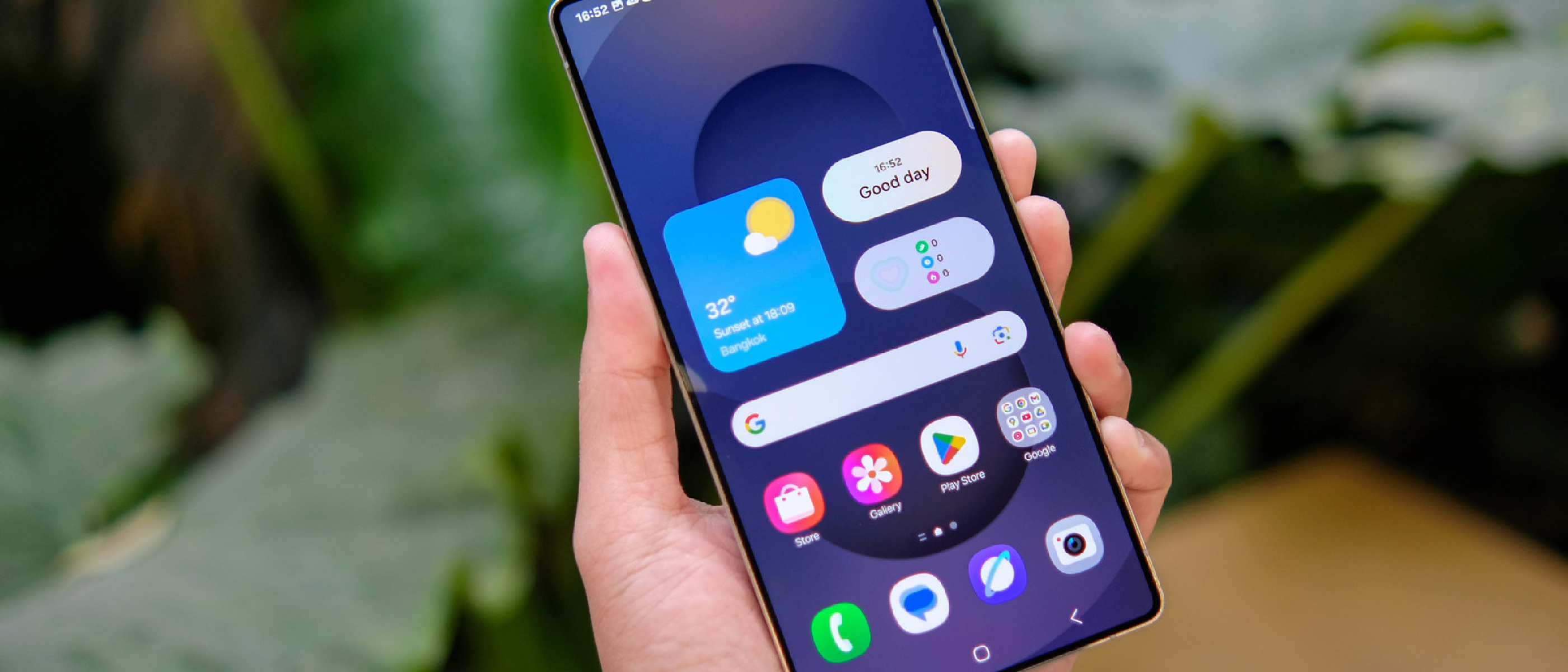
When you glance at the status bar of a Samsung Galaxy phone, you may notice a small “H+” indicator next to the signal bars. Unlike the more familiar 5G, 4G, or 3G icons, the H+ symbol points to a specific radio technology: HSPA+ (High‑Speed Packet Access Plus).
The icon appears under the following conditions:
- The device is connected to a carrier’s 3G‑class HSPA+ network.
- LTE (4G) coverage is unavailable or the phone has been forced into a fallback mode (e.g., due to VoLTE incompatibility on very old hardware).
- The carrier’s network configuration prioritizes HSPA+ for certain data‑only services while voice calls remain on legacy 3G.
On many newer Samsung models, the H+ icon is fleeting because LTE and 5G coverage dominate. However, in rural areas, on older devices, or during network congestion, H+ can become the default connection type.
Technical Breakdown of HSPA and HSPA+
What HSPA Actually Is
- HSPA stands for High‑Speed Packet Access, an evolution of the original UMTS (3G) standard.
- It introduced two key enhancements: HSUPA (High‑Speed Uplink Packet Access) for faster upload speeds and HSDPA (High‑Speed Downlink Packet Access) for faster downloads.
Typical real‑world speeds for vanilla HSPA range from 3.5 Mbps to 14 Mbps, depending on signal quality and carrier load.
The “Plus” in HSPA+
HSPA+ adds further modulation improvements (64‑QAM) and higher-order carrier aggregation, effectively doubling the theoretical peak download rate to about 21 Mbps. In practice, users experience 5 Mbps to 14 Mbps on a stable HSPA+ link, with occasional dips to 1.5 Mbps in remote locations.
| Technology | Theoretical Peak | Typical Real‑World Range |
|---|---|---|
| HSPA | 14 Mbps | 3.5 – 10 Mbps |
| HSPA+ | 21 Mbps | 5 – 14 Mbps |
| LTE (4G) | 40 Mbps | 12 – 40 Mbps |
| LTE‑Advanced | 220 Mbps | 25 – 200 Mbps |
| 5G NR | > 1 Gbps | 100 Mbps + (varies) |
While the numbers suggest HSPA+
is significantly slower than modern LTE and 5G networks, it played a vital role in extending the life and capabilities of 3G infrastructure.
The Purpose of HSPA and HSPA+ in Network Evolution
So, why do HSPA and HSPA+ exist when faster technologies are available? The primary reason is network evolution and cost-effectiveness. Some regions and mobile carrier networks have not yet fully upgraded their entire infrastructure to LTE or 5G.
Instead of a complete, immediate overhaul, HSPA+ provided a more affordable, short-term solution to enhance existing 3G cellular radio technology (like CDMA and UMTS). This allowed carriers to offer significantly faster data rates than original 3G, enabling support for heavier data needs in those areas until a major network upgrade could be implemented. HSPA+ is essentially a stop-gap measure, ensuring customers in these transitional zones still receive a usable data experience.
When and Why You Might See the H+ Symbol
Now that you understand what HSPA+ is, let’s look at the specific scenarios where your Samsung Galaxy phone might display the H+ icon:
- Rural or Remote Areas: You are in a geographical location where the carrier has not yet deployed full LTE or 5G coverage. In such instances, your phone will connect to the best available network, which might be HSPA+.
- Older Devices and VoLTE Incompatibility: If you are using an older Samsung Galaxy phone that does not support Voice over LTE (VoLTE), which allows phone calls to be made over the 4G/LTE network, your phone might default to an HSPA+ network for calls and data. This is because legacy 3G networks traditionally handled voice, and HSPA+ is an evolution of that. However, most Samsung Galaxy phones since the S4 (released over a decade ago) support VoLTE, so this scenario is increasingly rare.
- Network Congestion or Maintenance: Occasionally, during periods of high network congestion or maintenance on LTE/5G towers, your device might temporarily fall back to an HSPA+ connection to maintain service.
The Future: Phasing Out HSPA and HSPA+
The presence of HSPA and HSPA+ is a temporary phase in mobile network history. Carriers worldwide are actively phasing out their legacy 3G/HSPA networks to reallocate spectrum for 4G LTE and 5G technologies.
For example, Bell Mobility in Canada has announced plans for a complete phase-out of its 3G/HSPA network across the country by March 1, 2027. Other carriers globally have similar timelines.
As these phase-outs occur and carrier networks upgrade their legacy towers, newer Samsung Galaxy phones will automatically connect to 4G LTE or 5G. Consequently, seeing those H+ and even the standard H symbols within the Android status bar on a Samsung Galaxy phone will eventually become a thing of the past. For now, understanding what they mean helps you interpret your phone’s connectivity status.
Source: Original Article