




Understanding the Sudden Drop Phenomenon
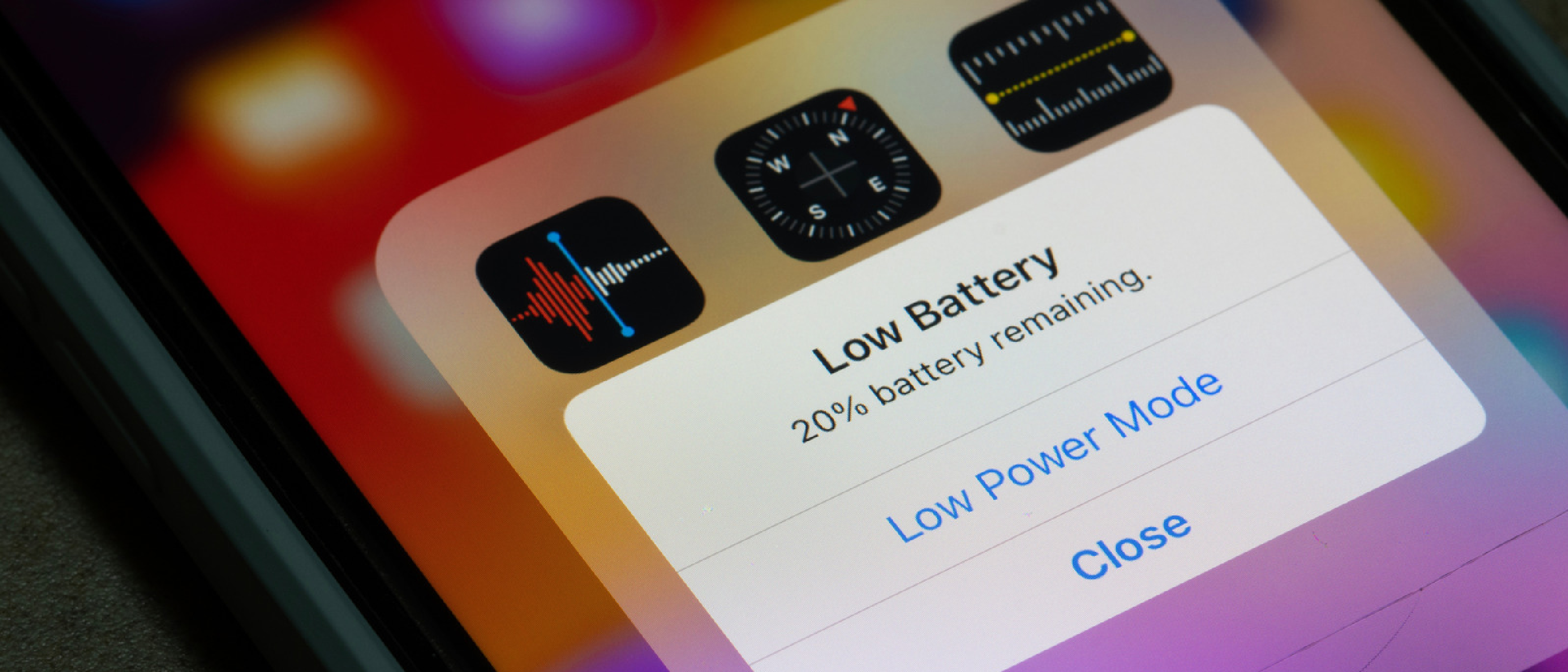
Smartphone users have grown accustomed to seeing a smooth, linear decline in the battery icon as the day progresses. When the percentage suddenly plunges—sometimes 10 % or more within a few seconds—it feels like a glitch, but the underlying physics is well‑documented. Modern phones estimate remaining charge by measuring voltage and current draw, then applying a calibrated algorithm. When the battery’s internal resistance changes, especially in an aged cell, the algorithm can misinterpret the voltage swing, forcing a rapid recalculation of the displayed percentage.
Two core variables drive this behavior:
- Voltage‑based estimation – The system reads the cell’s voltage, compares it to a lookup table, and predicts remaining capacity.
- Current‑based smoothing – Short‑term spikes in draw (e.g., launching the camera) are filtered to avoid jittery readings.
When a battery ages, its voltage curve flattens, and the smoothing filter can no longer mask abrupt changes, resulting in the dreaded “percentage cliff.” This effect is amplified by software that aggressively pushes performance or by environmental conditions that push the chemistry outside its optimal range.
Typical Battery‑Draining Activities and Their Impact
Even a perfectly healthy battery will deplete faster under certain usage patterns. The most common culprits, as highlighted by Engadget, include:
- Web browsing – Continuous radio activity (Wi‑Fi, cellular) and JavaScript execution keep the CPU busy.
- Music streaming – Audio decoding, network streaming, and screen illumination combine for steady draw.
- Heavy photography – The camera sensor, image processor, and storage I/O spike power usage, especially when shooting in RAW or using HDR.
- Gaming – High‑frequency GPU rendering, vibration feedback, and network traffic create sustained high‑current demand.
These activities are not inherently harmful, but they set a baseline for power consumption. When they intersect with software or hardware anomalies, the baseline can tip into a sudden drop scenario.
Software‑Related Triggers
Operating‑System Updates
Both iOS and Android updates introduce new background services, telemetry, and sometimes more aggressive indexing. An update can temporarily increase wake‑up frequency, causing the battery‑percentage estimator to receive more erratic current readings.
- iOS update – Apple’s “Battery Health” feature monitors peak performance capability. After a major iOS release, the system may temporarily throttle background tasks while it re‑calibrates.
- Android update – Google’s Pixel 6, for example, often adds adaptive battery learning that runs intensive ML models in the first few days post‑update.
Persistent Background Apps
Apps that request “always‑on” permissions (location, Bluetooth scanning, push notifications) can keep the radio stack active even when the screen is off. This constant low‑level draw subtly raises the average current, making the estimator more prone to sudden recalculations when a high‑draw event occurs.
Mitigation tip: Review the “Battery” or “Battery‑usage” settings on iOS and Android, and disable unnecessary background activity.
Battery Chemistry and Aging Effects
Lithium‑ion cells lose capacity over time due to several irreversible processes:
- Loss of active material – Repeated charge cycles cause the cathode to degrade, reducing the maximum charge the cell can hold.
- Increased internal resistance – As the electrolyte thins, voltage drops under load become more pronounced.
- Reduced power‑boost capability – The cell can no longer deliver short bursts of high current needed for camera start‑up or GPS lock.
When a user opens the camera or activates GPS on an aged device, the sudden current demand can cause the voltage to dip sharply. The estimator interprets this dip as a large portion of the remaining charge being consumed, resulting in the visible percentage cliff.
Apple’s mitigation strategy involves a performance‑management system that detects when the battery cannot meet peak power demands and throttles CPU/GPU speed to avoid sudden spikes. This protects the user experience but can also mask the underlying health issue, making the drop less dramatic but still present.
Temperature Extremes and Real‑World Performance
Battery chemistry is temperature‑sensitive. The manufacturer‑specified operating range for most smartphones is 0 °C – 35 °C (32 °F – 95 °F). Outside this window:
- Cold – Electrolyte conductivity drops, internal resistance rises, and voltage falls faster under load. Users may see a sudden drop after stepping outdoors in winter.
- Heat – Accelerated chemical reactions increase self‑discharge and can trigger thermal throttling, which also influences the estimator.
Both extremes can cause the voltage‑based algorithm to misjudge remaining capacity, especially when combined with an already aged cell.
Manufacturer Mitigation Strategies and User Tips
What Apple Does
Apple’s Battery Health feature monitors peak performance capability. When it detects that the battery can no longer sustain the required power for intensive tasks, it reduces maximum CPU frequency and disables certain background refreshes. Users can opt to “Enable Maximum Performance” at the cost of potentially faster degradation.
What Google Does
Google’s Adaptive Battery uses machine‑learning to predict which apps will be used in the next few hours, limiting background activity for low‑priority apps. While this reduces average drain, it can cause short‑term spikes when a previously throttled app suddenly becomes active.
Samsung’s Diagnostic Tools
Samsung includes a Battery‑Diagnostics menu that shows real‑time voltage, temperature, and health percentage. This can help power users spot abnormal drops early and decide whether a replacement is warranted.
Practical User Actions
- Calibrate the battery – Fully charge to 100 %, then let the phone discharge to 0 % (or until it shuts down). Repeat once a month to help the estimator relearn the voltage curve.
- Limit background refresh – Turn off “Background App Refresh” on iOS and “Background restriction” on Android for rarely used apps.
- Avoid extreme temperatures – Keep the phone out of direct sunlight and avoid leaving it in a cold car overnight.
- Monitor health – Use built‑in diagnostics (Apple Settings → Battery → Battery Health, Android Settings → Battery → Battery usage) or third‑party apps to track capacity loss.
- Consider a replacement – When maximum capacity falls below ~80 %, the device may experience frequent cliffs. A battery swap restores both range and estimator accuracy.
FAQ
Q: Why does my phone drop 15 % after opening the camera? A: Opening the camera triggers a high‑current demand. If the battery’s internal resistance is high (due to age or cold), the voltage dip is interpreted as a large capacity loss, causing the percentage to fall sharply.
Q: Will turning off Wi‑Fi or Bluetooth stop sudden drops? A: It reduces baseline draw, but the primary cause is usually the combination of a high‑draw event with an aged cell. Disabling radios helps marginally.
Q: Does using the hotspot feature affect battery percentage cliffs? A: Yes. The hotspot keeps the cellular radio active continuously, increasing current draw. For a deeper dive on hotspot power consumption, see the article on Smartphone Hotspot: Pros, Cons & Technical Deep‑Dive.
Q: Can cloud sync increase battery drain? A: Frequent background sync forces the radio to wake repeatedly, adding to average current. Learn more about data handling and its impact in our piece on Cloud vs Local Storage: Pros, Cons & Best Practices.
Q: Could a compromised app be the hidden cause? A: Malicious software can run hidden processes that keep the CPU and network active, subtly raising drain. For context on how insecure devices become power hogs, read Old Home Gadgets: Your Network’s Biggest Security Gap.
Q: When should I replace my phone’s battery? A: When the system reports a maximum capacity below 80 % or you experience frequent, large percentage cliffs despite normal usage, it’s time to consider a replacement.
By dissecting the chemistry, software behavior, and environmental factors that converge to produce sudden battery‑percentage drops, we gain a clearer roadmap for both manufacturers and end‑users. Understanding the why behind the cliff empowers you to take concrete steps—calibration, background‑process management, temperature awareness, and timely battery replacement—to keep your device reliable throughout its lifespan.
Source: Original Article