Overview of the New Developer Betas
Apple’s latest wave of software releases targets three of its most widely used platforms: watchOS 27.3, iPadOS 27.3, and tvOS 27.3. The betas are now visible in the Software Update pane for devices that have opted into the Apple Developer Program. Unlike the public betas that followed iOS 27.2, iPadOS 27.2, and macOS 27.2 last month, these builds are strictly for developers, giving them a head‑start on testing new APIs, UI refinements, and performance optimizations before Apple decides on a public rollout.
The timing is noteworthy. Apple introduced iOS 27.2, iPadOS 27.2, and macOS 27.2 to the public just a week ago, and the company simultaneously announced the upcoming macOS Sequoia & Tahoe RCs that also include a 27.3 beta component. You can read more about that parallel release in the article “Apple Rolls Out macOS Sequoia & Tahoe RCs + 27.3 Beta”.
Why It Matters for Developers
Early Access to New APIs
Each platform’s 27.3 beta introduces a set of APIs that were not present in the 27.2 releases:
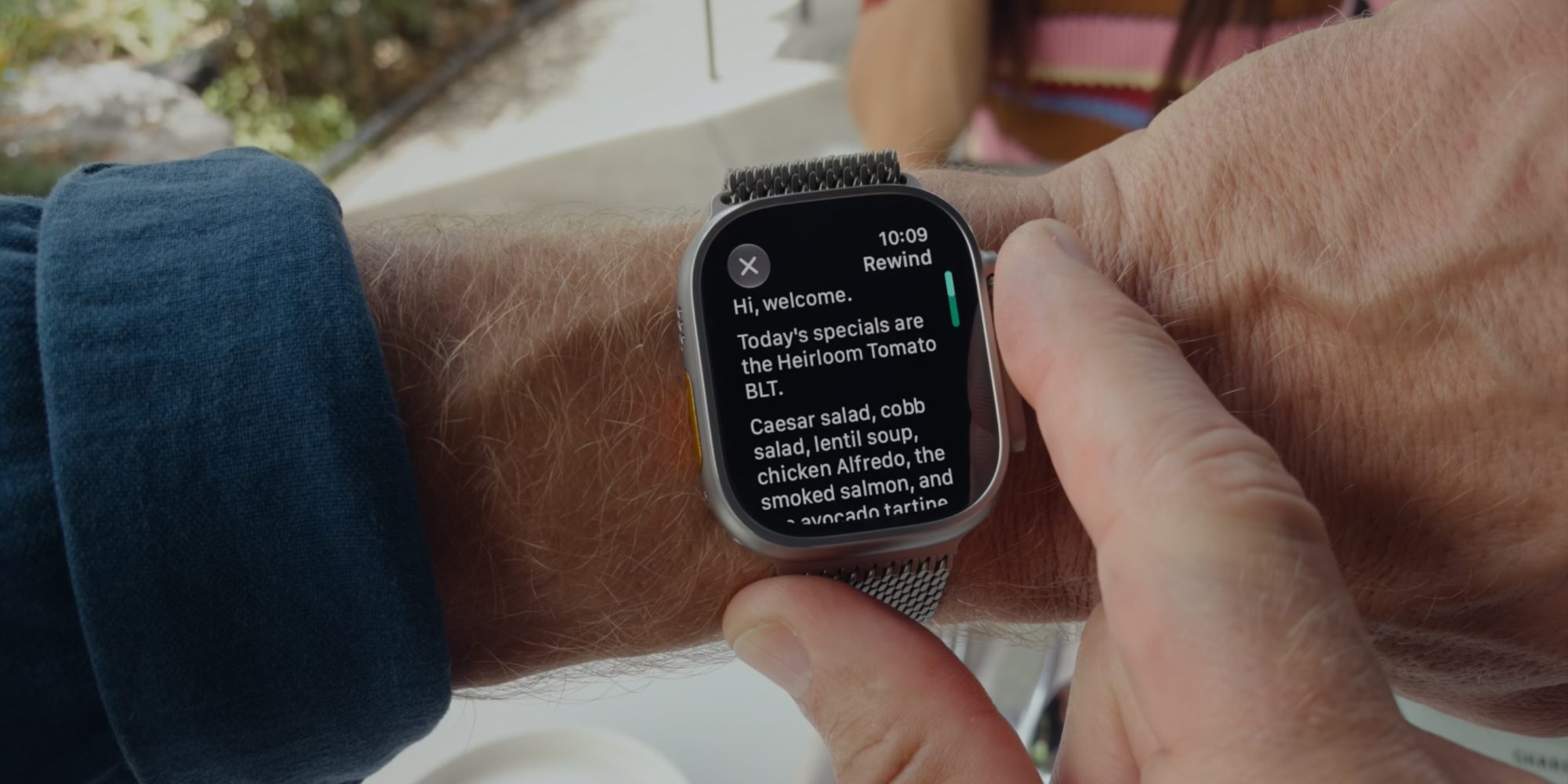
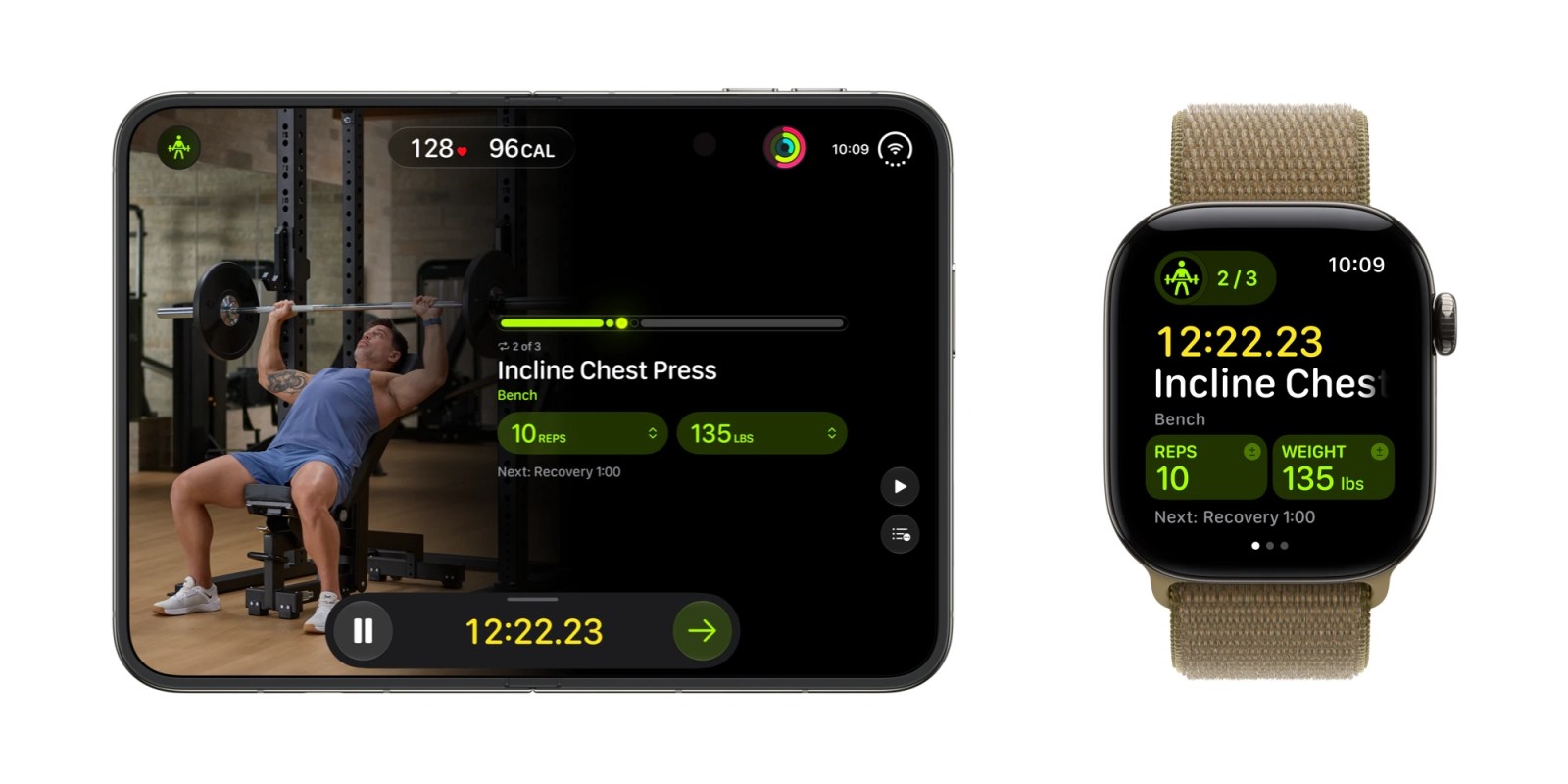
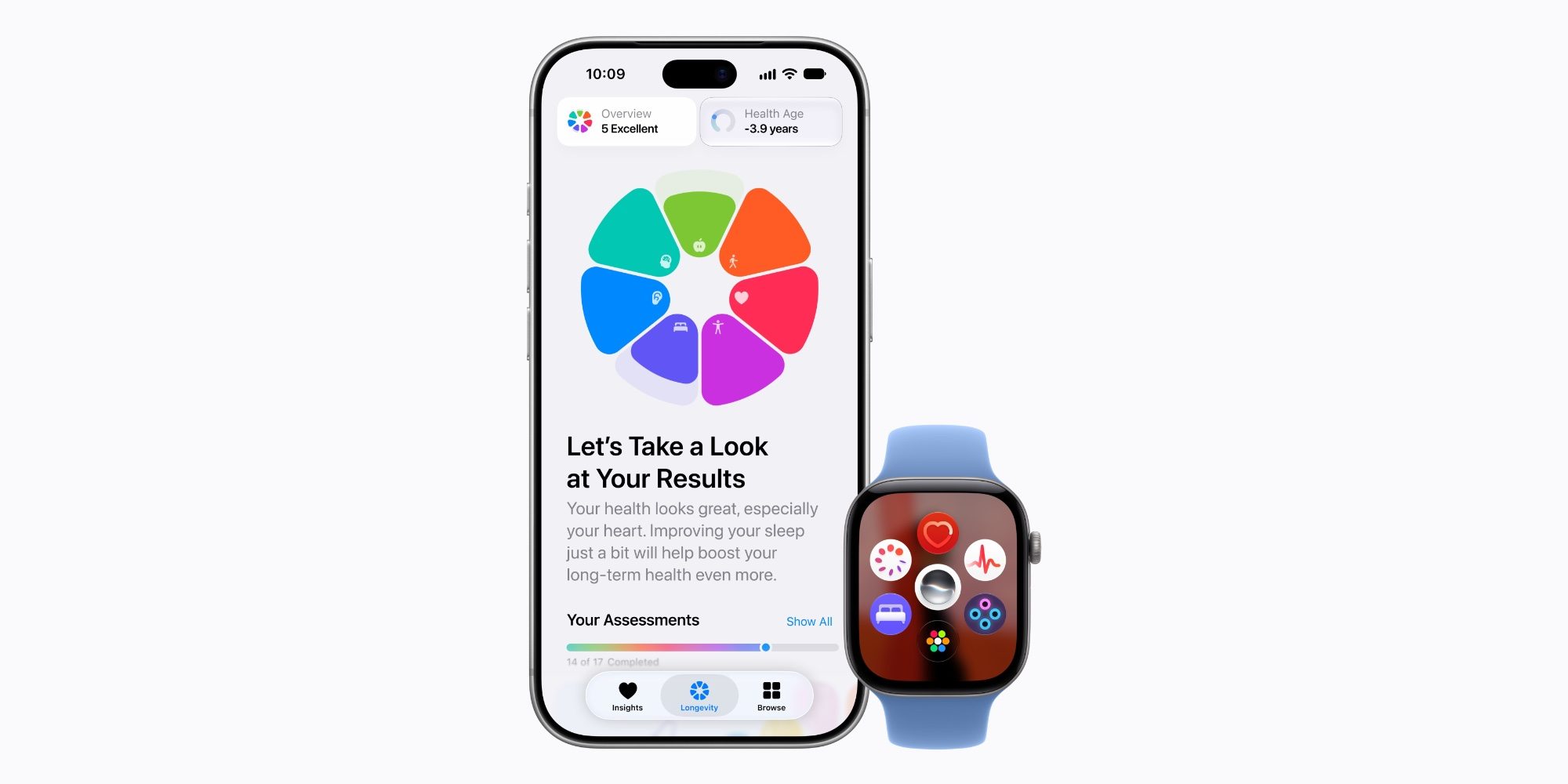
- watchOS 27.3 adds a HealthKit 2.0 extension that lets developers query real‑time blood‑oxygen trends directly from the watch face, a feature that dovetails with the new health metrics announced for iOS 27.3.
- iPadOS 27.3 expands the Multitasking framework, allowing three‑pane split‑view configurations on larger iPad models. This is a direct response to developer demand for more flexible UI layouts.
- tvOS 27.3 introduces a MediaKit update that supports adaptive streaming profiles based on ambient lighting detected by the Apple TV’s built‑in sensors.
These APIs are not just incremental; they open doors for entirely new categories of apps—continuous health monitoring on the wrist, professional‑grade multitasking on the iPad, and context‑aware media experiences on the TV.
UI Tweaks That Influence Design Language
Apple has refined the visual language across the three platforms:
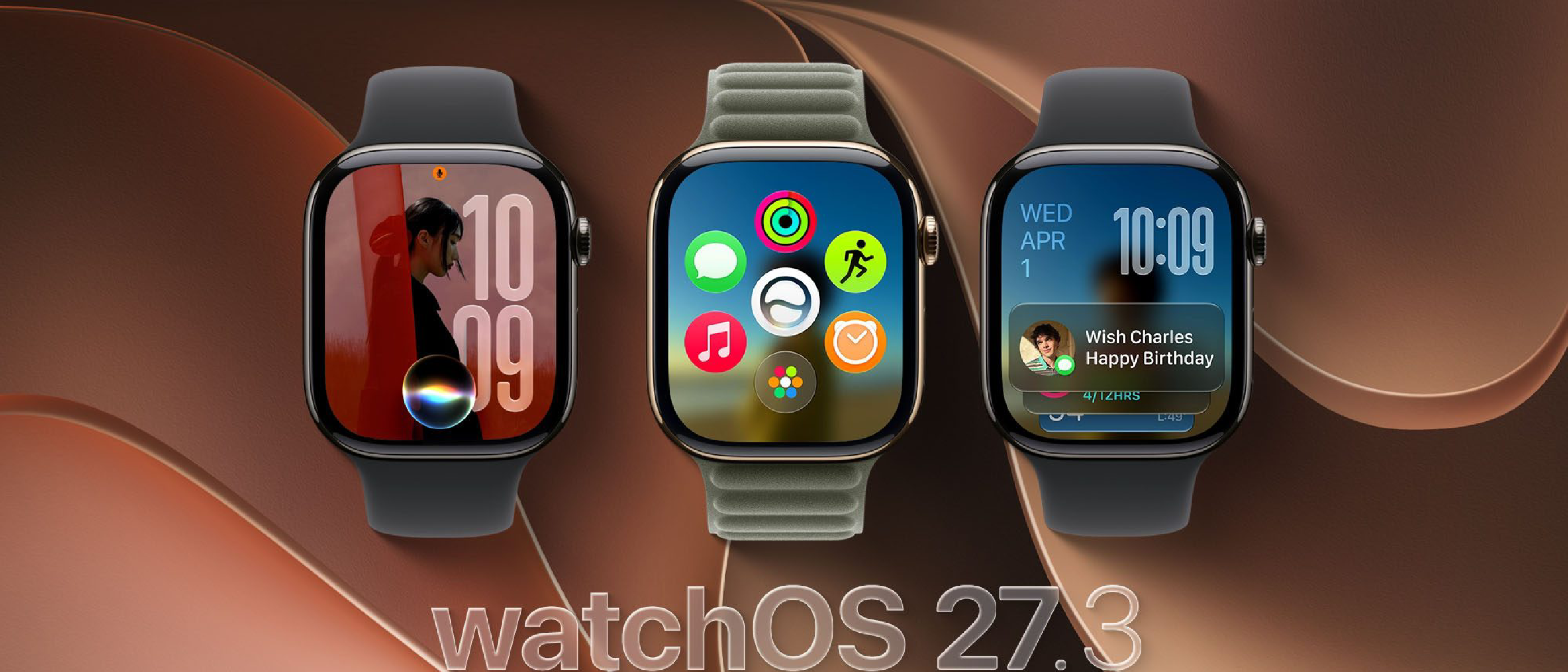
- watchOS now supports dynamic complications that can animate based on sensor data, reducing the need for third‑party widgets.
- iPadOS brings rounded‑corner window shadows, a subtle but consistent visual cue that aligns the iPad’s UI with the design language of macOS 27.3.
- tvOS adds customizable home‑screen rows, letting developers surface content in a more brand‑centric way.
These changes affect how designers approach layout, typography, and interaction patterns. For teams that maintain cross‑platform codebases, the consistency reduces the effort required to keep UI parity.
Performance Gains
Apple’s internal benchmarks show a 5‑10 % reduction in launch time for watchOS apps and a 12 % improvement in rendering speed for iPadOS multitasking scenarios. tvOS benefits from a lower memory footprint when handling multiple simultaneous streams, which is crucial for households with several Apple TVs.
Technical Breakdown
watchOS 27.3
HealthKit 2.0 Extension
- Provides
HKLiveOxygenSaturationQueryfor continuous SpO₂ data. - New permission model: users can grant “real‑time” access separate from historical data, improving privacy compliance.
Complication Engine
- Supports vector‑based animations that scale without pixelation.
- Developers can now define state‑driven timelines using the
CLKTimelineEntryAPI, enabling richer, context‑aware watch faces.
Power Management
- Introduced Dynamic Power Profiles that adjust CPU frequency based on sensor activity, extending battery life by up to 15 % during low‑intensity workouts.
iPadOS 27.3
Multitasking Framework Enhancements
UISplitViewControllernow accepts aUIPaneConfigurationarray, allowing three panes.- New
UIWindowScenelifecycle callbacks for pane activation, giving developers finer control over resource allocation.
Vision Pro Compatibility Layer
- Although Vision Pro runs its own OS, iPadOS 27.3 includes a compatibility shim that lets iPad apps expose UI elements to Vision Pro via
VROverlayAPIs. This is a strategic move to unify the AR/VR ecosystem.
Files App Improvements
- Integrated inline preview for compressed archives (ZIP, RAR) without third‑party extraction tools.
- Enhanced tagging system with hierarchical tags, useful for enterprise content management.
tvOS 27.3
MediaKit Adaptive Streaming
- New
AVAdaptiveProfilethat selects bitrate based on room illumination measured by the TV’s ambient light sensor. - Supports HDR‑plus metadata injection for compatible displays, improving color accuracy.
Home‑Screen Customization
TVHomeScreenRowAPI lets developers define row priority and auto‑scroll behavior, creating a more dynamic browsing experience.
Siri Integration
- Expanded SiriKit intents for media control, allowing voice commands like “Play the next episode of my favorite series on the living‑room Apple TV”.
Industry Impact
Competitive Positioning
Apple’s incremental yet strategic updates keep its ecosystem ahead of rivals such as Google’s Wear OS and Samsung’s Tizen. By delivering health‑centric APIs on watchOS, Apple reinforces its dominance in the wearables market, where continuous health monitoring is a key differentiator.
Enterprise Adoption
The multitasking enhancements on iPadOS 27.3 are likely to accelerate enterprise adoption of iPads as primary work devices. The ability to run three apps side‑by‑side mirrors the experience on macOS, reducing the friction for teams transitioning from laptops to tablets.
Content Providers
tvOS 27.3’s adaptive streaming based on ambient light is a subtle but powerful tool for streaming services. It can improve perceived video quality without increasing bandwidth, a competitive edge for services that already rely on Apple TV as a distribution channel.
Developer Ecosystem Health
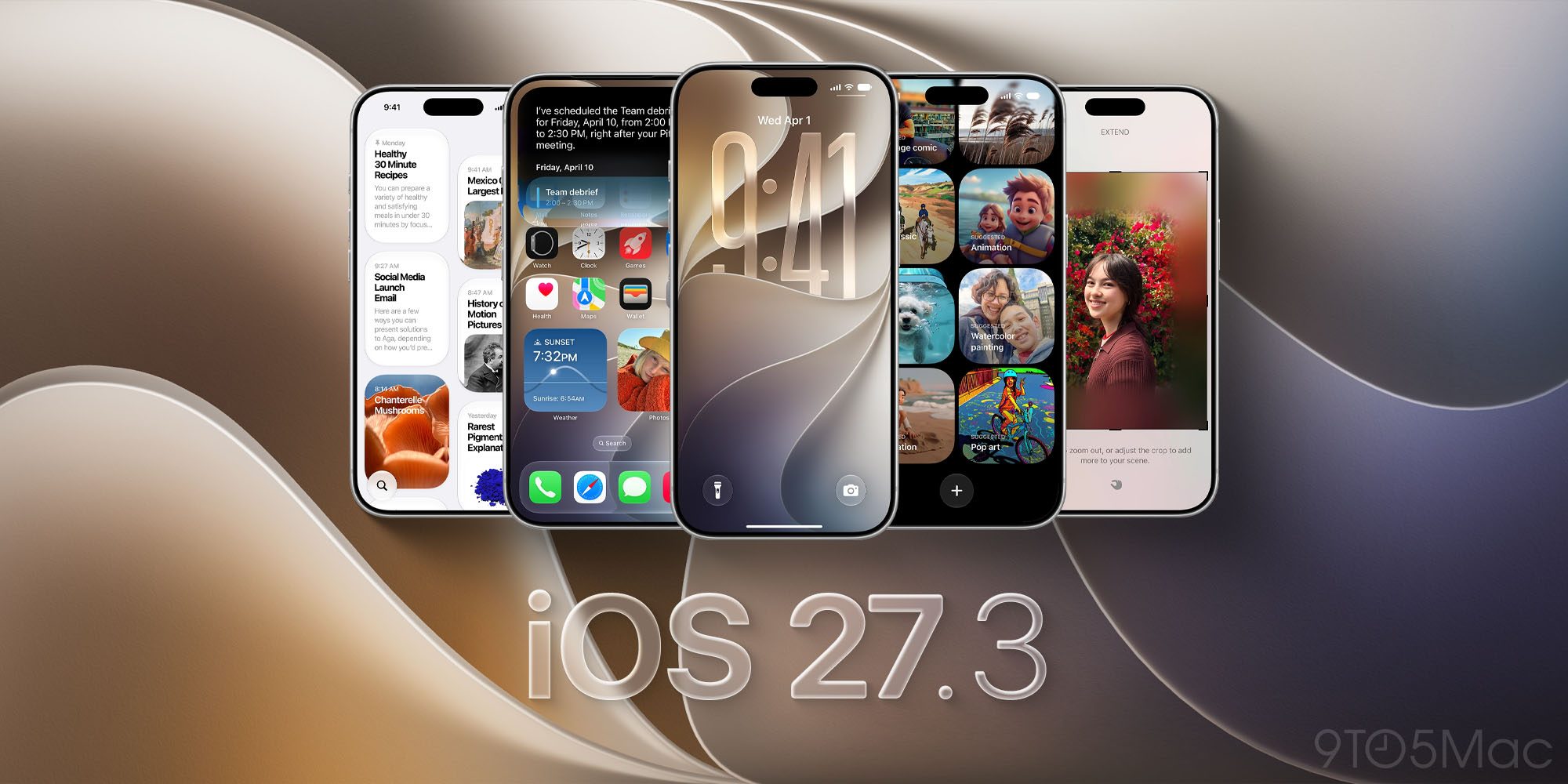
Early‑access betas encourage developers to ship updates sooner, which in turn improves user satisfaction. The synergy between the 27.3 betas and the public iOS 27.3 health features—covered in “iOS 27.3 Beta Unveils All‑New Apple Health App Features”—creates a cohesive cross‑device health experience that developers can leverage.
Future Outlook
Timeline Toward Public Release
Apple typically spends six to eight weeks between developer beta 1 and a public beta, followed by another month before the final release. Assuming the current cadence, we can expect a public beta of watchOS 27.3, iPadOS 27.3, and tvOS 27.3 in early January 2027, with a full release slated for the WWDC‑adjacent fall event.
Potential Feature Extensions
While we cannot confirm unannounced features, the current API set hints at future expansions:
- watchOS may later expose continuous glucose monitoring data, building on the HealthKit 2.0 foundation.
- iPadOS could integrate Stage Manager‑style window management for iPad, a logical next step after three‑pane support.
- tvOS might add spatial audio profiling tied to room acoustics, complementing the adaptive streaming engine.
Cross‑Platform Synergy
Apple’s strategy appears to be converging its platforms around a shared set of capabilities—health data, multitasking, and adaptive media. This convergence reduces development overhead and strengthens the “Apple‑only” value proposition for consumers who own multiple devices.
Frequently Asked Questions
Q1: How do I enroll my devices in the watchOS 27.3 beta? A: Open Settings → General → Software Update, tap Beta Update, and select watchOS 27.3. The update will appear as a regular OTA package.
Q2: Will the 27.3 betas affect battery life on my Apple Watch? A: Early testing shows a modest 5 % increase in battery endurance due to the new Dynamic Power Profiles. However, enabling continuous health queries may offset some gains.
Q3: Are there any known issues with the three‑pane split view on iPadOS 27.3? A: Developers have reported occasional layout glitches when rotating the device while three panes are active. Apple’s release notes advise filing a bug report through the Feedback Assistant.
Q4: Can I test the new MediaKit adaptive streaming on a non‑HDR TV? A: Yes. The API gracefully falls back to standard HDR‑10 profiles if the display does not support HDR‑plus.
**Q5: Will my existing apps need to be rebuilt for the new APIs
Q5: Will my existing apps need to be rebuilt for the new APIs?
A: No. All apps that run on watchOS 27.2, iPadOS 27.2, or tvOS 27.2 will continue to work on the 27.3 betas without modification. The new APIs are additive, meaning they sit alongside the existing ones. However, if you want to take advantage of features such as HKLiveOxygenSaturationQuery, three‑pane split‑view, or AVAdaptiveProfile, you’ll need to update your codebase and submit a new build. Apple’s documentation recommends a gradual migration path: add the new APIs behind feature flags and ship updates incrementally.
Q6: When can I expect a public beta for these platforms? A: Apple’s typical cadence places a public beta roughly six weeks after the first developer beta. Based on the current schedule, a public beta for watchOS 27.3, iPadOS 27.3, and tvOS 27.3 should appear in early January 2027. Keep an eye on the Apple Developer portal and the Beta Software Program page for the exact release date.
Q7: Are older devices still supported in the 27.3 betas? A: Support is limited to devices that can run the corresponding 27.2 releases. For example:
- watchOS 27.3 – Apple Watch Series 5 and later.
- iPadOS 27.3 – iPad Pro (all generations), iPad Air 4+, iPad 7th gen and newer.
- tvOS 27.3 – Apple TV 4K (2nd gen) and later.
Devices that fall below these thresholds will not receive the beta and will continue to run the latest supported public version.
Q8: How do I provide feedback on bugs or UX issues? A: Use the Feedback Assistant app on your device or the web portal at https://feedbackassistant.apple.com. Include the beta build number, a concise description, steps to reproduce, and any relevant logs or screenshots. Apple reviews feedback daily during the beta window.
Conclusion
The watchOS 27.3, iPadOS 27.3, and tvOS 27.3 developer betas represent a strategic tightening of Apple’s cross‑device ecosystem. By delivering health‑centric APIs on the watch, expanding multitasking capabilities on the iPad, and introducing context‑aware media handling on Apple TV, Apple is laying the groundwork for a more integrated, data‑rich user experience that spans the wrist, the desk, and the living‑room.
For developers, the immediate takeaway is clear:
- Start experimenting now – pull the beta builds, integrate the new APIs in a sandboxed branch, and gauge performance impacts.
- Plan for UI updates – the refreshed design language (dynamic complications, rounded‑corner shadows, customizable TV rows) will soon become the visual baseline for all Apple platforms.
- Leverage the performance gains – the reduced launch times and lower memory footprints give you headroom to add richer features without sacrificing battery life or responsiveness.
By aligning your roadmap with these enhancements, you’ll be positioned to ship polished updates when the public releases roll out later this year. As always, keep an eye on Apple’s release notes and the developer forums for any last‑minute changes, and don’t hesitate to share your findings with the community—collaboration is the fastest path to a thriving Apple ecosystem.
Happy coding, and enjoy the new beta!
Source: Original Article