





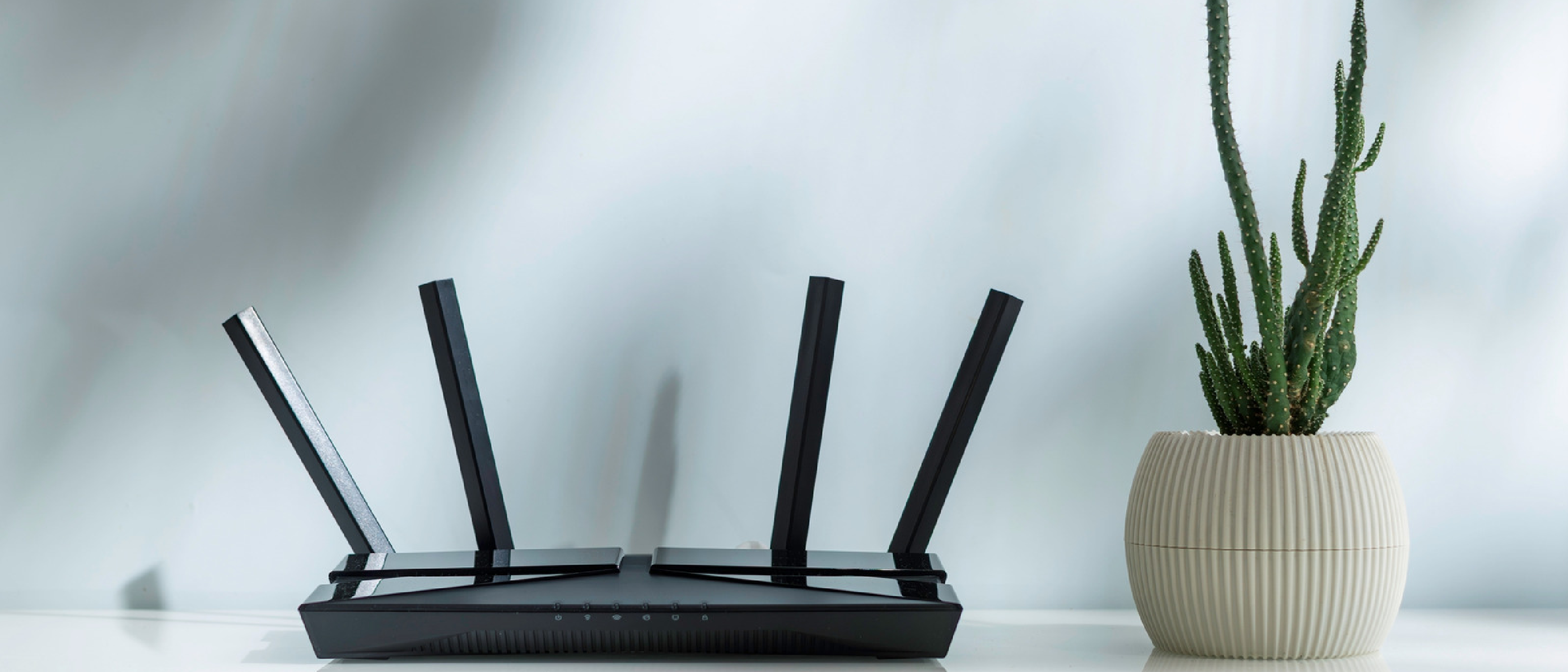
Introduction to Router Antennas and Wi-Fi Signal Strength
The correct positioning of a router’s antennas is crucial for optimal Wi-Fi signal strength, coverage range, and minimizing dead zones throughout a home. Most router antennas are omnidirectional, broadcasting in all directions at the same time. However, the way these antennas are positioned can significantly impact the overall performance of a home’s Wi-Fi network. In this article, we will delve into the details of router antenna positioning, the importance of central location, and the impact of different frequencies on Wi-Fi signal strength.
Understanding Router Antennas
Router antennas come in various types, including vertical and horizontal antennas. Vertical antennas point straight up, radiating the signal outward horizontally, which is suitable for most homes. On the other hand, horizontal antennas push the signal upward and downward, making them useful for homes with multiple floors. Understanding the type of antenna and its orientation is essential for optimizing Wi-Fi signal strength.
Types of Router Antennas
- Vertical Antennas: Suitable for most homes, these antennas radiate the signal outward horizontally.
- Horizontal Antennas: Useful for homes with multiple floors, these antennas push the signal upward and downward.
- Adjustable Antennas: Some routers come with adjustable antennas, allowing users to fine-tune the signal direction for optimal performance.
Importance of Central Location
The central location of a router is crucial for optimal signal coverage. Placing the router in a central location ensures that the signal is distributed evenly throughout the home, minimizing dead zones and improving overall Wi-Fi performance. The height of the router is also important, with a recommended height of 1 to 1.5 feet off the ground, aligning the signal with most devices.
Tips for Optimal Router Placement
- Place the router in a central location to ensure even signal distribution.
- Avoid placing the router near microwave ovens, fish tanks, Bluetooth devices, metal objects, and thick concrete walls.
- Keep the router at a height of 1 to 1.5 feet off the ground to align the signal with most devices.
Impact of Frequencies on Wi-Fi Signal Strength
Different frequencies have varying effects on Wi-Fi signal strength and coverage. The 2.4 GHz frequency provides slower speeds but longer range and better wall penetration. The 5 GHz frequency, on the other hand, offers faster speeds but is more susceptible to physical obstructions and covers a smaller area. Newer tri-band routers also come with a 6 GHz frequency, which provides a massive speed boost with near-zero interference but struggles to travel far and penetrate solid walls.
Comparison of Frequencies
- 2.4 GHz: Slower speeds, longer range, and better wall penetration.
- 5 GHz: Faster speeds, more susceptible to physical obstructions, and covers a smaller area.
- 6 GHz: Massive speed boost with near-zero interference, but struggles to travel far and penetrate solid walls.
For those interested in learning more about the latest advancements in technology, including router technology, we recommend checking out our article on Valve’s Steam Machine: Price, Specs & Lottery Explained . Additionally, our article on Why Gaming’s Future Is Getting More Expensive Fast provides insight into the evolving gaming industry and its impact on hardware prices.
Impact of Interference on Wi-Fi Signal Strength
Interference from other devices can significantly impact Wi-Fi signal strength. Devices such as microwave ovens, Bluetooth devices, and cordless phones can cause interference, leading to a decrease in Wi-Fi signal strength. It is essential to minimize interference by placing the router away from these devices and using a router with built-in interference mitigation features.
Tips for Minimizing Interference
- Place the router away from devices that cause interference, such as microwave ovens and Bluetooth devices.
- Use a router with built-in interference mitigation features.
- Change the Wi-Fi channel to minimize interference from other devices.
Our article on We-Vibe Discounts Up highlights the importance of optimizing device performance, including routers, to ensure seamless connectivity. Furthermore, our article on Vimeo Promo Codes July discusses the impact of high-quality video streaming on Wi-Fi signal strength and the importance of optimizing router performance for smooth video playback.
Conclusion
Optimizing router antenna position and placement is crucial for improving Wi-Fi signal strength and coverage. By understanding the types of router antennas, the importance of central location, and the impact of frequencies on Wi-Fi signal strength, users can take steps to improve their home’s Wi-Fi performance. Additionally, minimizing interference from other devices and using a router with built-in interference mitigation features can further enhance Wi-Fi signal strength.
Final Tips for Optimizing Router Performance
- Place the router in a central location to ensure even signal distribution.
- Adjust the antenna direction to optimize signal strength.
- Minimize interference from other devices.
- Use a router with built-in interference mitigation features.
FAQ
Q: What is the best way to position a router’s antennas?
A: The best way to position a router’s antennas depends on the home’s layout. Generally, placing the antennas in a vertical position and adjusting them to optimize signal strength is recommended.
Q: How can I minimize interference from other devices?
A: To minimize interference, place the router away from devices that cause interference, such as microwave ovens and Bluetooth devices, and use a router with built-in interference mitigation features.
Q: What is the difference between 2.4 GHz and 5 GHz frequencies?
A: The 2.4 GHz frequency provides slower speeds but longer range and better wall penetration, while the 5 GHz frequency offers faster speeds but is more susceptible to physical obstructions and covers a smaller area.
Our article on TurboTax Discounts Unveiled discusses the importance of optimizing device performance, including routers, to ensure seamless connectivity and minimal downtime. By following the tips and guidelines outlined in this article, users can optimize their router’s performance and enjoy a stronger, more reliable Wi-Fi connection.
Source: Original Article