




Introduction to Talk to Spotify
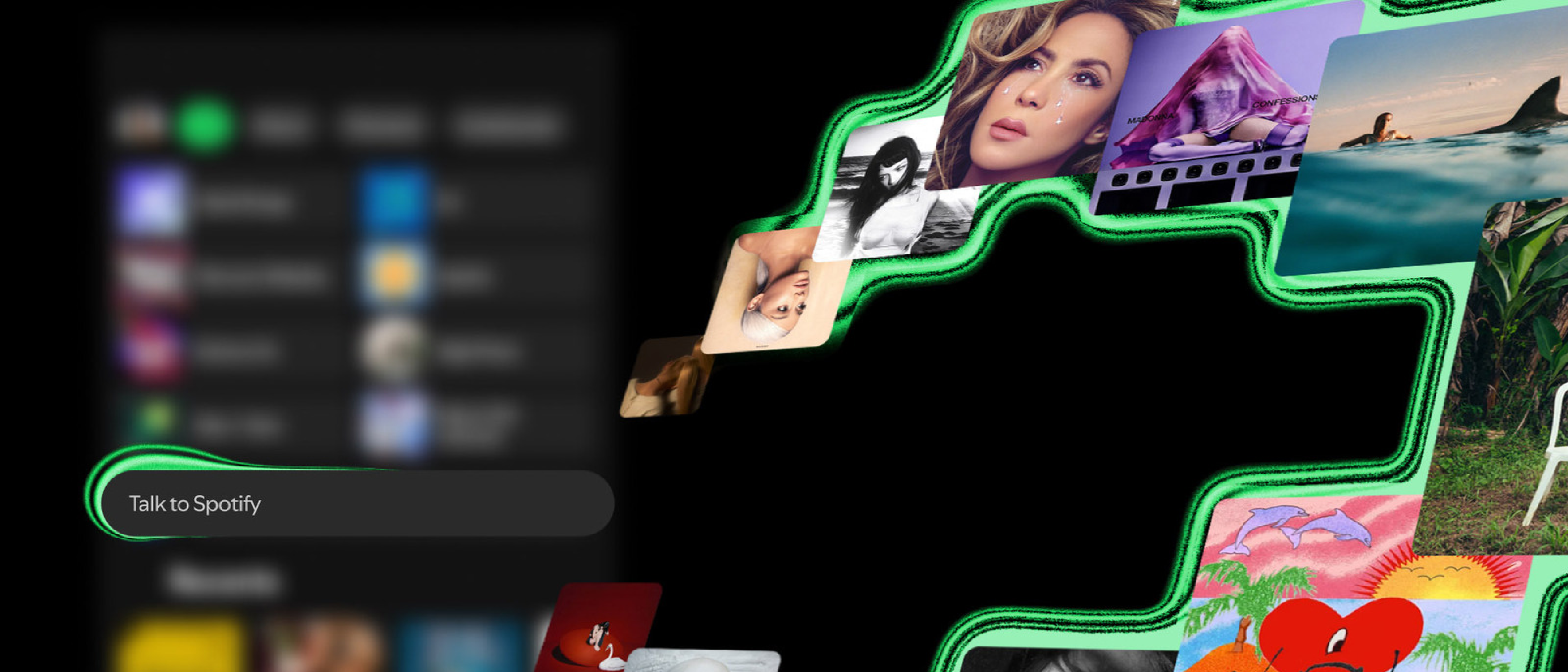
Spotify has introduced a new beta feature called ‘Talk to Spotify’, which allows users to control the app with voice or text commands. This feature is available to Premium users 18 or older in the US, Ireland, and Sweden, and is rolling out gradually across iOS and Android devices in English. With Talk to Spotify, users can have a back-and-forth conversation to choose what’s playing, learn about the music they love, revisit their listening history, and go deeper on podcasts and audiobooks, all without leaving Spotify.
Key Features of Talk to Spotify
Some of the key features of Talk to Spotify include:
- Creating playlists with voice commands
- Learning about songs with voice commands
- Exploring listening history with voice commands
- Controlling the app with voice or text commands
- Issuing commands like “play some artists I haven’t heard before”
- Fine-tuning commands by saying “add some Bad Bunny” or “make it more upbeat”
- Saving a song with voice command “save this song”
- Adding a song to the queue with voice command “add this to my queue”
- Following an artist with voice command “follow this artist”
- Learning more about a song or artist from the Now Playing view
- Posing questions like “what is the inspiration behind Dua Lipa’s Radical Optimism?”
- Asking about the release date of an album with voice command “When was this album released?”
- Asking about the genre of a song with voice command “what genre is this?”
- Learning more about a podcast guest or author
- Asking about your own taste and history with voice commands like “When did I first listen to this song?” or “What genres have I been into recently?”
Comparison to Other Voice-Controlled Services
Talk to Spotify is similar to other voice-controlled services, such as those found in Noise Canceling Tech , which can also be controlled with voice commands. However, Talk to Spotify is specifically designed for music streaming and provides a more personalized experience.
Benefits of Talk to Spotify
The benefits of Talk to Spotify include increased convenience and a more personalized music streaming experience. With Talk to Spotify, users can easily control their music playback and discover new songs and artists without having to manually search for them. This feature is also useful for users who want to learn more about the music they listen to and explore their listening history.
FAQ
- What is Talk to Spotify? Talk to Spotify is a new beta feature that allows users to control the Spotify app with voice or text commands.
- Who is eligible to use Talk to Spotify? Talk to Spotify is available to Premium users 18 or older in the US, Ireland, and Sweden.
- What devices is Talk to Spotify available on? Talk to Spotify is available on iOS and Android devices in English.
- Can I use Talk to Spotify to learn more about the music I listen to? Yes, Talk to Spotify allows users to learn more about the music they listen to, including the inspiration behind songs and albums, and the genre of a song. For more information on music streaming and discovery, check out our article on Valve’s Steam Machine , which also discusses the importance of personalized recommendations.
- Can I use Talk to Spotify to control my music playback? Yes, Talk to Spotify allows users to control their music playback with voice or text commands, including playing, pausing, and skipping songs. This feature is similar to those found in Robotaxi Recall , which also uses voice commands to control the vehicle.
Source: Original Article