



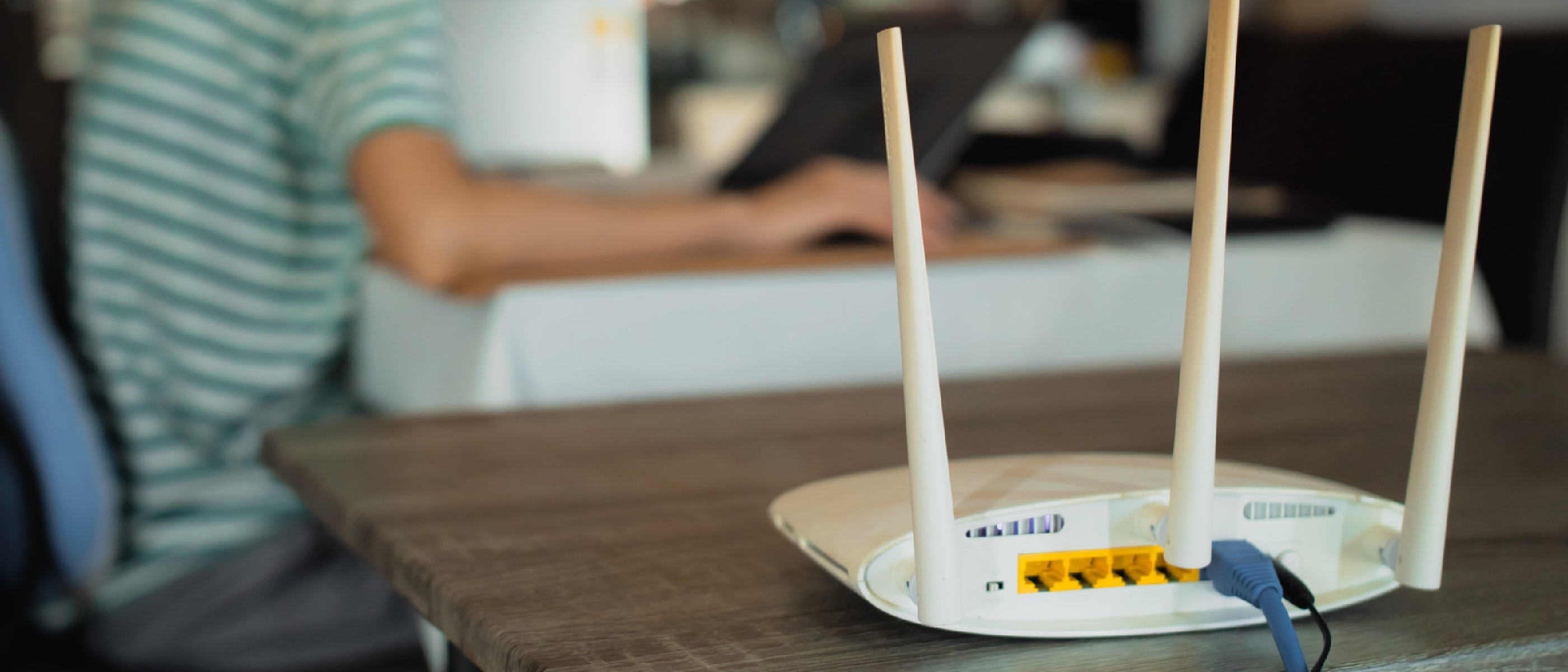
Why a Hybrid Approach Matters Today
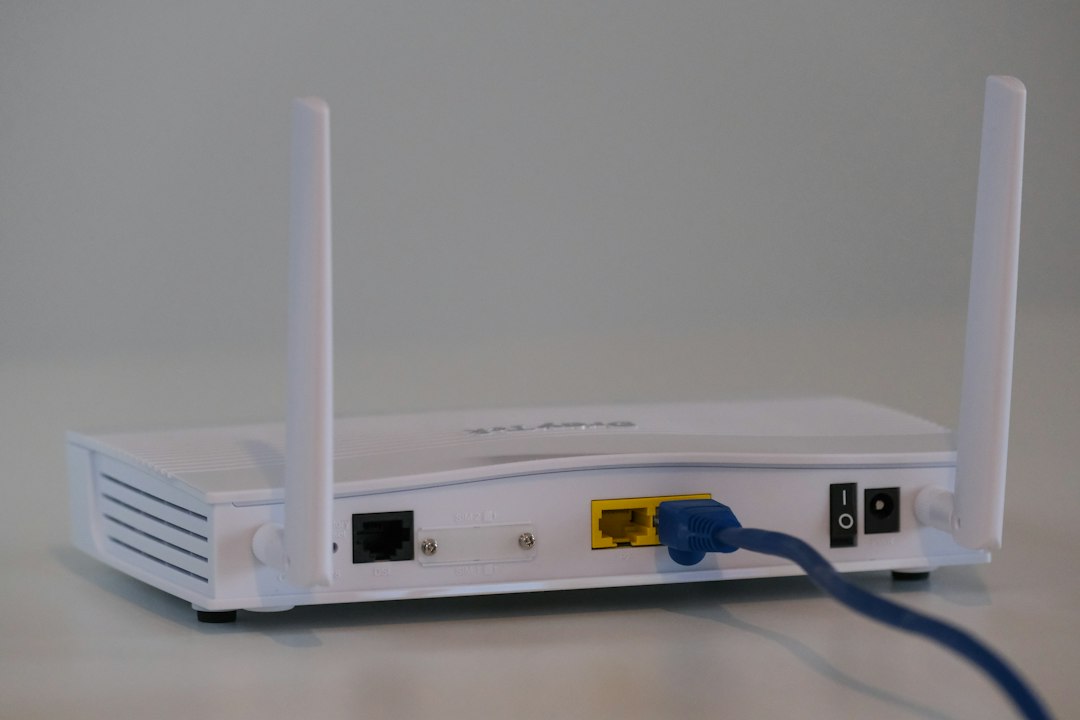
Home networking is no longer a luxury; it’s the backbone of work‑from‑home productivity, cloud gaming, and the ever‑growing smart‑home ecosystem. Wi‑Fi offers the convenience of mobility, while Ethernet provides the rock‑solid reliability demanded by latency‑sensitive tasks such as competitive gaming, 4K video conferencing, and large‑file transfers. As the article from Engadget reminds us, “Wi‑Fi and Ethernet work together for a great blend of convenience and reliability.” Ignoring either side means sacrificing either speed or flexibility, and most modern households can’t afford that trade‑off.
Industry Impact: From Consumer Devices to Enterprise‑Grade Standards
The proliferation of Wi‑Fi 6, 6E, and the upcoming Wi‑Fi 7 has forced router manufacturers to adopt multi‑band, multi‑stream designs. Simultaneously, Ethernet standards have accelerated from 1 Gbps to 10 Gbps and beyond, driven by data‑center demands that now filter down to high‑end consumer gear. This convergence is reshaping product roadmaps:
- Router vendors (e.g., Google Nest Wi‑Fi, Netgear, ASUS) now ship tri‑band or quad‑band units that allocate a dedicated 6 GHz slice for low‑latency devices while preserving 2.4 GHz for IoT.
- Cable manufacturers are pushing Cat6a and Cat8 into residential builds, especially in new‑construction homes where future‑proofing is a selling point.
- Smart‑home platforms (Amazon Alexa, Google Home) rely on stable Wi‑Fi for voice‑assistant responsiveness, but many hubs still include an Ethernet port for firmware updates and local processing.
The ripple effect extends to service providers as well. Satellite internet solutions like Starlink Mini, covered in our earlier post, often recommend a wired backhaul to the router to mitigate the inherent latency of satellite links. A hybrid network lets users keep the satellite connection for bandwidth while using Ethernet for the most latency‑critical traffic.
Technical Breakdown: Standards, Bands, and Cabling
Wi‑Fi Evolution and Band Allocation
| Standard | Release | Bands | Typical Use‑Case |
|---|---|---|---|
| Wi‑Fi 5 | 2013 | 2.4 GHz, 5 GHz | General browsing, streaming |
| Wi‑Fi 6 | 2020‑21 | 2.4 GHz, 5 GHz | High‑density environments, better power efficiency |
| Wi‑Fi 6E | 2022‑23 | 2.4 GHz, 5 GHz, 6 GHz | Low‑latency gaming, 8K streaming |
| Wi‑Fi 7 | 2024‑25 (early rollout) | 2.4 GHz, 5 GHz, 6 GHz | Multi‑gigabit throughput, AR/VR |
- 2.4 GHz excels at range but suffers from interference (microwaves, baby monitors).
- 5 GHz offers higher throughput with a modest range penalty.
- 6 GHz delivers the highest raw speeds and the cleanest spectrum, but its range is the shortest of the three.
Tri‑band routers typically dedicate one 5 GHz or 6 GHz band to high‑performance devices, while the other band handles everyday traffic. Quad‑band models add a second 5 GHz channel, giving administrators granular control over traffic shaping.
Ethernet Standards and Cabling Choices
| Standard | Speed | Typical Cable | Max Length |
|---|---|---|---|
| Fast Ethernet | 100 Mbps | Cat5e | 330 ft |
| 1 Gbps | 1 Gbps | Cat5e / Cat6 | 330 ft |
| 2.5 Gbps | 2.5 Gbps | Cat6 | 328 ft |
| 5 Gbps | 5 Gbps | Cat6a | 328 ft |
| 10 Gbps | 10 Gbps | Cat6a / Cat8 | 328 ft (Cat6a) / 100 ft (Cat8) |
- Cat5e remains common in legacy installations but caps at 1 Gbps.
- Cat6 is a sweet spot for most new homes, supporting 10 Gbps over short runs.
- Cat6a and Cat8 are future‑proof options, especially for home offices that anticipate 10 Gbps or higher ISP plans.
When planning a wired backbone, consider a structured wiring panel in the basement or utility closet. This allows you to run a single high‑capacity cable (e.g., Cat6a) to each room and then use a network switch to split connections locally. Switches with 2.5 Gbps or 5 Gbps uplinks are becoming affordable, enabling “gigabit‑plus” performance without rewiring every endpoint.
Mesh Systems vs. Traditional Routers
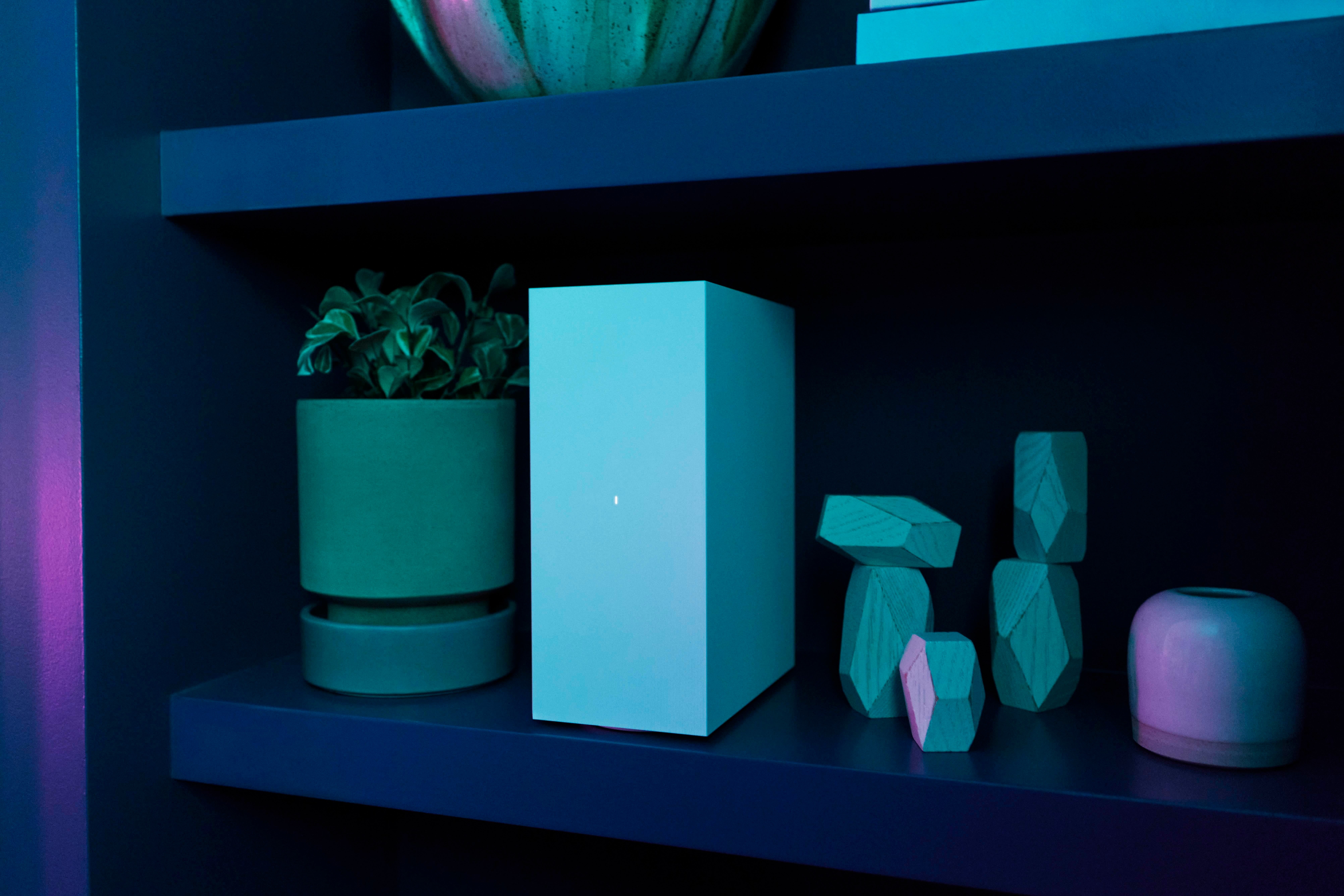
Mesh Wi‑Fi systems, such as those from Eero or Google Nest, use multiple nodes to blanket a large floorplan with consistent signal strength. They are especially valuable in homes with thick walls or multi‑story layouts. However, each node still relies on the same wireless standards, so the same band‑selection logic applies. For the most demanding
for demanding applications—like competitive gaming or 8K video streaming—it’s wise to connect those devices via Ethernet whenever possible, even if the rest of the network is served by a mesh. Many modern mesh kits include a wired backhaul option, allowing you to run a Cat6a cable between the primary router and satellite nodes. This hybrid backhaul dramatically reduces inter‑node latency and frees up wireless bandwidth for mobile devices.
Putting It All Together: A Practical Home‑Network Blueprint
Below is a step‑by‑step guide you can follow when wiring a new home or retrofitting an existing one.
Map Your Device Landscape
- High‑performance zone: Gaming PC, console, 4K/8K TV, home‑office workstation.
- Mobile zone: Smartphones, tablets, laptops, smart speakers.
- IoT zone: Smart bulbs, thermostats, cameras, door locks.
Choose a Central Router
- Opt for a tri‑band Wi‑Fi 6E or Wi‑Fi 7 router with at least 2.5 Gbps WAN and 5 Gbps LAN ports.
- Example: ASUS ROG Strix GT‑AXE11000 (Wi‑Fi 6E) or Netgear Nighthawk RAXE900 (Wi‑Fi 7).
Lay the Wired Backbone
- Run Cat6a (or Cat8 if you want to future‑proof for 40 Gbps) from the router to a structured wiring panel in the utility closet.
- From the panel, branch out to each room using Cat6a runs terminating in RJ45 keystone jacks.
Deploy Switches Strategically
- In rooms with multiple wired devices (e.g., home office, media room), install a 5 Gbps‑capable switch (e.g., QNAP QSW‑1105‑5T).
- For whole‑home coverage, a 2.5 Gbps PoE switch can power Wi‑Fi access points or security cameras while providing fast data links.
Integrate Mesh Nodes
- Place mesh satellites where Wi‑Fi coverage dips (e.g., upstairs hallway, basement).
- Connect each satellite to the wiring panel via wired backhaul when possible; otherwise, rely on the 6 GHz band for a high‑speed wireless link.
Prioritize Traffic with QoS
- Enable router‑level QoS to give low‑latency priority to gaming consoles and video‑conference devices.
- Use VLANs on managed switches to separate IoT traffic from high‑bandwidth media streams, improving security and performance.
Future‑Proofing Tips
- Leave spare conduit in walls for additional cables later.
- Choose modular power supplies for routers and switches to accommodate higher‑power PoE standards (e.g., 802.3bt).
- Keep firmware up‑to‑date; many Wi‑Fi 6E/7 routers receive performance patches that unlock new channel widths or MU‑MIMO improvements.
Real‑World Example: A 2,500 sq ft Family Home
| Area | Connection Type | Reason |
|---|---|---|
| Living Room (4K TV + PS5 Pro) | 2.5 Gbps Ethernet (Cat6a) | Guarantees zero‑packet loss for streaming and next‑gen console. |
| Home Office (Desktop, Dual‑Monitor) | 5 Gbps Ethernet (Cat6a) + Wi‑Fi 6E for laptop | Wired for large file transfers; wireless for mobile laptop. |
| Upstairs Bedrooms | Wi‑Fi 6E (6 GHz) | Short‑range, high‑speed for gaming laptops and AR/VR headsets. |
| Basement (Security Cameras, Smart Hub) | PoE Ethernet (Cat6a) | Reliable power + data for cameras; hub stays online during outages. |
| Outdoor Patio | Wi‑Fi 6E (2.4 GHz) | Better penetration through walls; sufficient for streaming music. |
By mixing wired and wireless links in this way, the household enjoys sub‑10 ms latency for latency‑critical tasks while still offering seamless mobility for everyday devices.
When Ethernet Might Not Be Worth the Effort
Even with the advantages listed, there are scenarios where a fully wired approach isn’t practical:
- Renters: Drilling walls or running conduit may violate lease agreements. In such cases, Powerline adapters (e.g., TP‑Link AV2000) can provide a quasi‑wired experience without new cabling, though they’re susceptible to electrical noise.
- Historic Homes: Thick plaster walls can make cable runs difficult and expensive. Here, a high‑quality mesh with wired backhaul to the nearest node is a cost‑effective compromise.
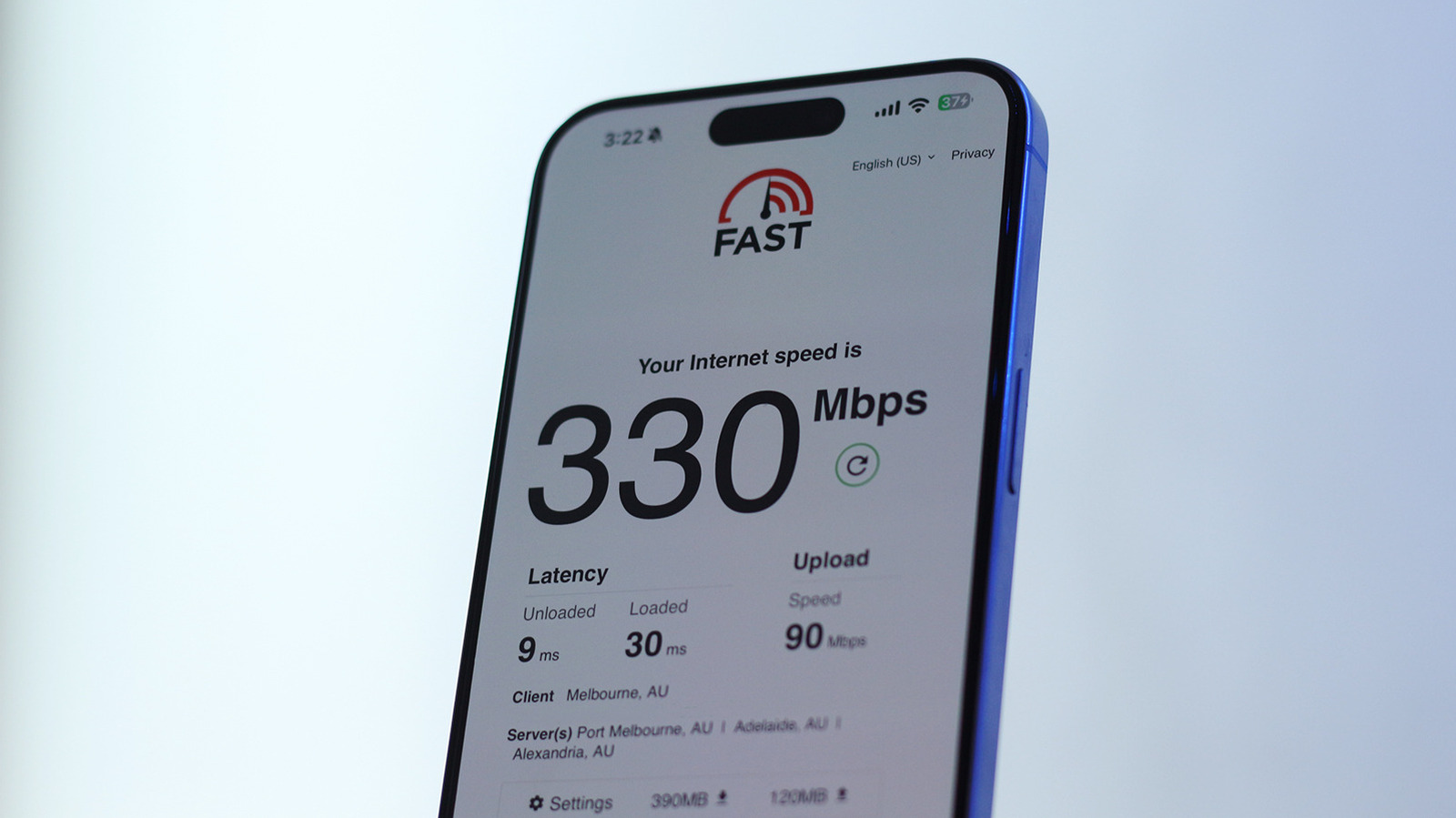
- Small Apartments: If the ISP plan caps at 300 Mbps, the marginal gain from 2.5 Gbps Ethernet is negligible; a robust Wi‑Fi 6 router may suffice.
Bottom Line: Embrace the Hybrid Model
The core message remains simple: Don’t treat Ethernet and Wi‑Fi as rivals; treat them as complementary tools. Use Ethernet where you need rock‑solid speed and low latency, and let Wi‑Fi handle the devices that value freedom of movement. By thoughtfully combining the two, you’ll build a network that feels fast today and remains adaptable for tomorrow’s standards.
Frequently Asked Questions
Q1: Do I need a Wi‑Fi 6E or Wi‑Fi 7 router if my devices are only Wi‑Fi 5/6?
A: Not necessarily. Wi‑Fi 6E/7 routers are backward compatible, so they’ll work with older devices. The extra 6 GHz band simply sits idle unless you have a compatible client. However, the newer hardware often includes better CPU performance and more advanced QoS, which can improve overall network stability.
Q2: How far can I run Cat6a cable before I need a repeater?
A: The Ethernet standard caps at 328 ft (100 m) for Cat6a. Beyond that, you’ll need a mid‑span switch or a fiber optic run with media converters.
Q3: Is Powerline networking a viable substitute for Ethernet?
A: Powerline adapters can deliver up to 2 Gbps in ideal conditions, but real‑world speeds vary based on house wiring, circuit breakers, and electrical noise. They’re a good fallback when running cables isn’t possible, but they don’t match the consistency of true Ethernet.
Q4: Should I enable “Wi‑Fi 6E” on all devices even if they don’t support 6 GHz?
A: Enabling the 6 GHz band on the router won’t affect older devices; they’ll simply ignore that band and connect on 2.4 GHz or 5 GHz. However, some routers allow you to disable the 6 GHz band to reduce overall RF clutter if you have no compatible clients.
Q5: What’s the best way to secure a hybrid network?
A:
- Change default admin credentials on router and switches.
- Enable WPA3 on all Wi‑Fi networks.
- Segment IoT devices onto a separate VLAN or guest SSID.
- Keep firmware updated on all networking gear.
- Use strong, unique passwords for each device and service.
Q6: How do I decide between a tri‑band and quad‑band router?
A: Quad‑band routers add an extra 5 GHz channel, which can be useful in very dense environments (multiple high‑throughput devices, many simultaneous streams). For most households, a tri‑band Wi‑Fi 6E/7 router provides ample capacity, especially when combined with wired backhaul.
Q7: Will a 10 Gbps ISP plan make my Cat6a wiring obsolete?
A: No. Cat6a comfortably supports 10 Gbps up to 328 ft. If you anticipate even higher speeds (e.g., 40 Gbps), you’d need Cat8 or fiber. For now, Cat6a is a solid, future‑proof choice for residential use.
Final Thoughts
Whether you’re a remote professional, a competitive gamer, or a family that streams movies in every room, the hybrid Ethernet‑Wi‑Fi approach gives you the best of both worlds. By strategically placing wired connections for the most demanding devices and leveraging modern multi‑band Wi‑Fi for everything else, you’ll enjoy a network that’s fast, reliable, and ready for the next wave of wireless standards.
Happy networking!
Source: Original Article