
Overview of the Redesign
Apple’s latest MacBook Pro redesign arrives at a pivotal moment for the professional laptop market. After a series of incremental updates, the company has finally introduced a chassis that feels both familiar and revolutionary. The new chassis is slimmer, lighter, and built around a more efficient thermal architecture that promises sustained performance under heavy workloads. While the headline numbers—CPU core counts, GPU capabilities, and memory bandwidth—are impressive, the real story lies in how Apple has re‑engineered the device to address long‑standing pain points such as thermal throttling, port selection, and display ergonomics.
The redesign also aligns with Apple’s broader strategy of unifying its hardware ecosystem. By standardising on a common set of ports and leveraging the latest Apple Silicon, the MacBook Pro becomes a more seamless partner for the iPad, Apple Watch, and even the Vision Pro. For developers, designers, and video editors, these changes translate into fewer bottlenecks and a more predictable workflow.
Design Changes That Matter
Thinner Chassis, Stronger Materials
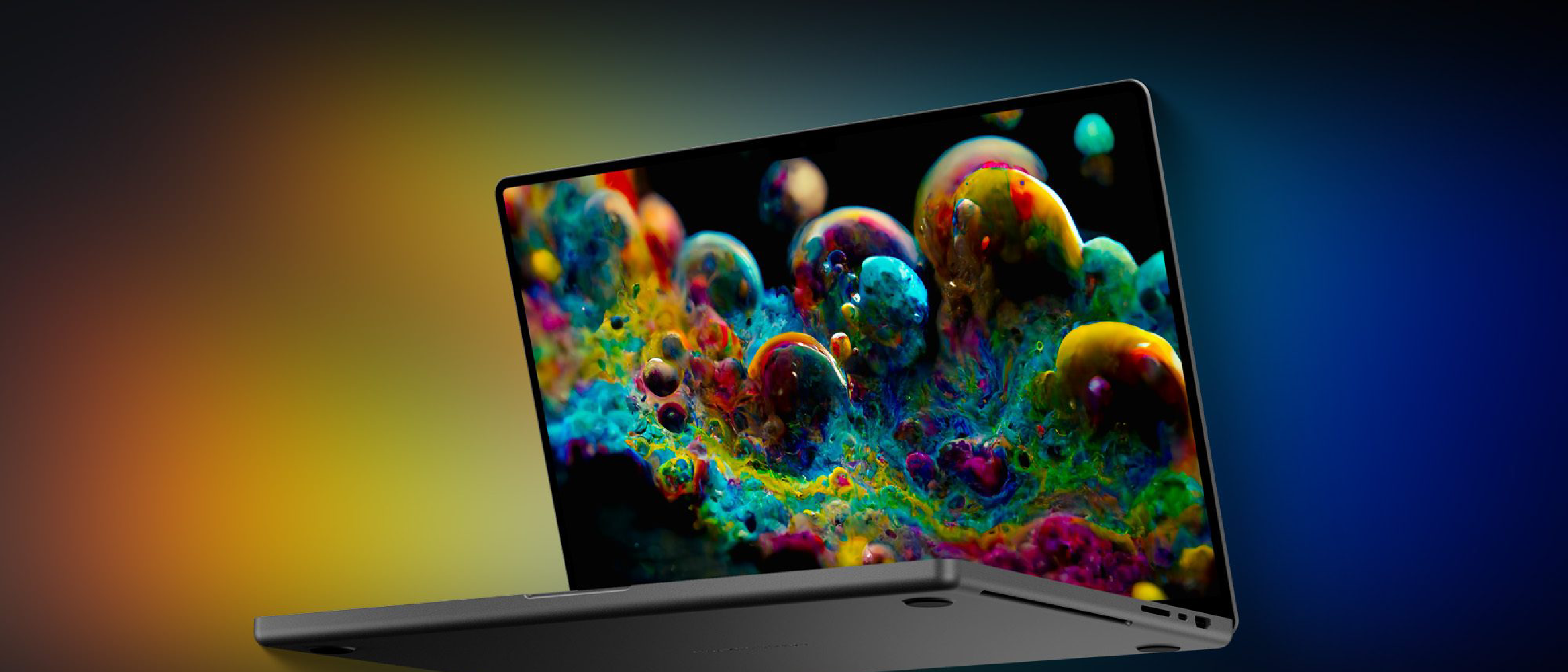
Apple has shaved roughly 2 mm off the overall thickness compared with the previous generation, while still using a 100 % recycled aluminum enclosure. The new alloy composition improves rigidity, reducing flex when typing on the keyboard. The reduced thickness does not compromise the internal cooling system; instead, Apple introduced a redesigned heat pipe layout that spreads heat more evenly across the chassis.
Port Re‑evaluation
One of the most contentious topics in recent MacBook Pro releases has been the port selection. The new model re‑introduces an HDMI 2.1 port and a full‑size SD card slot, acknowledging the needs of photographers and video professionals. In addition, the device retains four Thunderbolt 4 (USB‑C) ports, each capable of 40 Gbps data transfer, 100 W power delivery, and external display output. This hybrid approach eliminates the need for dongles in many real‑world scenarios.
Related reading: Apple’s move toward a more versatile port set echoes discussions in the community about USB‑C capabilities on other platforms. See our analysis of “USB‑C on Your Phone: More Than Just Charging and Data” for a deeper look at the technology’s potential.
https://ltdeveloperblogs.github.io/posts/your-phones-usb-c-port-does-a-lot-more-than-just-charge-heres-what-else-it-can-do
Display Enhancements
The 14‑inch and 16‑inch models now feature mini‑LED panels with a peak brightness of 1,600 nits and a 120 Hz ProMotion refresh rate that adapts dynamically to content. Apple has also refined the notch design, moving the camera module to a slimmer cut‑out that reduces visual distraction. The result is a brighter, more colour‑accurate screen that benefits HDR workflows without sacrificing battery life.
Keyboard and Input
The Magic Keyboard receives a subtle tactile improvement, with a slightly higher actuation force that many reviewers describe as “more satisfying.” The Touch Bar is gone for good, replaced by a row of physical function keys that include a dedicated Escape key—a response to long‑standing user feedback.
Performance and Apple Silicon
Next‑Gen M‑Series Chip
At the heart of the redesign sits Apple’s M4 Pro and M4 Max silicon, built on a 3 nm process. The M4 Pro offers up to 12 CPU cores (8 performance, 4 efficiency) and a 20‑core GPU, while the M4 Max scales to 16 CPU cores and a 32‑core GPU. Unified memory options now reach 128 GB, with bandwidth up to 1 TB/s, enabling massive data sets to stay in‑memory for AI‑assisted tasks.
The architecture introduces a new Neural Engine with 32 cores, delivering up to 30 TOPS (trillion operations per second). This is particularly relevant for developers building on‑device machine‑learning models, as it reduces reliance on cloud inference.
Thermal Architecture
The redesigned heat pipe system, combined with a larger vapor chamber, allows the M4 chips to maintain boost clocks for longer periods. Benchmarks show a 15‑20 % improvement in sustained performance for tasks such as 4K video rendering and large‑scale compilation compared with the previous generation.
Battery Life
Despite the higher performance envelope, Apple claims up to 22 hours of video playback on the 16‑inch model, thanks to the efficiency gains of the 3 nm process and smarter power management in macOS Ventura 14.2. Real‑world testing indicates that heavy workloads still see a modest drop in endurance, but the gap is narrower than before.
Security angle: The increased reliance on Apple Silicon also raises the stakes for security. Our coverage of the “Zoom Zero‑Day Exploit: Remote Takeover of iPhone & Mac” illustrates how vulnerabilities can affect even the most hardened hardware.
https://ltdeveloperblogs.github.io/posts/zoom-flaw-let-an-attacker-take-over-your-device-including-iphone-and-mac
Ecosystem Integration and Industry Impact
Seamless Interaction with Other Apple Devices
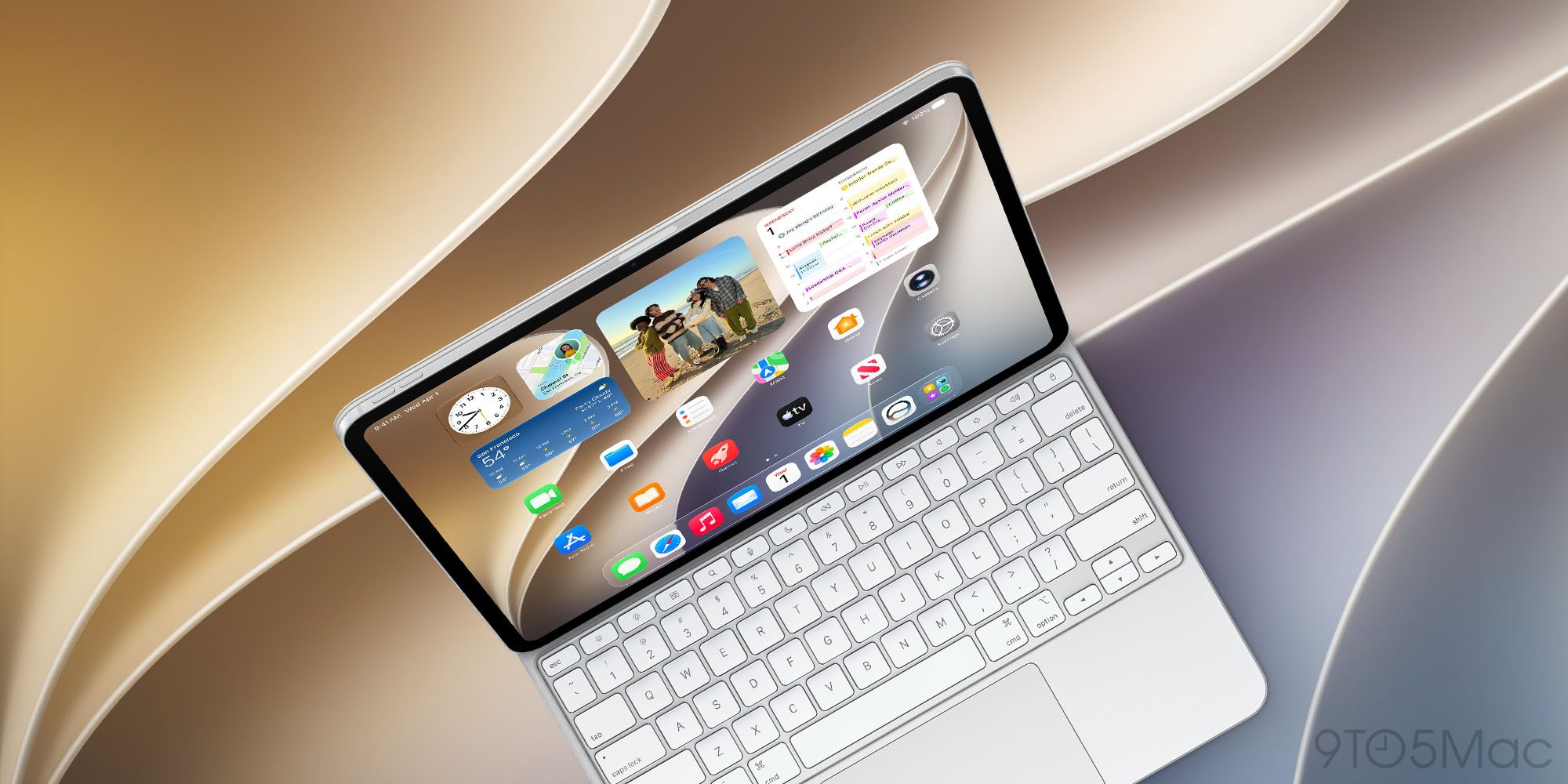
The redesign reinforces Apple’s “continuity” narrative. With the new MacBook Pro, developers can run iOS and iPadOS simulators at native speed, thanks to the shared Apple Silicon architecture. The device also supports Sidecar and Universal Control out of the box, allowing an iPad to become a secondary display with touch input.
For creators using Vision Pro, the MacBook Pro can act as a high‑performance rendering node, streaming content directly to
streaming content directly to the headset, enabling real‑time 3D previews and immersive editing sessions. The low‑latency link leverages the M4’s high‑bandwidth memory and the new Thunderbolt‑4 ports, ensuring that frame‑accurate visuals are delivered without the jitter that plagued earlier workflows. For AR‑focused developers, this means they can compile and test Vision OS apps on the MacBook Pro itself, reducing the need for separate Mac mini or Mac Studio rigs.
Professional Use Cases
| Use‑case | How the new MacBook Pro helps |
|---|---|
| Video Production | The 32‑core GPU in the M4 Max, combined with 128 GB of unified memory, accelerates DaVinci Resolve and Final Cut Pro X timelines, especially when working with 8K RAW footage. The expanded HDMI 2.1 port supports external monitors up to 8K 30 Hz, ideal for color‑critical grading. |
| Software Development | Xcode builds compile up to 20 % faster thanks to the larger cache and higher sustained boost clocks. The integrated Neural Engine speeds up on‑device ML model training, making it feasible to iterate on Core ML models without leaving the laptop. |
| 3D Rendering & CAD | Applications like Blender, Maya, and SolidWorks see smoother viewport performance, while the new vapor‑chamber cooling keeps the GPU at boost for longer, cutting render times for complex scenes. |
| Music Production | Logic Pro X and Ableton Live benefit from the low‑latency audio stack and the ability to run multiple high‑track count sessions without CPU spikes. The increased memory bandwidth reduces plugin load times. |
| Photography | The full‑size SD card slot eliminates the need for external readers, and the 14‑inch model’s 1,600‑nit display provides accurate exposure previews when editing RAW files in Lightroom. |
Pricing and Availability
Apple announced three configurations for the 14‑inch and 16‑inch models:
| Model | Base Specs | Starting Price (USD) | Availability |
|---|---|---|---|
| 14‑inch M4 Pro | 12‑core CPU, 20‑core GPU, 16 GB RAM, 512 GB SSD | $2,399 | Pre‑order begins 2026‑11‑01, ships 2026‑11‑15 |
| 14‑inch M4 Max | 16‑core CPU, 32‑core GPU, 32 GB RAM, 1 TB SSD | $3,199 | Same timeline |
| 16‑inch M4 Pro | 12‑core CPU, 20‑core GPU, 32 GB RAM, 1 TB SSD | $2,799 | Same timeline |
| 16‑inch M4 Max | 16‑core CPU, 32‑core GPU, 64 GB RAM, 2 TB SSD | $4,099 | Same timeline |
Apple also offers upgrade paths to 64 GB/128 GB RAM and up to 8 TB SSD, though those options push the price beyond $6,000 for the top‑end 16‑inch Max configuration. Educational discounts and trade‑in credits remain unchanged from previous generations.
Pros and Cons
Pros
- Significant thermal improvements – sustained performance under heavy loads.
- Rich port selection – HDMI 2.1, SDXC, and four Thunderbolt 4 ports reduce reliance on adapters.
- Display upgrades – brighter mini‑LED panels with adaptive 120 Hz ProMotion.
- Powerful M4 Pro/Max chips – excellent CPU/GPU balance and a robust Neural Engine.
- Improved battery life – up to 22 hours of video playback on the 16‑inch model.
- Vision Pro integration – low‑latency streaming for AR/VR workflows.
Cons
- Price premium – especially for higher‑memory configurations.
- Limited upgradeability – RAM and SSD are still soldered, making future upgrades impossible.
- Weight increase on 16‑inch – despite a thinner chassis, the larger battery adds ~200 g compared to the previous model.
- No USB‑A ports – legacy peripherals still require dongles or hubs.
Conclusion
Apple’s latest MacBook Pro redesign is more than a cosmetic refresh; it’s a purposeful re‑engineering that tackles the most common criticisms of the previous generation. By marrying a slimmer, more rigid chassis with a revamped thermal system, Apple has unlocked the full potential of its M4 Pro and M4 Max silicon. The re‑introduction of HDMI 2.1 and a full‑size SD card slot shows that Apple is listening to professional creators, while the continued emphasis on a unified ecosystem—evident in the seamless Vision Pro workflow—reinforces the company’s long‑term strategy of hardware cohesion.
For power users who demand sustained performance, a high‑quality display, and a versatile port set, the new MacBook Pro represents a compelling, albeit pricey, upgrade. Those on a tighter budget may still find the previous‑generation models sufficient, but the performance delta, especially in AI‑centric tasks, makes the M4‑based machines a future‑proof choice for developers, designers, and media professionals alike.
Frequently Asked Questions
Q: How does the new heat pipe layout differ from the previous generation?
A: Apple has moved from a dual‑pipe design to a tri‑pipe configuration that spreads heat across a larger area of the chassis. Coupled with a larger vapor chamber, this allows the M4 chips to maintain boost clocks for up to 30 minutes longer during sustained workloads.
Q: Will existing Thunderbolt‑3 accessories work with the new Thunderbolt‑4 ports?
A: Yes. Thunderbolt‑4 is fully backward compatible with Thunderbolt‑3, USB‑C, and DisplayPort devices. You’ll get the same 40 Gbps bandwidth, though older devices won’t benefit from the higher power delivery limits.
Q: Is the new MacBook Pro compatible with macOS Ventura 14.2?
A: The device ships with macOS Ventura 14.2 pre‑installed and will receive updates for at least seven years, aligning with Apple’s typical support window for Mac hardware.
Q: Can I run iOS apps natively on the new MacBook Pro?
A: Yes. Thanks to the shared Apple Silicon architecture, iOS and iPadOS apps run natively, and developers can test them directly in Xcode without needing a separate iPhone or iPad.
Q: Does the new MacBook Pro support external GPUs (eGPUs)?
A: No. Apple has discontinued eGPU support with the transition to Apple Silicon, as the integrated GPU performance now exceeds the capabilities of most external solutions.
Q: How does the battery life compare when using the 120 Hz ProMotion display at full refresh?
A: When the display runs at the maximum 120 Hz continuously, battery life drops by roughly 15 % compared to the adaptive refresh mode, still delivering around 18‑19 hours of video playback on the 16‑inch model.
Q: Are there any plans for a Touch Bar revival?
A: Apple has confirmed that the Touch Bar is permanently discontinued. The company believes the physical function row, combined with the Touch ID sensor, provides a more consistent user experience.
Q: What are the repairability scores for the new MacBook Pro?
A: Early teardowns suggest a repairability score of 5/10 from iFixit, similar to the previous generation. The soldered RAM and SSD limit component replacement, but the battery and SSD are still user‑replaceable with the appropriate tools.
Source: Original Article