
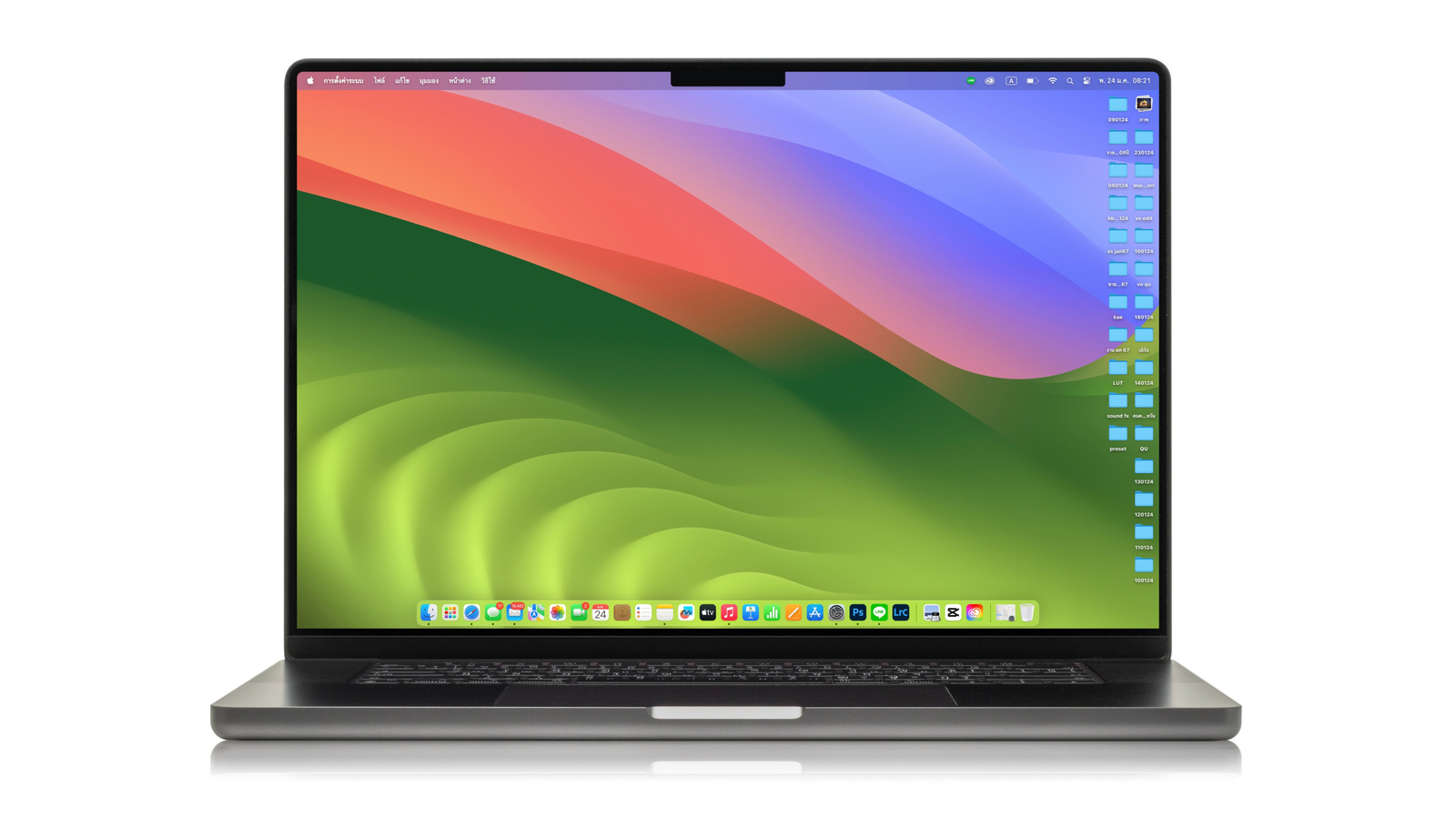
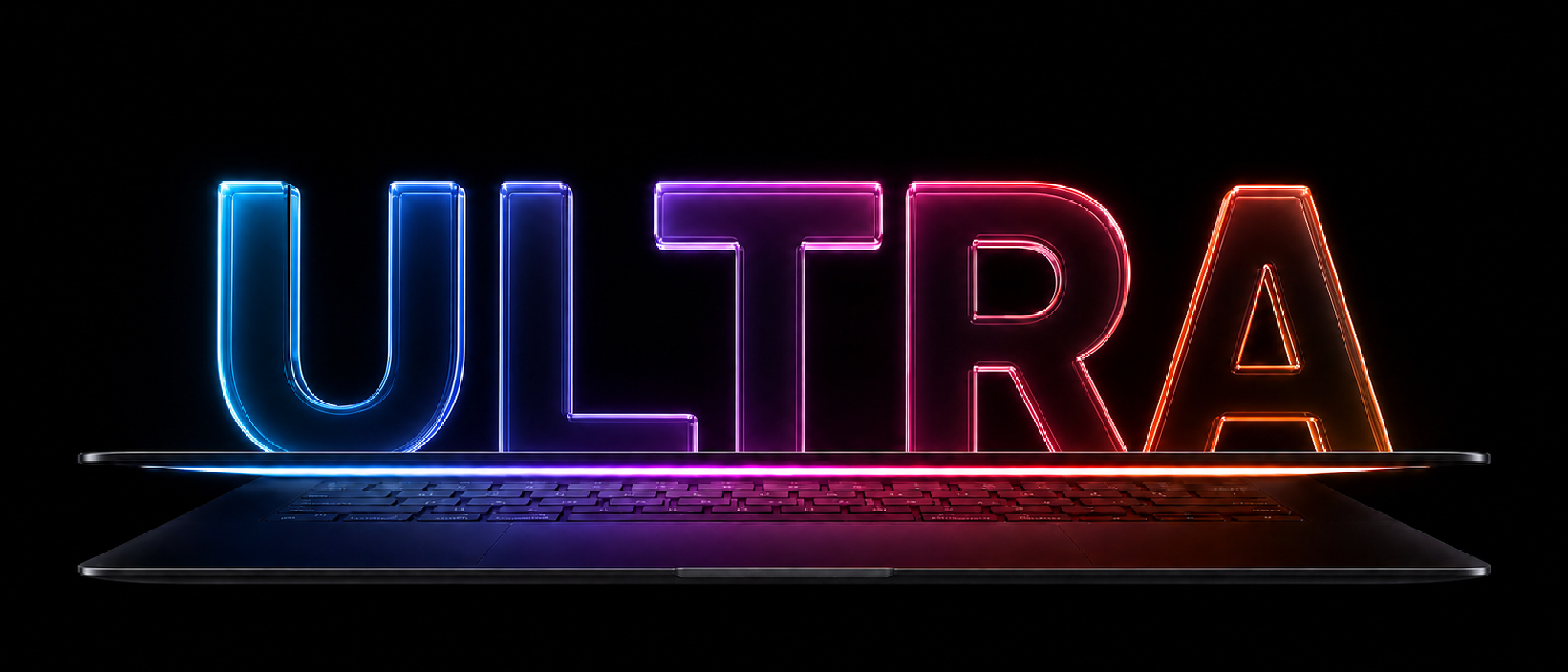
Overview of the MacBook Ultra
Apple’s product pipeline has long hinted at a “next‑level” laptop that would sit above the current M5 Pro and M5 Max‑powered MacBook Pros. Bloomberg’s Mark Gurman and analyst Ming‑Chi Kuo now confirm that the device—codenamed MacBook Ultra—will be the first Mac notebook to feature a true OLED touchscreen. Rather than replacing the Pro line, the Ultra is positioned as an ultra‑premium flagship, targeting creators, developers, and power users who demand the absolute best display fidelity and a fresh interaction paradigm.
The first‑generation Ultra is expected to launch between October and December 2026, pending the global memory‑chip shortage. Pricing will start above the 14‑inch M5 Pro model ($2,499) and the 16‑inch M5 Pro ($2,999), reflecting the cost premium of OLED panels and the new hinge mechanism. Apple’s internal memo describes the device as “the thinnest and lightest products in their categories across the whole tech industry,” underscoring the ambition to reverse the bulkier trend introduced with the 2021 redesign.
Technical Breakdown
OLED Display and Panel Supply
- Panel source: Samsung Display, exclusive supplier from its 8.6‑generation production line in South Korea.
- Benefits: OLED delivers deeper blacks, a contrast ratio far beyond the current mini‑LED Retina displays, and pixel‑level power savings because each subpixel can turn off completely.
- HDR performance: The panel’s higher peak brightness and true‑black capability enable a more accurate HDR experience for video editors and color‑critical workflows.
Touchscreen Integration
Apple is not turning the MacBook Ultra into a tablet. Instead, macOS Golden Gate will expose a “direct touch” API that lets users tap, swipe, and perform a pull‑to‑refresh gesture in native apps such as Safari, Mail, News, Podcasts, and Calendar. The OS will still support the traditional trackpad and mouse, allowing a seamless hybrid workflow. This approach mirrors the iPad’s touch‑first design while preserving the Mac’s desktop‑centric productivity model.
Reinforced Hinge and Structural Changes
A new hinge architecture has been engineered to keep the screen
to stay firmly in place even when users interact directly with the display. Apple’s engineers have added a series of micro‑adjustable tension springs and a reinforced chassis frame that distributes pressure across the lid, preventing the “bounce” that plagued earlier touch‑enabled prototypes. The result is a buttery‑smooth opening angle that feels solid enough for precise stylus work yet light enough for frequent laptop‑on‑lap use.
Thinner, Lighter Chassis
The Ultra’s redesign goes beyond the hinge. By leveraging the OLED panel’s ability to be thinner than the current mini‑LED Retina screens, Apple can shave roughly 4 mm off the overall thickness compared to the 2023 14‑inch MacBook Pro. Combined with a new magnesium‑aluminum alloy alloy, the chassis is projected to weigh ≈1.2 kg for the 14‑inch model and ≈1.5 kg for the 16‑inch variant—making it the lightest high‑performance laptop in Apple’s history.
Dynamic Island Integration
Following the iPhone 14 Pro series, the Ultra replaces the traditional notch with a Dynamic Island cut‑out that expands and contracts based on active system events. Background tasks such as AirPlay, screen recording, or incoming FaceTime calls will animate within the island, providing contextual information without stealing screen real‑estate. Developers will gain a new API to customize the island’s behavior for third‑party apps, opening a fresh avenue for UI innovation on macOS.
Port and Connectivity Suite
While Apple continues to streamline ports, the Ultra will retain a balanced mix:
| Port | Quantity | Notes |
|---|---|---|
| Thunderbolt 4 (USB‑C) | 3 | Supports up to 40 Gb/s, DisplayPort 2.0, and up to 100 W charging |
| MagSafe 3 | 1 | 140 W fast‑charge capability |
| HDMI 2.1 | 1 | 8K @ 60 Hz support |
| SDXC Card Slot | 1 | UHS‑II speeds |
| 3.5 mm Headphone Jack | 1 | High‑impedance support |
The inclusion of an HDMI 2.1 port addresses creator‑focused demand for external 8K monitors, while the extra Thunderbolt lane ensures that the Ultra can drive multiple 6K displays simultaneously—a boon for video editors and 3D artists.
Battery Life & Power Management
Apple’s new M5 Pro/Max SoCs already boast a 30 % efficiency gain over the previous generation. Coupled with OLED’s per‑pixel power savings, the Ultra is expected to deliver up to 18 hours of web browsing or up to 12 hours of 4K video playback—slightly higher than the current 14‑inch MacBook Pro despite the added touchscreen power draw. The 100 Wh battery will be paired with a 140 W MagSafe charger, promising a 50 % charge in roughly 30 minutes.
Software Enhancements in macOS Golden Gate
Beyond the direct‑touch API, Golden Gate introduces several macOS‑wide refinements tailored for the Ultra:
- Touch‑Optimized Sidecar: iPad users can now drag windows directly onto the MacBook Ultra’s screen with a pinch‑to‑zoom gesture, treating the laptop as an extended canvas.
- Universal Control 2.0: Seamless cursor hand‑off now works with touch gestures, allowing a swipe from the trackpad to the screen to transition control.
- Enhanced Accessibility: VoiceOver now reads touch gestures, and the new “Tap to Speak” feature lets users dictate text by tapping the screen, reducing reliance on the keyboard for short inputs.
- Pro‑Level Color Management: OLED’s wider color gamut is exposed through an updated ColorSync, giving photographers and video editors native support for DCI‑P3+ and Rec. 2020.
Pricing, Availability, and Roadmap
Apple has not yet disclosed official pricing, but industry analysts estimate a starting price of $3,199 for the 14‑inch model and $3,799 for the 16‑inch variant. Configurable upgrades—such as 64 GB unified memory, 8 TB SSD, and the forthcoming M7 chip (expected in the second‑generation Ultra slated for 2027)—will push the price well above $5,000 for fully specced units.
The launch window is projected for Q4 2026, with pre‑orders opening shortly after the September Apple Event. Supply constraints tied to OLED panel yields and the ongoing global memory shortage could result in staggered roll‑outs, beginning in North America and Europe before reaching APAC markets.
What This Means for the Mac Ecosystem
The MacBook Ultra signals Apple’s intent to re‑define the high‑end laptop segment. By marrying OLED’s visual fidelity with a genuine touchscreen, Apple blurs the line between laptop and tablet without abandoning the core macOS experience. Competitors will likely feel pressure to accelerate their own OLED‑based notebook offerings, while developers will need to consider touch as a first‑class input method on macOS.
Moreover, the Ultra’s thinner chassis and Dynamic Island demonstrate that Apple is still willing to push industrial design boundaries, even after the bulkier 2021 redesign. If the device lives up to the hype, it could set a new benchmark for performance‑centric, design‑forward laptops for the next several years.
Frequently Asked Questions
| Question | Answer |
|---|---|
| Will the MacBook Ultra replace the current MacBook Pro line? | No. Apple positions the Ultra as an ultra‑premium tier above the Pro models, targeting users who need the absolute best display and new interaction capabilities. |
| Can I use the touchscreen with a stylus? | Apple has confirmed support for the Apple Pencil (2nd gen) via a magnetic attachment, enabling pressure‑sensitive drawing and note‑taking. |
| Will existing macOS apps work without modification? | Yes. All existing macOS apps will run unchanged, using the traditional trackpad or mouse input. Touch‑specific features are optional and require developers to adopt the new Direct Touch API. |
| Is the OLED panel prone to burn‑in? | Apple’s panel supplier, Samsung, employs a pixel‑shift algorithm and adaptive brightness scaling to mitigate burn‑in risk. Early testing suggests the risk is comparable to that of modern OLED smartphones. |
| What are the memory and storage options? | Configurations start at 16 GB unified memory and 1 TB SSD, with upgrades to 64 GB and 8 TB available at launch. |
| Will the Dynamic Island be customizable? | Developers will receive an API to modify the island’s content and animation, but the size and basic shape remain fixed to maintain system consistency. |
| How does the battery life compare to the current MacBook Pro? | Despite the added touchscreen, OLED efficiency and the new M5 chips should deliver ~10 % longer battery life under typical web‑browsing workloads. |
| When can we expect the second‑generation Ultra? | The next iteration, featuring the M7 architecture and likely an even larger OLED panel, is slated for late 2027. |
The MacBook Ultra is shaping up to be a landmark product that could redefine what a professional laptop looks and feels like. Whether the market embraces the touchscreen‑first approach remains to be seen, but Apple’s track record of turning bold concepts into mainstream successes suggests that the Ultra may soon become the new benchmark for power users everywhere.
Source: Original Article