

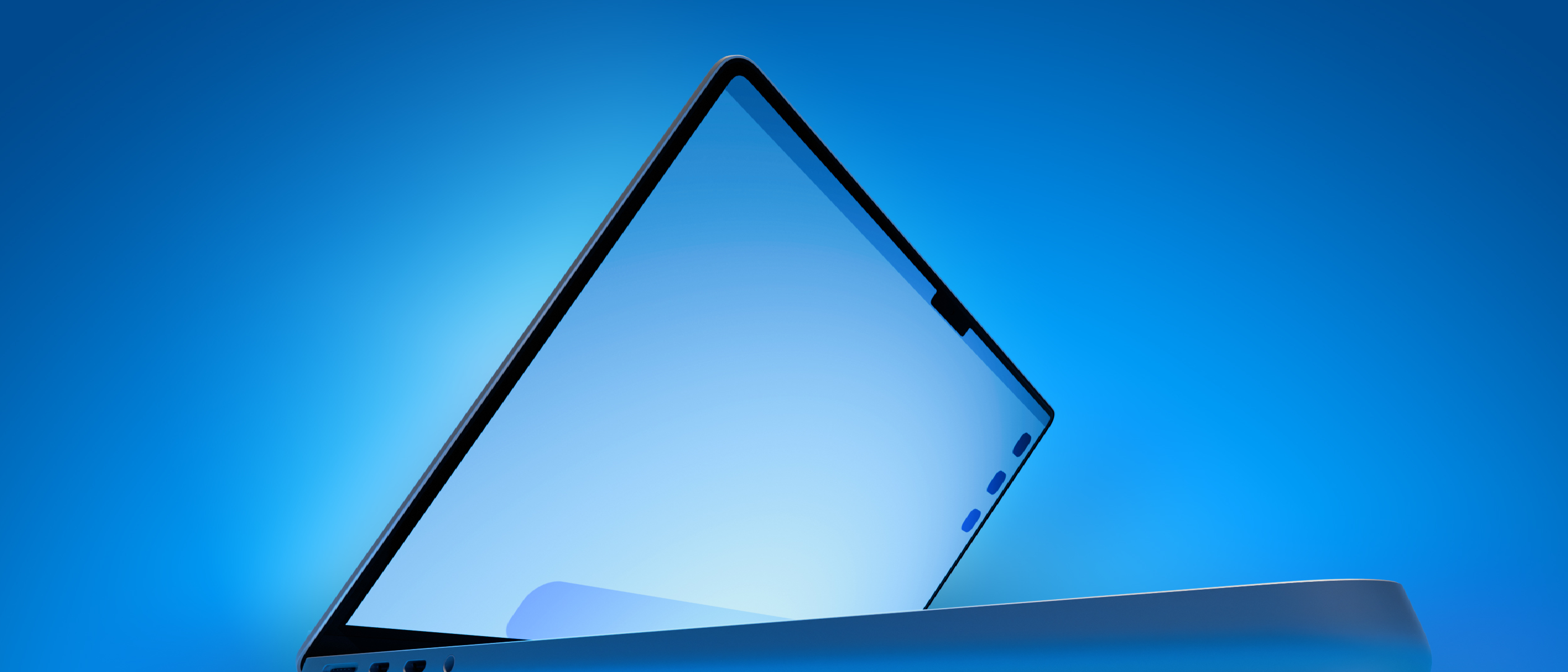
Why a Touch‑Screen MacBook Pro Matters
Apple has long positioned the MacBook line as the epitome of a keyboard‑centric workflow, while iPad and iPhone dominate the touch‑first space. Introducing a touch‑enabled OLED display on the 14‑inch and 16‑inch MacBook Pro would blur that historical divide, delivering a hybrid device that satisfies both creative professionals and power users who crave direct manipulation.
- Unified ecosystem – A touch screen would let developers leverage the same UIKit/AppKit code paths across macOS and iPadOS, reducing fragmentation and accelerating cross‑platform app releases.
- Design workflow acceleration – Graphic designers, video editors, and 3D artists could sketch, scrub timelines, and adjust parameters with finger gestures, cutting down on mouse‑only latency.
- Competitive pressure – Microsoft’s Surface Laptop Studio and Dell’s XPS line already offer convertible or touch‑enabled laptops. Apple’s entry would raise the performance ceiling, especially with the upcoming M5 Pro and M5 Max silicon.
The timing is also strategic. Apple’s macOS 27.2 beta, currently used to test the touch interface, is slated for an end‑of‑October release, aligning software readiness with hardware availability. This coordinated launch could set a new benchmark for laptop interactivity.
Technical Breakdown of the Rumored Specs
Display and Form Factor
- OLED panel – Expected to deliver deeper blacks, higher contrast ratios, and up to 120 Hz refresh rates, matching the ProMotion technology already present in current models.
- Touch capability – Multi‑finger gestures and pressure sensitivity are likely, mirroring the Apple Pencil experience on iPad.
- Thinner chassis – OLED panels are lighter than traditional LCDs, allowing Apple to shave millimetres off the current Pro’s thickness while maintaining structural rigidity.
Processor and Performance
- M5 Pro / M5 Max – The next generation of Apple silicon promises up to 20 % higher CPU performance and 30 % better GPU throughput compared with the M2 series. Coupled with the OLED panel’s lower power draw, battery life could remain competitive despite the added touch controller.
- Dynamic Island integration – Replacing the notch, Dynamic Island will now serve as a touch‑aware hub for alerts, media controls, and system shortcuts, reducing reliance on the Touch Bar.
Connectivity (Speculative)
- Cellular modem – Rumors of a custom C1X or C2 modem suggest 5G/LTE capability, turning the MacBook Pro into a true on‑the‑go workstation. This aligns with Apple’s broader push for always‑connected devices, as seen in the iPhone 16 series.
- USB‑C evolution – The new models will likely retain the Thunderbolt 4/USB‑C ports, but with enhanced power delivery to support the OLED panel and touch controller. For a deeper dive into USB‑C’s expanding role, see our article on USB‑C on Your Phone: More Than Just Charging and Data .
Pricing and Positioning
- Premium tier – Apple is expected to price the touch‑screen variants above the standard 14‑inch and 16‑inch Pro models, positioning them as “MacBook Ultra”‑style flagships.
- Branding ambiguity – While the “MacBook Pro” name may stay, a new moniker could help differentiate the touch‑first experience from the traditional lineup.
Industry Impact and Competitive Landscape
Shifting Laptop Paradigms
The introduction of a touch‑screen MacBook Pro could accelerate the industry’s move toward hybrid input methods. Competitors will need to answer not only with raw performance but also with integrated touch experiences that feel native to macOS.
Software Ecosystem Ripple Effects
Developers will be prompted to update macOS apps for touch interaction. Existing macOS‑only tools—especially those in the creative suite—could see a surge in demand for touch‑optimized features. This may also revive interest in macOS‑specific security solutions, such as the Mac Antivirus Intego One, which recently added heuristics for touch‑enabled malware vectors. Learn more in our coverage of Mac Antivirus Intego One .
5G Integration and Remote Work
If Apple indeed bundles a 5G modem, the MacBook Pro would become a true “always‑online” device, reducing reliance on Wi‑Fi hotspots. This could influence enterprise procurement policies, especially for remote‑first companies that value low‑latency, secure connections. For context on emerging 5G home solutions, refer to our piece on Starlink Mini Home Use: Costs, Speed & What’s Next .
Potential Risks
- Battery life concerns – OLED panels, while efficient, can consume more power under high brightness. Apple must balance touch responsiveness with endurance.
- Software maturity – macOS 27.2 is still in beta; developers will need time to adapt. Early adopters may encounter UI quirks or limited app support.
- Market cannibalization – Existing iPad Pro users might see the new MacBook Pro as a replacement, potentially affecting iPad sales.
Future Outlook: What Comes After the OLED Touch Pro?
Roadmap for Mac Hardware
- M7 Pro / M7 Max – Apple plans to roll out these chips in the regular Pro line next year, suggesting a staggered strategy: first, introduce touch capability with M5 silicon, then boost raw performance across the board.
- Potential “MacBook Ultra” branding – If the touch models succeed, Apple could spin off a dedicated “Ultra” line, similar to the MacBook Air’s recent redesign, focusing on premium features like 5G, higher‑resolution OLED, and expanded AI accelerators.
macOS Evolution
The beta of macOS 27.2 is already testing touch input. Expect future releases to deepen integration: native touch gestures for Finder, System Settings, and even Terminal. Apple’s “Continuity” features may expand to allow seamless hand‑off of touch gestures between iPhone, iPad, and the new MacBook Pro.
Developer Opportunities
- Cross‑platform UI kits – Frameworks like SwiftUI will gain new modifiers for touch, encouraging developers to create “one‑code‑base” experiences.
- Third‑party peripherals – With a touch screen, accessories such as stylus pens, external drawing tablets, and haptic feedback devices could see renewed interest.
Frequently Asked Questions
Q: Will the touch‑screen MacBook Pro replace the iPad Pro?
A: Unlikely. While the new MacBook Pro will offer touch input, the iPad’s larger screen sizes, Apple Pencil latency optimizations, and iPadOS ecosystem remain distinct strengths.
Q: How will the Dynamic Island work on a laptop?
A: Dynamic Island will become a touch‑aware area at the top of the display, showing notifications, media controls, and live activity widgets, similar to its iPhone implementation but adapted for macOS multitasking.
Q: Is the 5G modem optional?
A: Apple has not confirmed the modem’s inclusion. If present, it will likely be an optional configuration, mirroring the cellular models of the iPad Pro.
Q: Will existing macOS apps run without modification?
A: Yes, they will continue to work. However, they won’t benefit from touch features until developers add explicit support.
Q: When can we expect pricing details?
A: Apple typically reveals pricing at the launch event. Based on historical trends, the touch‑screen models may start around $2,499 for the 14‑inch and $3,199 for the 16‑inch configuration.
Conclusion
Apple’s rumored OLED touch‑screen MacBook Pro represents a pivotal moment for the laptop market. By marrying the raw power of M5 Pro/Max silicon with a high‑refresh‑rate OLED panel and integrated touch, Apple could redefine professional workflows and set a new benchmark for hybrid devices. The move also forces the broader industry to reconsider the separation between “laptop” and “tablet” experiences, potentially accelerating innovation across hardware, software, and connectivity domains. As macOS 27.2 approaches its public release, developers and power users alike should prepare for a wave of touch‑centric updates that could reshape how we interact with macOS forever.
Source: Original Article