

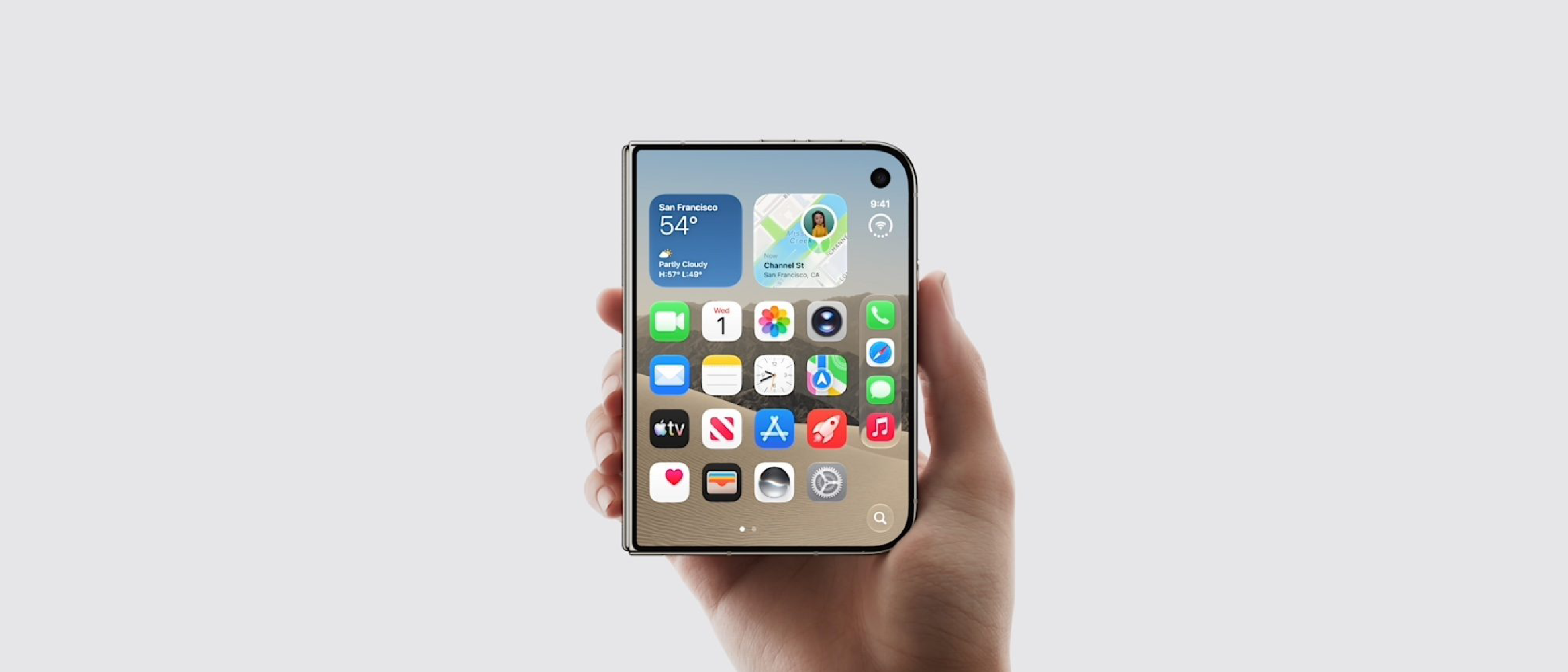
Overview of the Upcoming Reachability Update
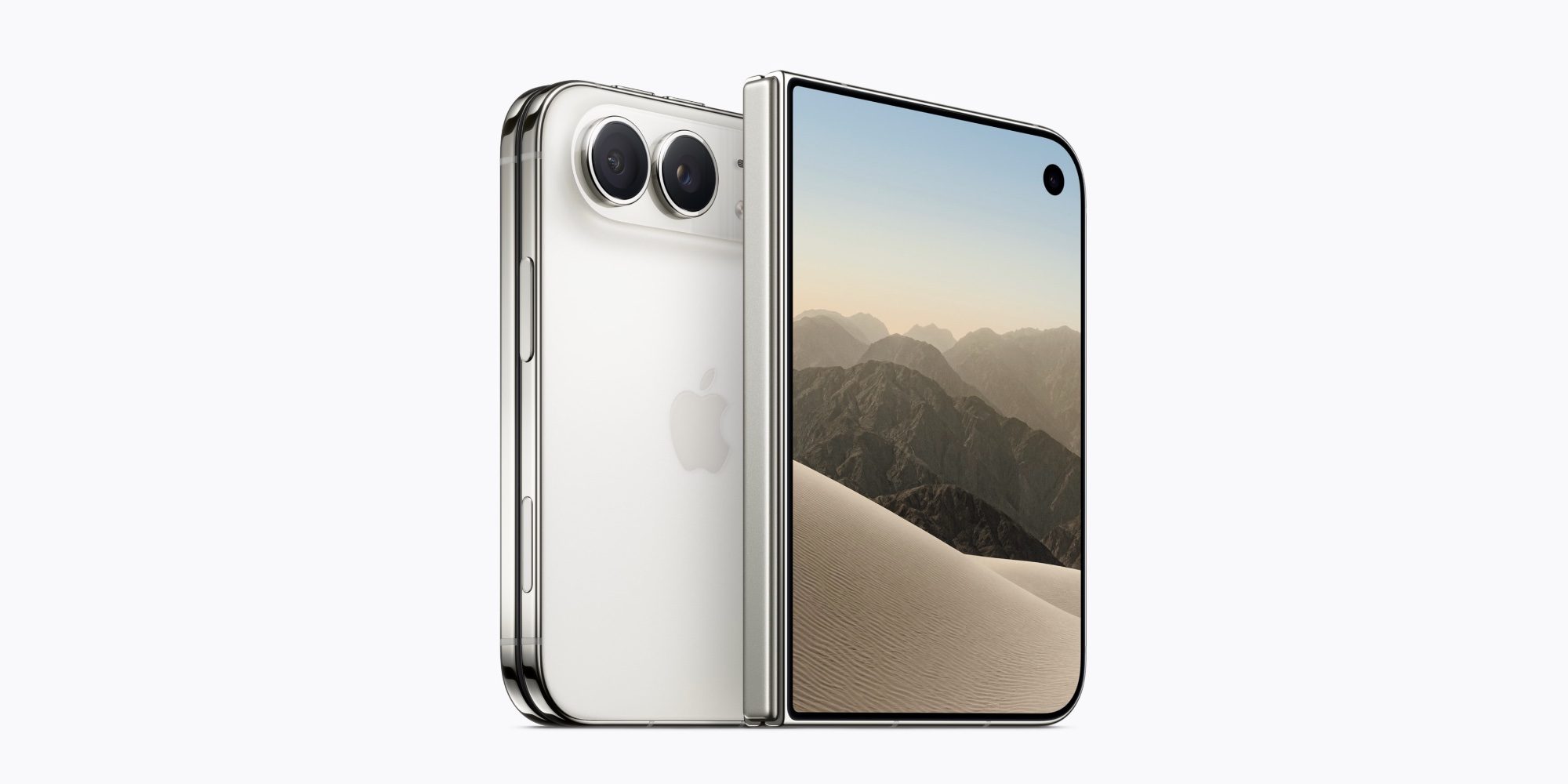
Apple’s iPhone Duo, the company’s latest attempt to blend a compact form factor with high‑end performance, is set to receive a long‑awaited software enhancement: the Reachability feature. Announced by 9to5Mac, the rollout is slated for “later this year,” though no exact month has been disclosed. Reachability, first introduced on larger iPhone models to aid one‑handed operation, will now be available on the Duo, effectively bridging a usability gap that has been a point of contention among power users.
The decision aligns with Apple’s historical emphasis on accessibility. Steve Jobs famously introduced the original iPhone in 2007 with a promise to make technology intuitive for everyone. Adding Reachability to a device that already targets users who value portability underscores that promise. For readers interested in the Duo’s availability logistics, see the related piece on walk‑in policies: Where Apple’s iPhone Duo Will and Won’t Accept Walk‑Ins .
Why Reachability Matters for the Duo
Enhancing One‑Handed Usability
The iPhone Duo’s 5.8‑inch display, while modest compared to flagship sizes, still pushes the limits of comfortable one‑handed reach for many users. Reachability solves this by temporarily shifting the UI lower on the screen, allowing thumb access to top‑row icons, notifications, and the status bar without the need to stretch the hand.
Key benefits include:
- Reduced hand fatigue during prolonged single‑hand use.
- Faster interaction with frequently accessed controls (e.g., Control Center, Siri).
- Improved accessibility for users with limited mobility or those operating the device while on the move.
Aligning with Apple’s Accessibility Roadmap
Apple’s broader accessibility strategy has expanded beyond VoiceOver and Magnifier to include subtle, everyday conveniences. By extending Reachability to the Duo, Apple signals that even its most compact devices will receive parity in usability features. This move also preempts criticism that smaller phones are “less capable” in terms of assistive technology.
Technical Breakdown of Reachability on iPhone Duo
How Reachability Works Under the Hood
Reachability is not a hardware modification; it is a software gesture that triggers a UI transformation. On iOS, the system captures a double‑tap on the home button (or a swipe down on the gesture bar for Face ID devices) and animates the entire interface downward by roughly 30% of the screen height.
For the Duo, engineers had to address two technical challenges:
Screen Real Estate Optimization
The Duo’s display density is higher than that of larger iPhones, meaning UI elements are already tightly packed. The animation must preserve readability while ensuring touch targets remain comfortably sized.Battery and Performance Impact
Animating the UI consumes GPU cycles. Apple’s optimization pipeline leverages Metal to keep the frame rate at 60 fps without noticeable battery drain. Early internal testing reportedly showed less than a 2% increase in power consumption during Reachability activation.
Integration with Existing iOS Features
Reachability on the Duo will coexist with:
- AssistiveTouch – Users can enable a virtual button that triggers Reachability without a physical gesture.
- Dynamic Island – The new UI element introduced on recent iPhone models will shrink proportionally, preserving its interactive capabilities.
- Control Center Customization – Shortcuts placed in the lower half of Control Center remain fully functional when Reachability is active.
Apple’s software team has also added a setting toggle in Settings → Accessibility → Touch → Reachability, allowing users to enable or disable the feature based on personal preference.
Potential Edge Cases
- App Compatibility – Some third‑party apps that lock orientation or use custom UI frameworks may not fully respect the Reachability transformation. Developers are encouraged to test against the new API and update their layouts accordingly.
- Multitasking Scenarios – When using Split View on iPadOS‑style multitasking (a feature rumored for the Duo), Reachability may be disabled to avoid UI conflicts.
Industry Impact and Ecosystem Considerations
Strengthening the Duo’s Competitive Position
The smartphone market has seen a resurgence of compact devices, especially in regions where pocket‑size phones are preferred for cost and convenience. By adding Reachability, Apple narrows the functional gap between the Duo and larger models, making it a more compelling alternative to Android flagships that already offer similar one‑handed shortcuts.
Ripple Effects on Third‑Party Accessories
Accessory makers, such as case manufacturers, will need to account for the lowered UI when designing ergonomic grips. Some existing cases that protrude near the top edge may interfere with the Reachability gesture, prompting a wave of updated designs.
Integration with Apple’s Broader Ecosystem
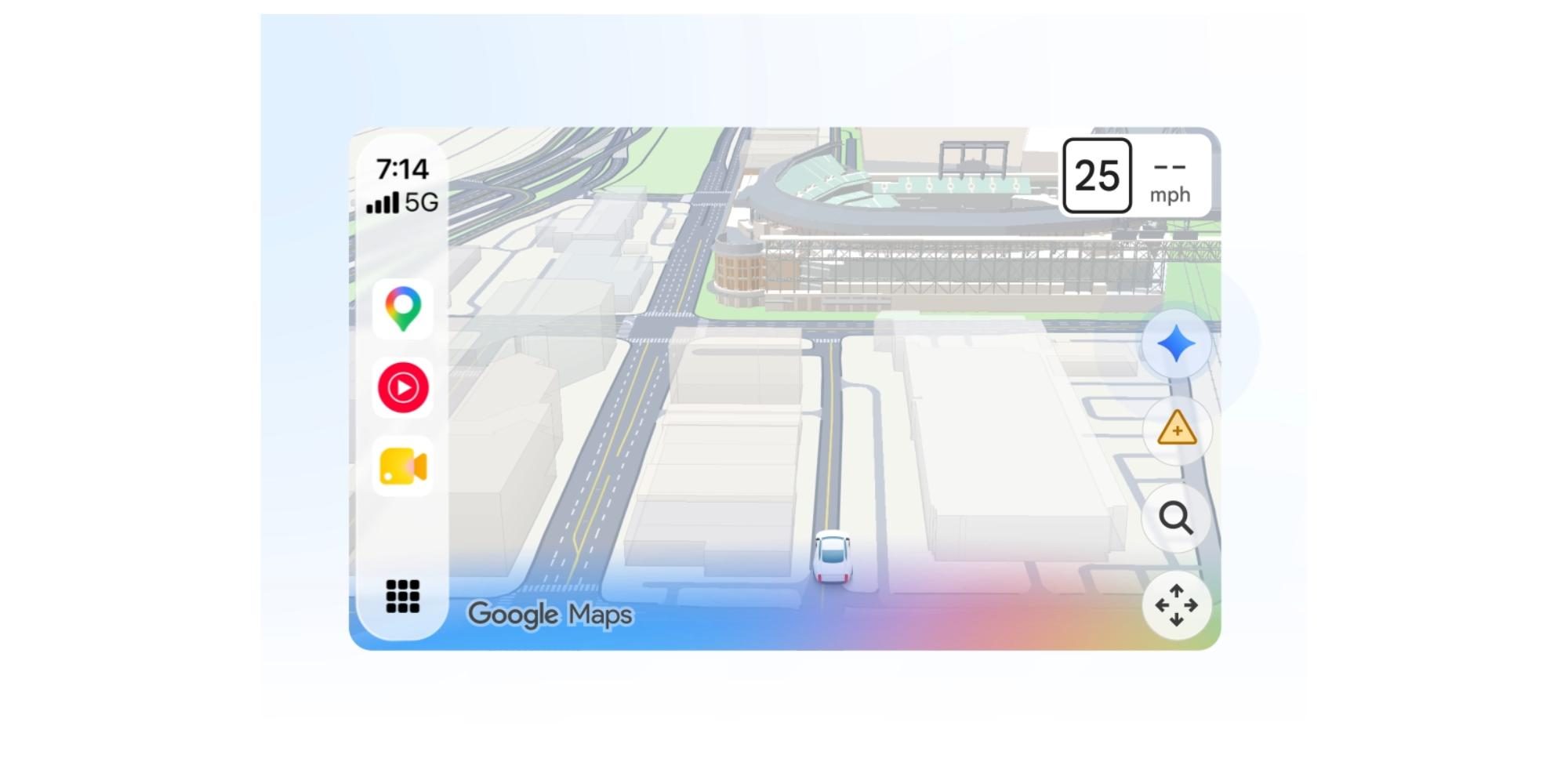
The feature’s rollout coincides with other ecosystem upgrades, such as the Google Maps Adds Gemini AI to CarPlay Navigation update. As drivers increasingly rely on CarPlay for navigation, a one‑handed UI on the phone itself becomes less critical while driving, but the consistency across devices reinforces Apple’s vision of a seamless user experience.
Additionally, Apple’s design language continues to evolve, as explored in the deep dive on Apple Music’s New Sound‑Made Logo: Rebrand Deep Dive. The emphasis on subtle, user‑centric refinements mirrors the philosophy behind Reachability: small changes that yield outsized usability gains.
Future Outlook: What Comes After Reachability?
Potential for Adaptive UI Scaling
With Reachability now on the Duo, Apple may explore adaptive UI scaling that automatically adjusts element sizes based on hand‑size detection via the TrueDepth camera. While speculative, such a feature would further personalize the one‑handed experience.
Expansion to Other Compact Devices
Apple’s rumored Apple Watch Ultra 2 and the upcoming iPad mini refresh could inherit a variant of Reachability, especially as screen sizes continue to shrink relative to hand ergonomics. The success of the Duo implementation will likely serve as a benchmark.
Community and Developer Feedback Loop
Apple typically gathers telemetry from beta participants before a full rollout. Developers are encouraged to submit feedback through the Apple Developer portal, particularly regarding any UI glitches in custom apps. This collaborative approach ensures that Reachability becomes a polished, universally reliable feature.
Frequently Asked Questions (FAQ)
Conclusion
Apple’s decision to bring Reachability to the iPhone Duo underscores the company’s commitment to making even its smallest flagship feel as usable as its larger siblings. By tackling the ergonomic challenges inherent to a 5.8‑inch display through a lightweight software tweak, Apple not only improves day‑to‑day interaction for existing Duo owners but also makes the device a more attractive option for users who prioritize pocketability without sacrificing accessibility.
The rollout later this year will serve as a litmus test for how well Apple can harmonize legacy accessibility gestures with newer UI elements like Dynamic Island and potential multitasking modes. If the implementation proves smooth, it could set a precedent for extending similar one‑handed conveniences to other compact Apple products in the future.
Frequently Asked Questions (FAQ)
Q: When will Reachability be available on the iPhone Duo?
A: Apple has confirmed that the feature will be released “later this year.” A precise date has not been announced, but it is expected to arrive via a standard iOS update (likely iOS 18.1 or a subsequent minor release).
Q: How do I enable Reachability on the Duo?
A: Open Settings → Accessibility → Touch → Reachability and toggle the switch to On. You can also customize the activation gesture (double‑tap the side button or swipe down on the gesture bar) in the same menu.
Q: Will Reachability affect battery life?
A: Apple’s internal testing indicates a negligible impact—less than a 2 % increase in power consumption while the feature is active. The animation is GPU‑optimized via Metal, so the effect on overall battery life should be minimal.
Q: Can I use Reachability with AssistiveTouch?
A: Yes. AssistiveTouch includes a virtual button that can trigger Reachability, allowing users who cannot perform the physical gesture to still benefit from the feature.
Q: Does Reachability work while using Split View or other multitasking modes?
A: In most multitasking scenarios, Reachability will be temporarily disabled to avoid UI conflicts. When you exit Split View, the feature becomes available again.
Q: Will all apps support Reachability automatically?
A: Most native iOS apps adapt automatically. However, third‑party apps that lock orientation or use custom UI frameworks may need updates to fully respect the Reachability transformation. Developers are encouraged to test their apps against the new iOS SDK and submit any necessary fixes.
Q: Is there a way to disable Reachability if I don’t want it?
A: Absolutely. The same toggle in Settings → Accessibility → Touch → Reachability can be turned off at any time.
Q: Will the feature be available on older iPhone models?
A: Reachability already exists on many larger iPhone models. The new update specifically adds the feature to the iPhone Duo; no additional changes are expected for devices that already support it.
Q: Could Reachability be expanded to other Apple devices?
A: While Apple has not confirmed plans, industry analysts speculate that a variant could appear on future compact devices such as the Apple Watch Ultra 2 or an iPad mini with a reduced form factor, especially if the Duo rollout proves successful.
Source: Original Article