

What’s New in the iPhone 18 Pro and iOS 27
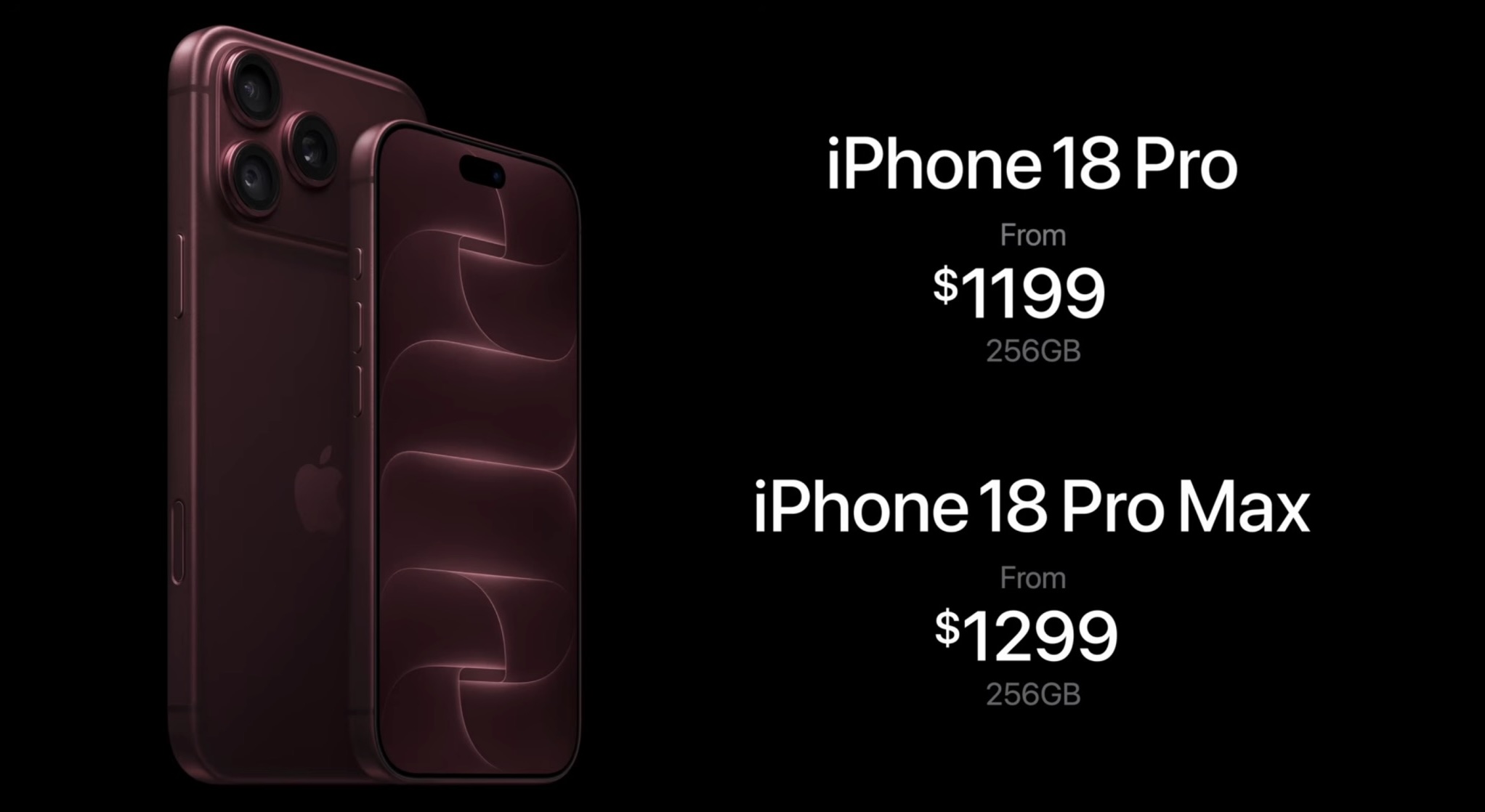
Apple’s global launch of the iPhone 18 Pro and iPhone 18 Pro Max today marks the culmination of a year‑long build‑up. The devices ship with iOS 27, a suite of 50 new capabilities that extend beyond the familiar lock‑screen tweaks. While the hardware upgrades are headline‑making, the software layer delivers a cohesive ecosystem that redefines how users interact with their phones. MacRumors has published a comprehensive guide that walks both new adopters and seasoned iPhone users through the nuances of the new hardware and iOS 27 features.
Hardware Breakthroughs: Variable Aperture and Pro Camera Controls
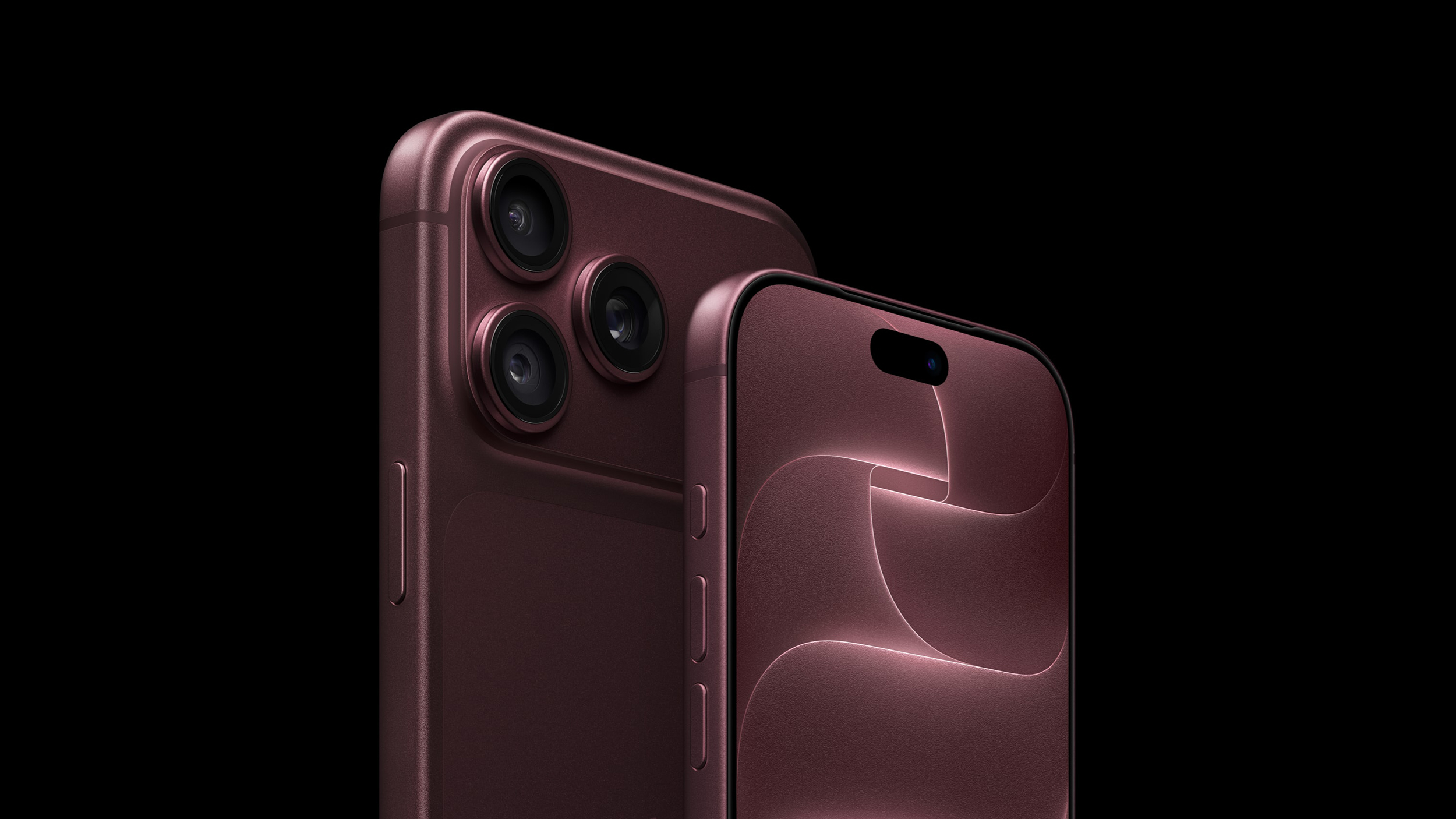
The iPhone 18 Pro’s camera system is the most advanced yet. Key highlights include:
- Variable Aperture – The lens can now adjust its aperture in real time, allowing photographers to control depth of field and light intake without changing lenses. This feature is especially useful for low‑light scenarios and portrait shots.
- Pro Controls – Users can manually tweak white balance, shutter speed, and view a live histogram directly in the Camera app. These controls give DSLR‑level precision on a smartphone.
- Cinematic Effects for 60 fps Video – The new cinematic mode now supports 60 frames per second, enabling smoother motion blur and more natural video playback.
- 4K and Dolby Vision HDR Time‑Lapse Video – Time‑lapse footage can now be captured in 4K resolution with Dolby Vision HDR, delivering cinematic color grading straight from the device.
- Texture Controls in Photographic Styles – Photographic styles now include texture adjustments, allowing users to emphasize or soften fine details.
- Customizable Camera App Controls – The camera interface can be rearranged, and users can pin frequently used settings for quick access.
Apple’s reference image demonstrates the variable aperture in action, showing how the same scene looks with a wide versus a narrow aperture. For those who want to experiment, the MacRumors guide provides step‑by‑step instructions on how to enable and use these controls.
iOS 27: 50 New Things and Smart Customizations
iOS 27 introduces a host of features that enhance usability, privacy, and personalization. The most notable additions include:
- Dynamic Island – The always‑on display now expands to show notifications, live activities, and quick actions, making multitasking more fluid.
- Visual Intelligence – Integrated into the Camera app, this AI layer automatically identifies subjects and suggests optimal settings.
- Custom EQ for AirPods – Users can fine‑tune equalization curves for each AirPod model, tailoring sound to personal preference.
- Independent Alarm Volume – The alarm volume is no longer tied to the iPhone’s ringer, allowing silent alarms without disturbing the device’s overall sound profile.
- Liquid Glass Transparency – An optional setting lets users tone down the glass‑like translucency of the UI for a cleaner look.
- Messages Button – Users can hide the “mistake” button, streamlining the messaging interface.
- New iPhone Recovery Screen – A dedicated recovery screen simplifies troubleshooting and restores.
- Find My App: Temporary Location Hiding – Users can temporarily hide their location from the Find My network, enhancing privacy.
- EU‑Specific Restrictions – Certain features are disabled in EU regions to comply with local regulations.
- CarPlay: Seven New Features – CarPlay now supports advanced navigation overlays, voice‑controlled media, and more.
- Now Playing Lock Screen Widget – Users can dismiss the widget directly from the lock screen.
- Easter Egg: “Dogcow” – A hidden “Dogcow” icon appears when the user taps the “Moof!” notification, a playful nod to Apple’s tradition of Easter eggs.
These features collectively push iOS 27
further than simple aesthetics, focusing instead on granular user control and intelligent automation.
Mastering the Hardware: Action Button and Camera Control
For those transitioning from older models, the physical interface of the iPhone 18 Pro offers several new points of interaction:
- The Action Button – This customizable button can be mapped to a variety of shortcuts, from launching the flashlight to triggering complex Shortcuts workflows.
- iPhone Camera Control – A dedicated tactile interface allows for seamless zooming and setting adjustments without needing to touch the screen.
- Adaptive Power Mode – While designed to optimize battery life based on usage patterns, some power users may prefer to disable this in Settings to maintain consistent peak performance.
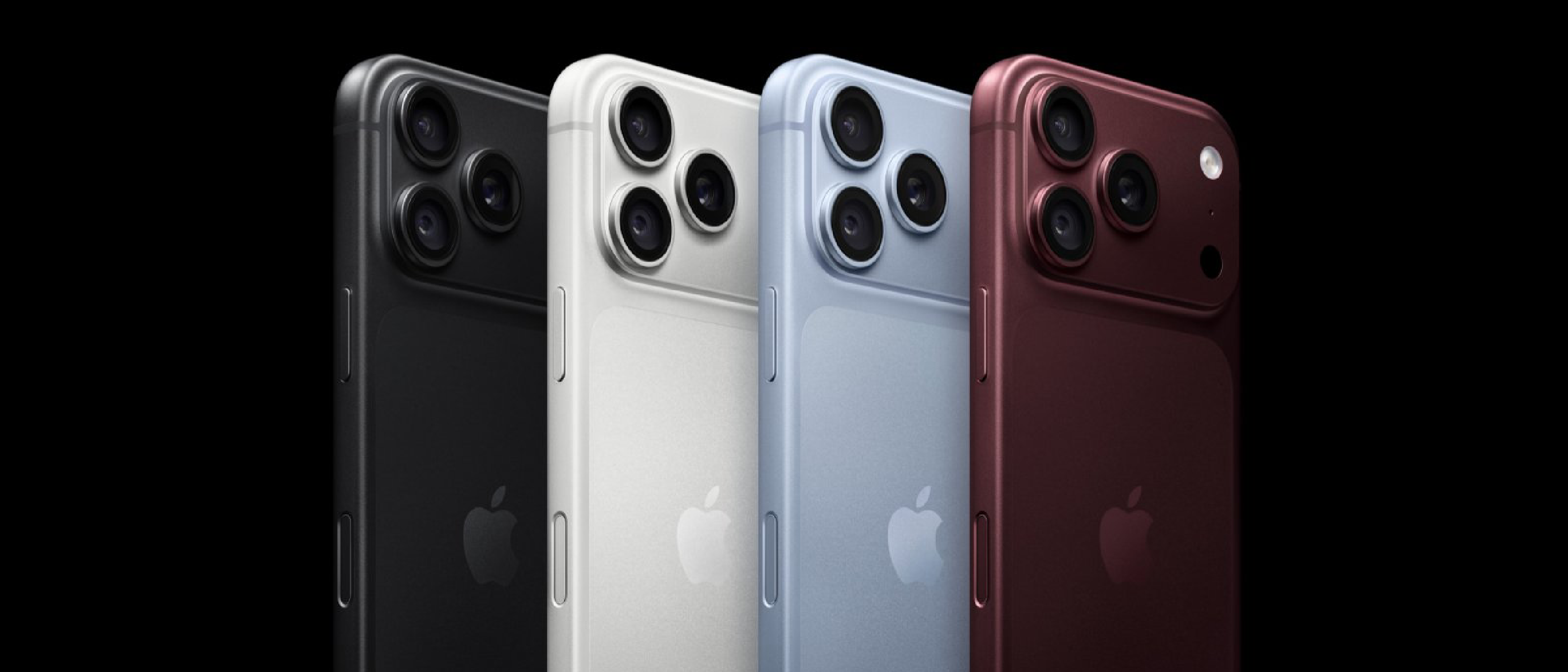
- App Icon Tinting – To complement the new hardware finishes, iOS 27 allows users to tint their app icons to match the specific color of their iPhone 18 Pro chassis.
If you encounter any software glitches during the initial setup, the MacRumors guide outlines the updated Hard Reset / Force Restart procedure, which has been slightly modified for the iPhone 18 series.
Availability and Delivery
The iPhone 18 Pro and Pro Max are available starting today. For those tracking their shipments:
- Pre-orders: The first wave of devices is currently being delivered to customers.
- Online Orders: For those who missed the pre-order window, estimated delivery dates are currently falling in late September or early October.
- In-Store: Select Apple Store locations are offering same-day or next-day pickup for local inventory.
As MacRumors notes, “Whether you’re upgrading from an older iPhone or completely new to Apple, this guide will help you get the most out of your new device.”
Summary: Is the Upgrade Worth It?
With the introduction of variable aperture and the deep integration of Visual Intelligence in iOS 27, the iPhone 18 Pro is more than a marginal update. It is a tool designed for creators and power users who demand professional-grade control in a pocketable form factor.
FAQ
How do I find the Dogcow Easter Egg? Look for the “Moof!” notification in the system settings or hidden menus to trigger the classic Apple icon.
Why are some features missing on my device in Europe? Due to EU-specific regulatory restrictions, certain software features are unavailable in those regions.
Can I change the volume of my alarm without changing my ringer? Yes, iOS 27 now features Independent Alarm Volume, which can be adjusted separately in the Sound & Haptics menu.
Source: Original Article