
OLED vs. LCD: The Technical Leap
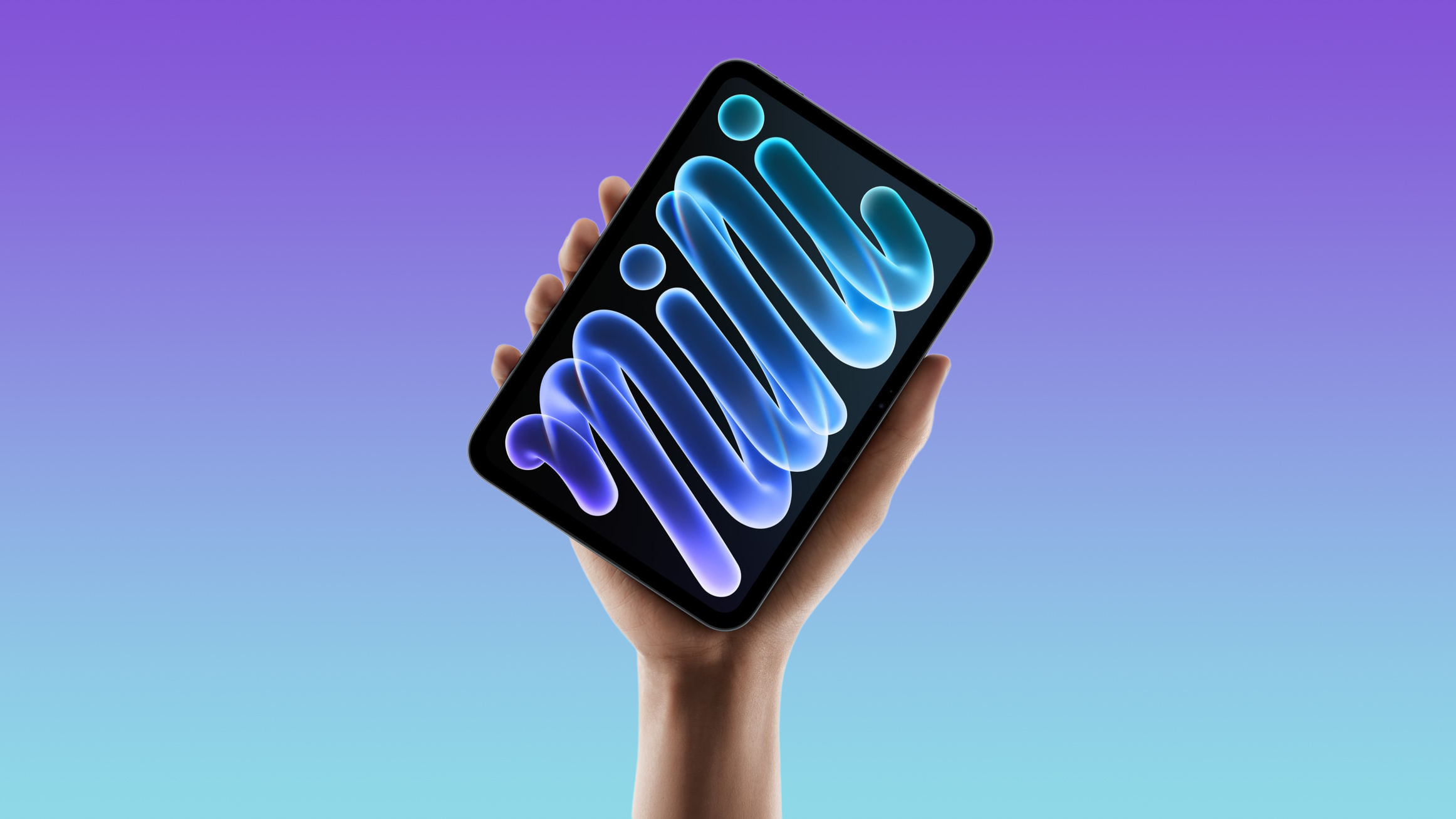
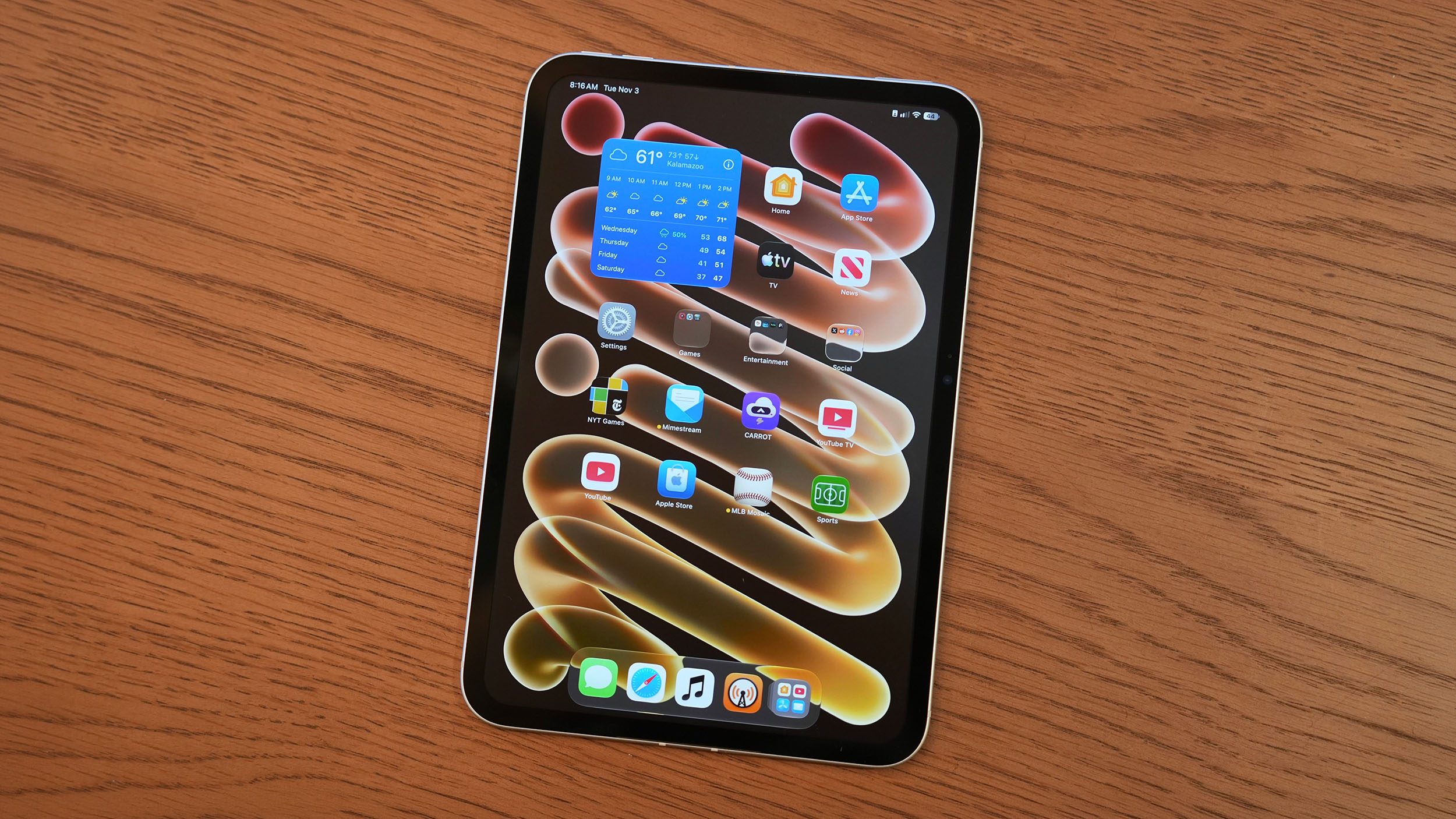
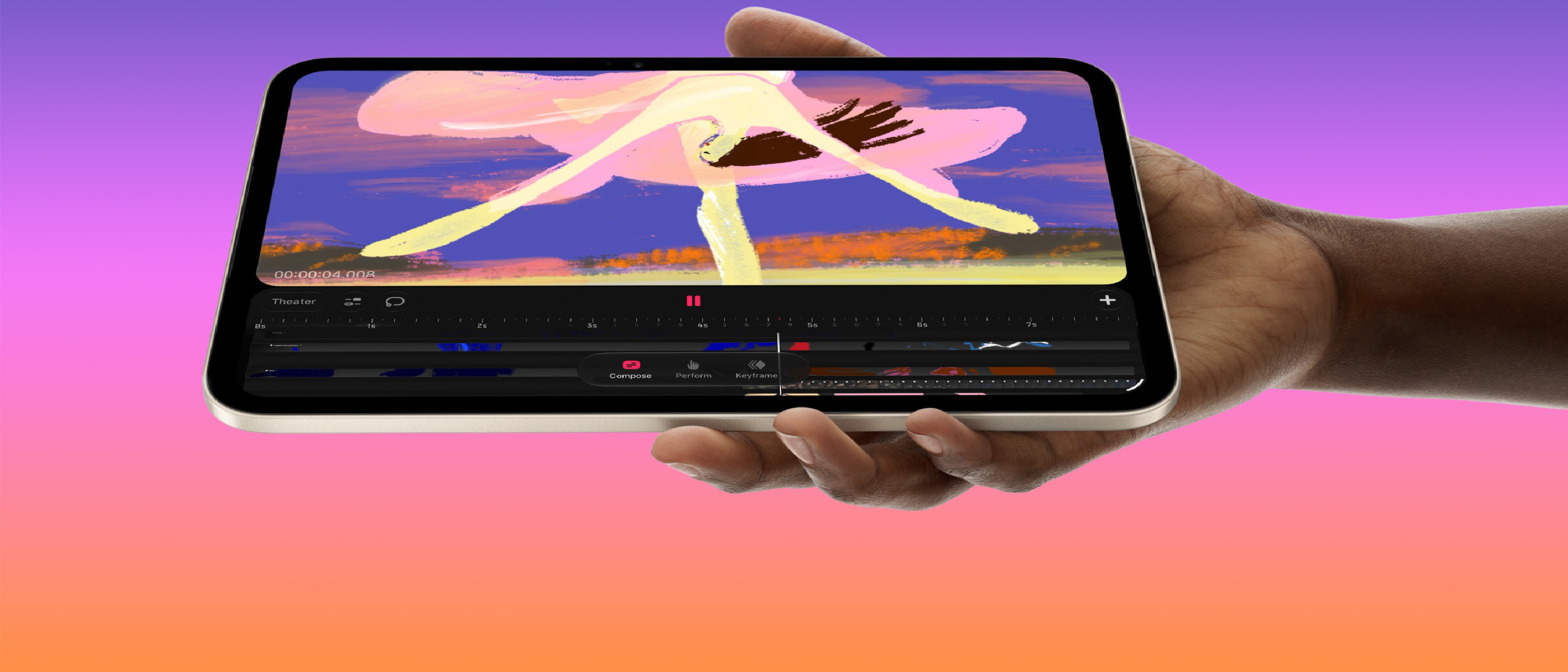
Apple’s switch from an LCD to an OLED panel on the eighth‑generation iPad mini is a genuine hardware upgrade. OLED (Organic Light‑Emitting Diode) pixels emit their own light, eliminating the need for a backlight. The practical consequences are:
- True Blacks – Each pixel can turn off completely, delivering a contrast ratio Apple claims reaches 2,000,000:1.
- Higher Peak Brightness – Apple lists 600 nits for SDR content and up to 1,200 nits for HDR, a noticeable jump from the 500‑nit ceiling of the previous LCD model.
- Faster Pixel Response – OLED cells transition on and off in microseconds, far quicker than the millisecond‑scale response of LCD liquid crystals.
These attributes translate into richer colors, deeper shadows, and a more immersive viewing experience for media consumption and casual browsing. The contrast boost alone is enough for many reviewers to call the display “a big upgrade overall.” However, the raw speed of pixel transition does not automatically replace the benefits of a higher refresh rate.
Why 120 Hz Pro Motion Still Matters
Apple’s official stance is that OLED’s rapid pixel response “solves the motion‑blur problem” that a 120 Hz panel traditionally addresses. While the statement is technically accurate—faster response reduces ghosting—it overlooks several user‑experience dimensions:
- Temporal Resolution – A 120 Hz refresh rate redraws the screen twice as often as 60 Hz, halving the time between frames. This makes fast gestures (swiping, pinch‑zoom) feel smoother, even if each individual pixel settles quickly.
- Input Lag – Higher refresh rates reduce the latency between touch input and visual feedback. For stylus work, the Apple Pencil feels “juddery” on a 60 Hz panel, as noted by David Pierce of The Verge.
- Gaming Fluidity – Many modern iOS games target 60 fps or higher. On a 120 Hz display, each frame is displayed for a shorter interval, resulting in less perceived blur during rapid motion.
- Reading Comfort – Even static tasks benefit; scrolling a web page at 60 Hz can produce a faint smear that makes text harder to read, whereas 120 Hz keeps the content crisp throughout the motion.
In short, OLED’s faster response mitigates but does not eliminate the perceptual advantages of a higher refresh rate. Users who rely on the iPad mini for sketching, note‑taking, or gaming will notice the difference, especially when comparing side‑by‑side with devices that do support Pro Motion.
Reviewer Feedback and Real‑World Impact
David Pierce’s review of the iPad mini 8 captures the mixed sentiment:
“Apple’s answer… ‘120 Hz is irrelevant, OLED’s faster pixel response solves the problems.’ I don’t agree. The lack of Pro Motion isn’t a total dealbreaker, but refresh rates matter!”
Key takeaways from his and other early hands‑on impressions:
- Apple Pencil Experience – The stylus feels slightly less fluid, with occasional micro‑jitter during fast strokes. Artists who rely on continuous line quality may need to adjust their workflow.
- Browser Scrolling – Text appears marginally blurred during rapid scrolls, which can affect reading speed and eye strain over long sessions.
- Media Playback – Video content, especially HDR, benefits from the higher peak brightness and deeper blacks, making the OLED panel shine.
- Battery Life – OLED can be more power‑efficient when displaying dark UI elements, but the higher brightness ceiling may offset those gains if users frequently push HDR content.
Overall, the consensus is that the OLED upgrade is a net positive, but the decision to keep the panel at 60 Hz feels like a compromise that could have been avoided, especially given the competitive landscape.
Industry Implications and Competitor Landscape
Apple’s move to OLED on a budget‑friendly tablet signals a broader industry trend: premium visual quality is becoming a baseline expectation, even for lower‑priced devices. Competitors are responding in kind:
- Samsung continues to ship its Galaxy Tab A series with Super AMOLED panels, often paired with 120 Hz refresh rates in the mid‑range segment.
- Microsoft’s Surface Go line still uses LCD, but rumors suggest a future OLED iteration may finally adopt a 120 Hz panel to stay relevant.
- Google’s Pixel Tablet, while not yet released, is rumored to feature an OLED screen with a 90 Hz refresh rate, positioning itself between Apple’s 60 Hz and Samsung’s 120 Hz offerings.
Apple’s justification for omitting Pro Motion may influence how other manufacturers prioritize refresh rate versus pixel response. If the market accepts OLED‑only improvements, we could see a split where high‑end devices retain 120 Hz while mid‑range models settle for 60 Hz OLED panels. However, the strong reaction from reviewers suggests that the industry will continue to treat high refresh rates as a differentiator for performance‑oriented tablets.
For developers, the shift also impacts UI design. Apple’s iPadOS 17 (and upcoming updates) includes APIs that let apps query the display’s refresh rate and adapt animation timing accordingly. This means developers can still deliver smooth experiences on 60 Hz hardware, but they must code defensively for devices that do support 120 Hz.
Future Outlook: What Apple Might Do Next
Looking ahead, several scenarios could reshape the iPad mini’s refresh‑rate story:
- Software‑Based Frame Interpolation – Apple could introduce a low‑overhead algorithm that synthesizes intermediate frames, effectively smoothing motion without changing the hardware. This would be similar to “Motion Smoothing” on TVs, but Apple would need to balance latency and battery impact.
- Mid‑Cycle Refresh‑Rate Upgrade – Historically, Apple has refreshed its iPad line annually. A “mini 9” could adopt a 120 Hz OLED panel if supply‑chain constraints ease.
- Pro‑Level Stylus Integration – If Apple releases a new Pencil generation with higher sampling rates, the demand for a matching 120 Hz display will increase, potentially prompting a hardware revision.
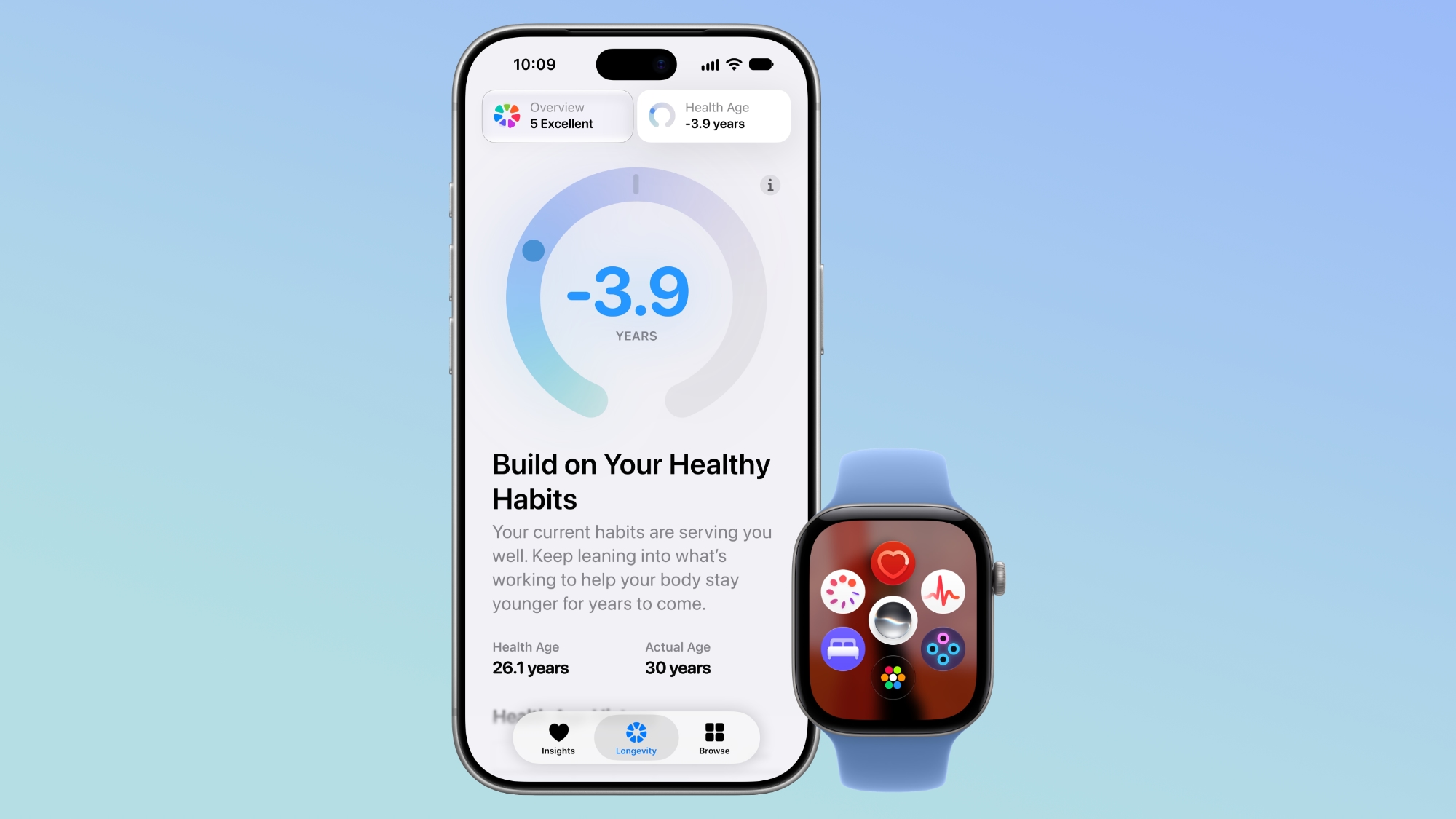
Meanwhile, Apple’s broader ecosystem continues to evolve. The iOS 27.3 beta, for instance, introduced a refreshed Health app with AI insights—an example of how software enhancements can offset hardware limitations in certain use cases. Readers interested in the latest iOS developments can explore the details in our coverage of the iOS 27.3 Beta Restores Health App with AI Insights. Similarly, the new Siri AI capabilities in iOS 27.3 may eventually leverage the iPad’s display improvements for richer visual feedback, as discussed in our article on Siri AI Gains New App Actions and Languages in iOS 27.3. Finally, the iPhone Duo’s recent reachability feature showcases Apple’s focus on ergonomics across devices, a theme that resonates with the iPad mini’s compact form factor (iPhone Duo Gains Reachability in iOS 27.3 Beta).
FAQ
Q: Does the OLED panel eliminate all motion blur? A: OLED’s faster pixel response reduces ghosting, but motion blur caused by
Q: Does the OLED panel eliminate all motion blur? A: OLED’s faster pixel response reduces ghosting, but motion blur caused by the temporal nature of a 60 Hz refresh still exists. When the screen updates only every 16.7 ms, fast‑moving content can appear smeared even though each pixel settles quickly. In practice, the blur is less pronounced than on an LCD of comparable refresh rate, but it is not completely gone.
Q: Will the iPad mini 8’s battery last longer because of OLED? A: OLED can be more efficient when the UI is dark, because black pixels are simply turned off. However, the higher peak brightness (up to 1,200 nits for HDR) and the tendency for users to push HDR video will offset many of those savings. Early battery‑runtime tests show roughly the same endurance as the previous LCD‑based mini—about 10 hours of mixed‑use video playback.
Q: Can iPadOS automatically boost frame rates on a 60 Hz display?
A: iPadOS 17 introduced the CADisplayLink API, which lets apps query the native refresh rate and adjust animation timing. The OS itself does not “up‑sample” frames, but developers can design their UI to run at 60 fps with smoother easing curves, mitigating the perceived gap between 60 Hz and 120 Hz.
Q: Is the Apple Pencil’s latency noticeably higher on the mini 8? A: The Pencil’s reported latency on the mini 8 is around 21 ms, compared with 19 ms on the 120 Hz iPad Pro models. The difference is subtle but perceptible for fine‑detail drawing; the line may feel a fraction less immediate, especially during rapid strokes.
Q: Does the lack of Pro Motion affect AR experiences? A: ARKit relies on camera frames and sensor data rather than display refresh rate, so the core tracking remains unchanged. However, the visual overlay can appear less fluid, and fast head‑or hand‑movement can introduce a slight lag in how the virtual objects update on screen.
Q: Will future iPad mini revisions likely get a 120 Hz panel? A: Industry supply‑chain reports suggest that 60 Hz OLED panels are currently more cost‑effective for Apple’s volume‑priced devices. If component pricing improves or Apple decides to position the mini as a “creative‑grade” tablet, a 120 Hz upgrade could appear in the next generation.
Bottom Line
Apple’s decision to pair an OLED display with a 60 Hz panel on the iPad mini 8 is a classic case of “partial progress.” The visual leap—true blacks, higher peak brightness, and a dramatic contrast ratio—makes everyday media consumption feel premium, and the faster pixel response does soften the classic LCD‑style smear. Yet the omission of Pro Motion is felt in the most interactive scenarios: stylus work, fast scrolling, and gaming. For users who primarily read, browse, or watch video, the upgrade may feel more than sufficient. For creators, gamers, and power users who thrive on buttery‑smooth motion, the missing 120 Hz still represents a noticeable shortfall.
In a market where competitors are already offering 120 Hz OLED tablets at comparable price points, Apple’s trade‑off feels like a missed opportunity rather than a strategic compromise. The iPad mini 8 will undoubtedly sell—its compact size, ecosystem integration, and OLED visual fidelity are compelling. But the conversation around “OLED solves everything” will likely persist until Apple either introduces a true 120 Hz panel or provides a software‑level solution that convincingly bridges the gap.
Verdict: The iPad mini 8 is a solid, visually stunning tablet that finally catches up to modern display standards, but the lack of Pro Motion keeps it from being the definitive small‑tablet experience for power users. If you can live with a touch of judder in high‑speed tasks, it’s a worthwhile upgrade; if you demand the smoothest possible interaction, you may need to look at the iPad Air 6 or the iPad Pro line instead.
Source: Original Article