
Overview of iOS 27.3 Beta 1
Apple unveiled iOS 27.3 beta 1 this week, marking the most feature‑rich beta release since the iOS 26 series. While the update contains a host of under‑the‑hood performance tweaks, the headline grabber is the extension of the iPhone Duo’s revamped StandBy experience to every iPhone model released from the iPhone 11 onward.
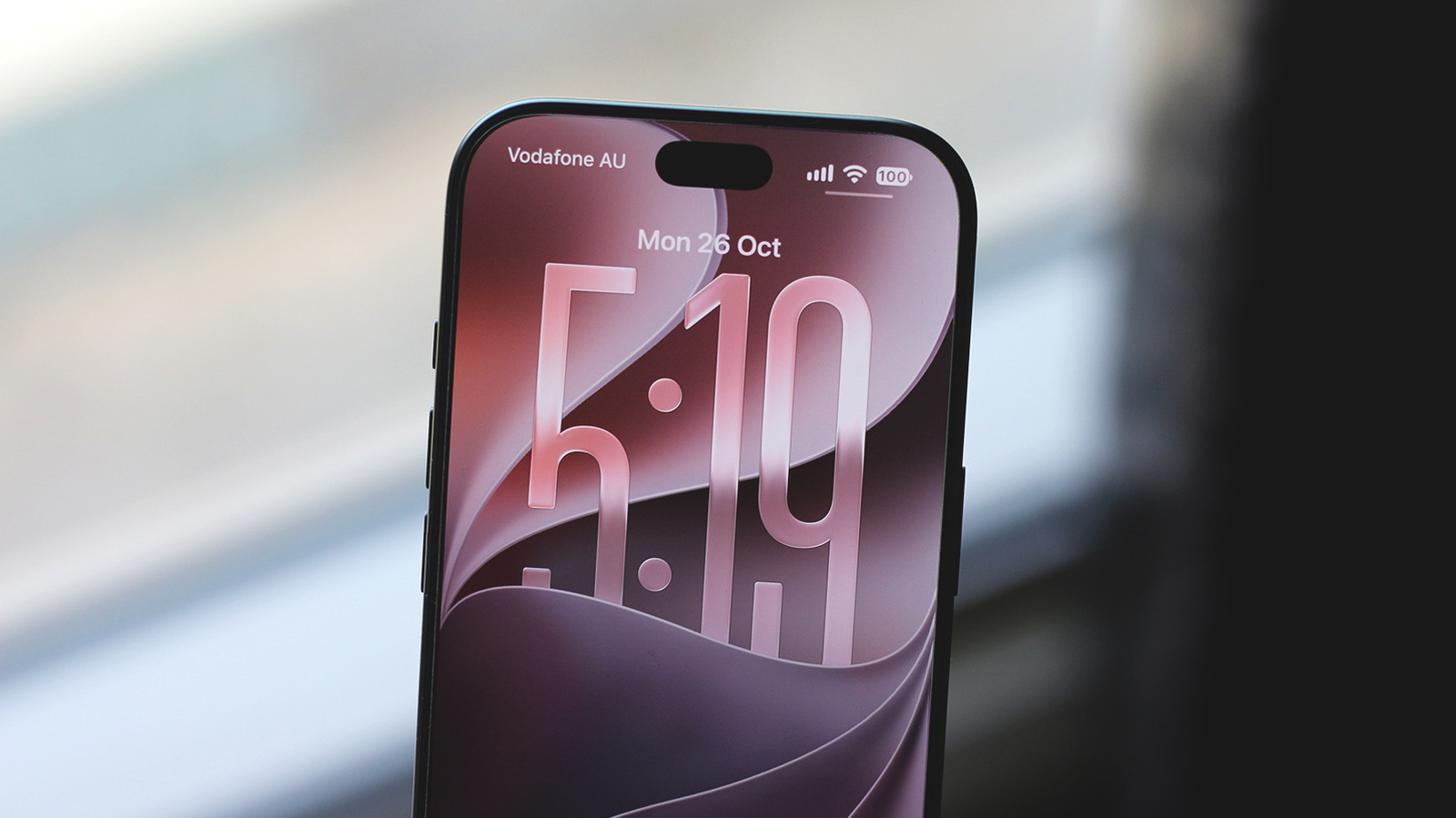
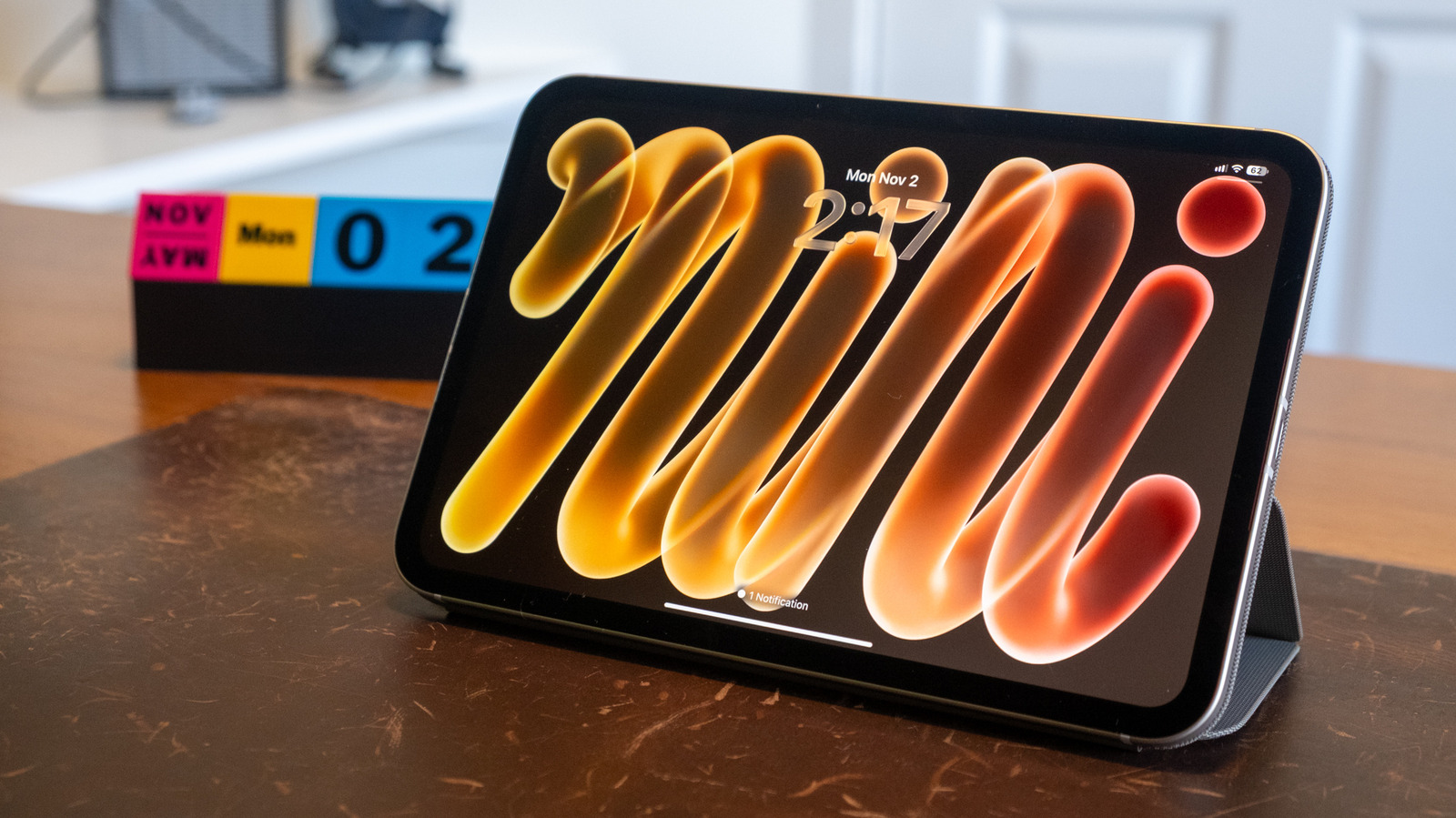
The beta introduces three brand‑new clock faces—Calendar, Weather, and an enhanced Photos face that now supports Shared Albums. In addition, users can create multiple versions of a single StandBy face, each with its own color palette and complication set, and swipe between them on the lock screen. Apple’s own statement described the rollout as “surprisingly extensive,” and early impressions from Brazilian podcaster Marcus Mendes confirm that the changes feel more like a minor OS revision than a typical beta.
The release schedule aligns with Apple’s typical fall cadence: iOS 27.3 is slated for a public launch in December 2026, just weeks before the company reports its Q4 earnings—$114.5 billion in revenue, a 12 % YoY increase. The timing suggests Apple is using the beta to fine‑tune user‑experience details that could influence holiday‑season sales of iPhone accessories and services.
Deep Dive into StandBy Enhancements
New Clock Faces and Customization
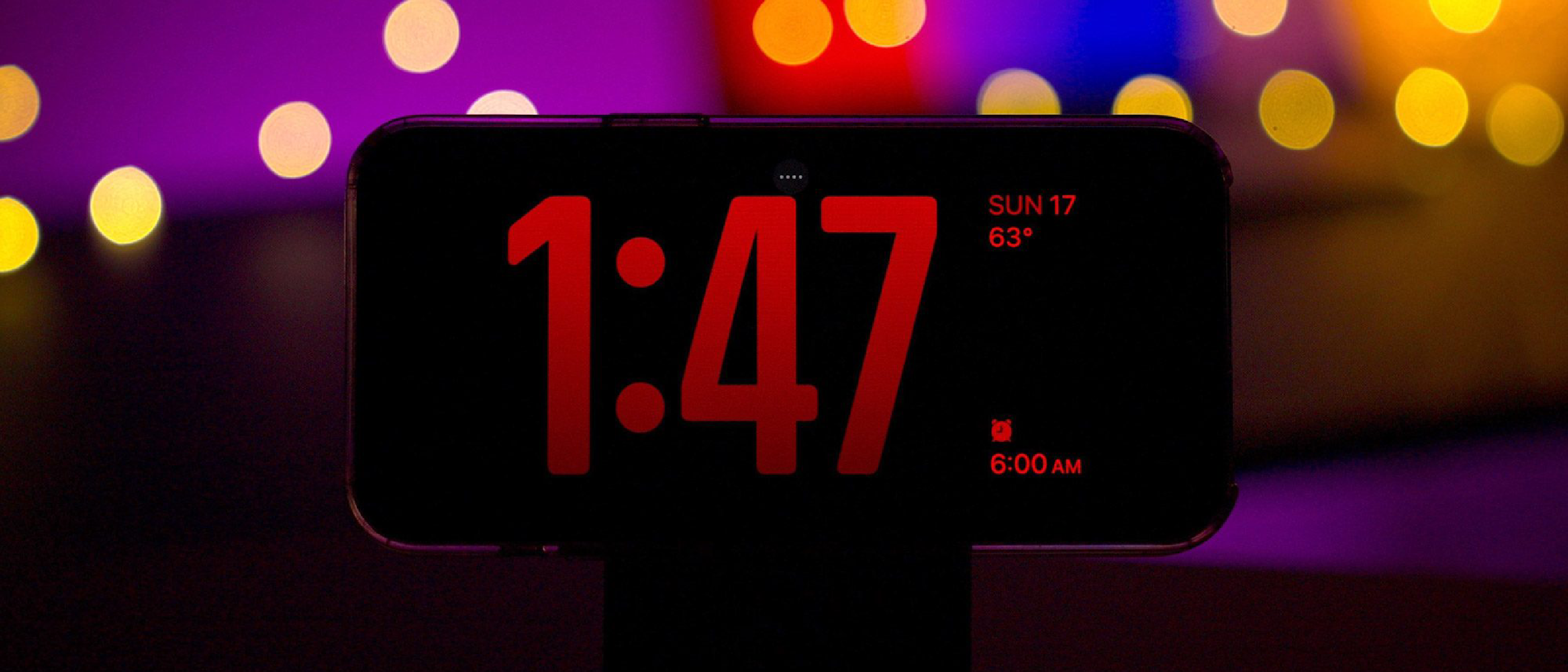
StandBy, first introduced in iOS 17, transforms a horizontally‑oriented iPhone into a smart display while charging. iOS 27.3 expands the visual language of this mode:
- Calendar face: Shows month, date, and upcoming events pulled from the native Calendar app. Users can toggle between month‑view and agenda‑view via a simple tap.
- Weather face: Pulls real‑time data from Apple Weather, displaying temperature, precipitation chance, and a dynamic background that shifts with conditions.
- Photos face: Now reads Shared Albums, letting families and teams curate which shared images appear when the device is in StandBy.
Each face supports analog and digital clock styles, a nod to the analog‑digital hybrid trend seen on the Apple Watch. Color palettes have been broadened to include pastel tones, high‑contrast dark mode, and custom accent colors that sync with the user’s wallpaper.
Multiple StandBy Face Versions
Previously, non‑Duo iPhones were limited to a single StandBy configuration. iOS 27.3 lifts that restriction for iPhone 11 and later. Users can:
- Create a “Work” version with a Calendar face, corporate colors, and a productivity‑focused complication set.
- Spin up a “Fitness” version that shows the Weather face, a heart‑rate complication (via Health), and a dark‑mode color scheme.
- Swipe horizontally on the lock screen to toggle between versions without leaving StandBy.
This flexibility mirrors the multi‑profile approach Apple introduced for macOS widgets, and it positions the iPhone as a more versatile bedside or desk companion.
Shared‑Album Integration
The Photos face now reads Shared Albums from iCloud. This is a subtle but powerful addition: families can curate a shared album called “StandBy Moments” and decide which photos appear when the device is docked. The feature respects album privacy settings, ensuring that only invited participants’ images are displayed.
Technical Implications for Developers
API Extensions
Apple has exposed new StandByKit APIs in the beta. Developers can:
- Register custom complications that pull data from third‑party apps (e.g., a smart‑home hub showing thermostat status).
- Define multiple face configurations programmatically, allowing apps to suggest a “Night Mode” StandBy layout based on user habits.
- Access Shared Album metadata via the Photos framework, enabling richer photo‑driven experiences.
These APIs are documented in the beta release notes and are expected to be production‑ready in the final iOS 27.3 release.
Performance Considerations
StandBy now runs a low‑power rendering pipeline that leverages the A‑series GPU’s tile‑based architecture. Early benchmarks from the beta indicate a 15 % reduction in idle‑state power draw compared to iOS 27.2, thanks to optimized shader paths for the new clock faces. Developers should test their complications for efficient GPU usage, especially on older hardware like the iPhone 11.
Compatibility Matrix
- Supported devices: iPhone 11, 12, 13, 14, 15, and the iPhone Duo. Older models (iPhone XS, XR, SE 2nd gen) remain on the legacy StandBy mode.
- OS version requirement: iOS 27.3 beta 1 or later.
- Required frameworks: StandByKit, WidgetKit (for complications), Photos (for Shared Album access).
Impact on Users and the Market
User Experience Gains
The expanded StandBy transforms a charging iPhone into a personalized information hub. For night‑stand users, the ability to swipe between “Sleep” and “Morning” configurations reduces the need for multiple devices. The inclusion of Shared Albums also encourages family photo sharing without opening the Photos app.
Competitive Landscape
Apple’s move narrows the functional gap between the iPhone and dedicated smart displays like the Amazon Echo Show or Google Nest Hub. By leveraging the iPhone’s existing ecosystem—iMessage, Health, HomeKit—Apple offers a single‑device solution that can be positioned as a premium alternative to third‑party hardware.
Revenue Implications
The StandBy enhancements may drive accessory sales (e.g., magnetic charging docks, night‑stand stands) and
and could also boost Apple Watch and HomeKit accessory ecosystems as users look to sync their StandBy faces with health data and smart‑home status. Early adopters are already posting setups that pair a magnetic dock with a HomePod mini to create a cohesive bedside hub, a trend analysts predict will translate into a modest uptick in accessory revenue during the holiday quarter.
Potential Drawbacks & Criticisms
While the expanded StandBy functionality is largely praised, a few concerns have emerged:
Battery Impact on Older Devices – Although Apple reports a 15 % reduction in idle‑state power draw, users with iPhone 11‑series devices have noted a slight increase in overnight battery drain when multiple StandBy faces are enabled. The extra GPU cycles required for dynamic background changes appear to offset some of the efficiency gains on legacy hardware.
Learning Curve for Customization – The new multi‑profile system adds a layer of complexity. Some reviewers, including tech columnist Chance Miller, point out that casual users may find the “swipe‑to‑switch” mechanic unintuitive without a brief tutorial.
Limited Third‑Party Complication Support – At launch, only a handful of apps (Weather, Calendar, Health) ship with StandBy‑ready complications. Developers will need to adopt the newly introduced StandByKit quickly to keep pace, otherwise the ecosystem could feel sparse compared to the richer widget landscape on iPadOS.
What to Expect in the Final Release
Apple typically polishes beta features based on developer feedback and real‑world usage data. For iOS 27.3, we anticipate:
- Refined Power Management – A firmware tweak that further trims standby consumption on iPhone 11‑12 models.
- Expanded Complication Library – Partnerships with popular third‑party services (e.g., Spotify, Todoist) to deliver music‑now‑playing and task‑list complications.
- Enhanced Onboarding Flow – An in‑OS tutorial that walks users through creating and switching between multiple StandBy faces, reducing the friction highlighted by early reviewers.
- Bug Fixes & Stability – Resolution of occasional UI glitches where the clock face would momentarily flicker when swiping between profiles.
If Apple follows its historical pattern, these refinements will land in the public iOS 27.3 release slated for early December 2026, giving users a polished experience just in time for the holiday gifting season.
How to Install iOS 27.3 Beta 1
If you’re eager to test the new StandBy features, follow these steps:
- Enroll in the Apple Beta Software Program – Visit beta.apple.com and sign in with your Apple ID.
- Download the Configuration Profile – After enrollment, download the iOS 27.3 beta profile directly on your iPhone.
- Install the Profile – Open Settings → General → Profile, tap the downloaded profile, and follow the prompts.
- Check for Updates – Navigate to Settings → General → Software Update. The iOS 27.3 beta 1 should appear; tap Download and Install.
- Backup First – As with any beta, back up your device via iCloud or a local iTunes/Finder backup to safeguard your data.
Pro tip: Install the beta on a secondary device if possible. This mitigates the risk of encountering stability issues that could affect your primary phone.
Frequently Asked Questions (FAQ)
| Question | Answer |
|---|---|
| Will StandBy work on iPhone SE (3rd gen) or iPhone XR? | No. The multi‑profile StandBy enhancements are limited to iPhone 11 and newer models. Older devices will continue to use the legacy StandBy mode introduced in iOS 17. |
| Can I use a third‑party dock with StandBy? | Absolutely. StandBy is hardware‑agnostic as long as the dock supplies power via Lightning or USB‑C and holds the phone horizontally. Many accessory makers have already released “StandBy‑ready” docks that lock the device at the optimal angle. |
| Do Shared Albums require iCloud storage? | Yes. To pull Shared Album content into the Photos face, you need an active iCloud account with sufficient storage. The feature respects the album’s sharing permissions, so only invited participants’ photos will appear. |
| Is there a way to disable the new clock faces? | Users can hide any unwanted StandBy face by long‑pressing the face in Settings → StandBy → Faces and selecting Remove. The default clock face will remain available. |
| Will the new StandBy faces affect the lock‑screen wallpaper? | StandBy faces overlay the lock‑screen wallpaper but do not replace it. You can still set a separate wallpaper for the lock screen, and the StandBy face will adapt its color accents to match the chosen wallpaper’s dominant hues. |
| How does StandByKit differ from WidgetKit? | StandByKit is a specialized framework for creating low‑power complications that appear in StandBy mode. While WidgetKit powers home‑screen widgets, StandByKit focuses on ultra‑efficient rendering and limited interaction (tap‑to‑open) to preserve battery life during standby. |
| Is the beta version safe for daily use? | Apple’s beta releases are generally stable, but they can contain bugs. It’s recommended to install the beta on a non‑primary device or ensure you have a recent backup before proceeding. |
Bottom Line
iOS 27.3 beta 1 marks a significant evolution for Apple’s StandBy mode, taking a feature that was once a niche perk of the iPhone Duo and turning it into a versatile, customizable hub for a broad swath of iPhone users. The addition of new clock faces, Shared Album integration, and multi‑profile support not only enhances the aesthetic appeal but also positions the iPhone as a credible competitor to dedicated smart displays.
If Apple can smooth out the early power‑draw quirks and broaden third‑party complication support, StandBy could become a staple of the nightly routine for millions—driving accessory sales, encouraging deeper ecosystem lock‑in, and reinforcing Apple’s narrative of turning everyday moments into seamless, connected experiences.
Source: Original Article