What’s New in Safari 27.3
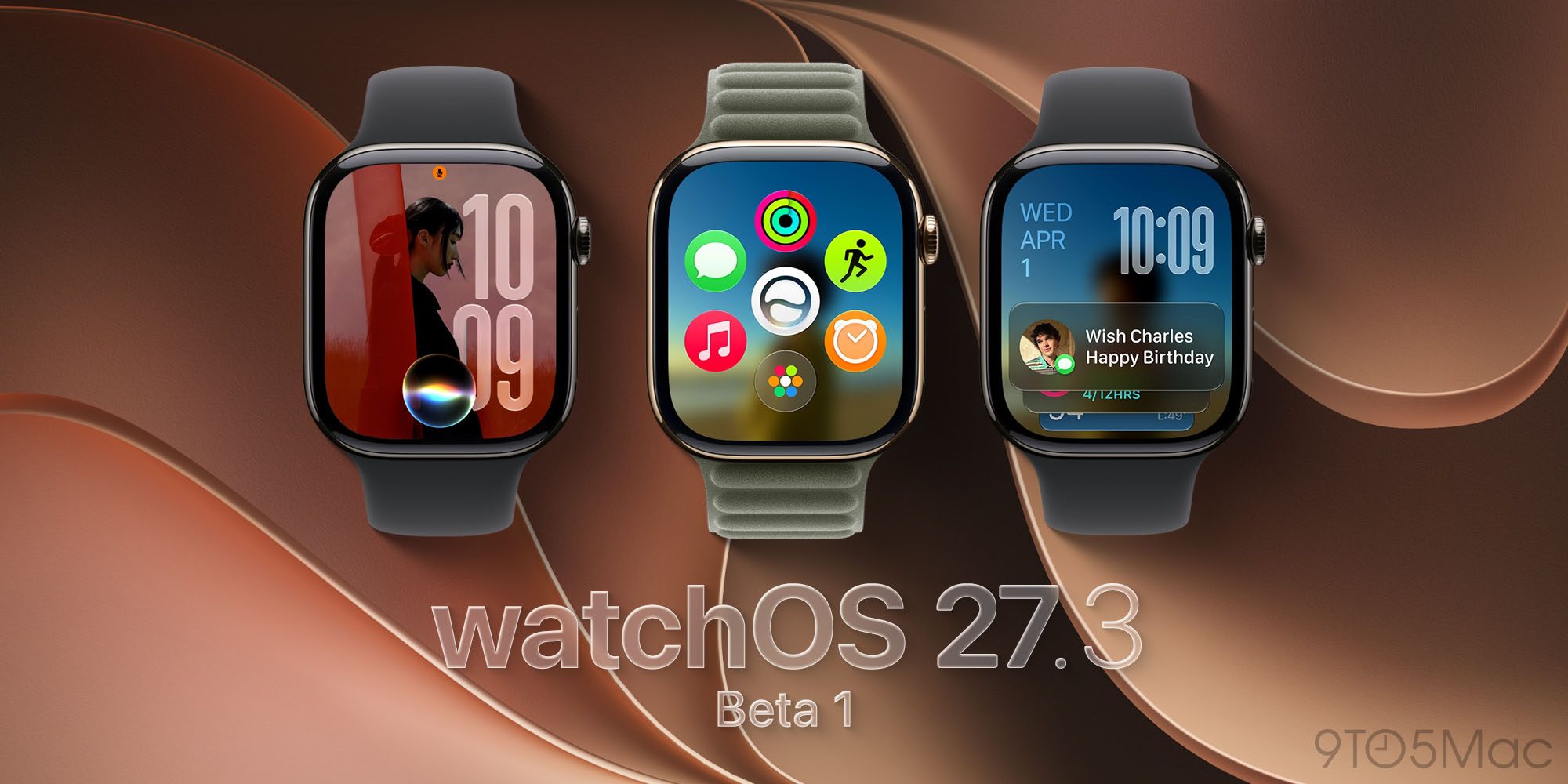
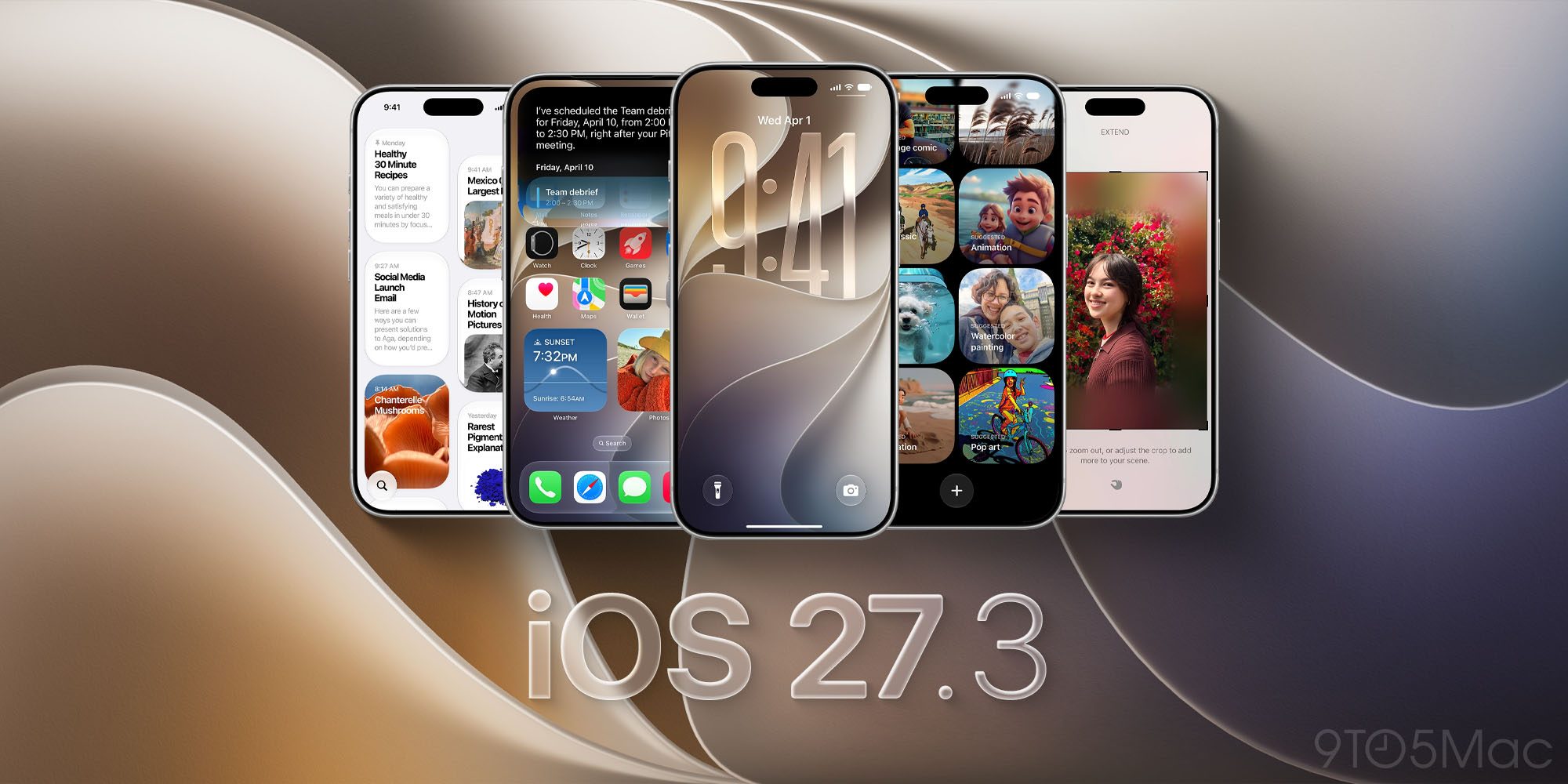
Apple’s latest beta wave—iOS 27.3, iPadOS 27.3, and macOS 27.3—places Safari at the center of a broader UI overhaul. Three headline features arrive together:
- Vertical Tabs – a left‑hand pane that mimics the layout pioneered by Arc, but now native to Apple’s browser stack.
- Adaptive Dark Mode – an on‑the‑fly dark‑theme engine that forces dark styling on sites that lack native support.
- Siri AI Custom Actions – a set of voice‑driven commands that let users rearrange, sort, and close tabs without touching the screen.
All three are toggled via Settings on iOS/iPadOS or the View menu on macOS, meaning developers and power users can test them immediately. Chance Miller of 9to5Mac has already urged readers to share their impressions, signaling that community feedback will shape the final public release slated for December 2026.
Technical Deep Dive: Vertical Tabs Architecture
Why vertical tabs matter
Historically, Safari has relied on a horizontal tab strip that collapses into a compact “tab overview” when space runs low. The new vertical layout solves two long‑standing pain points:
- Screen real‑estate on large displays – on a 27‑inch iMac or a 12.9‑inch iPad Pro, the horizontal bar consumes precious vertical pixels that could otherwise display content.
- Scalability for power users – developers, researchers, and writers often keep dozens of tabs open. A vertical list can accommodate more entries without the need for scrolling.
Implementation details
Apple’s engineering team re‑used the existing TabBar component but introduced a new TabListView controller that renders tabs as a scrollable NSTableView (macOS) or UICollectionView (iOS/iPadOS). Key technical choices include:
- Lazy loading of tab thumbnails – thumbnails are generated on demand, reducing memory pressure when hundreds of tabs are open.
- Icon‑first default – each tab shows only the site’s favicon, a design decision that mirrors the “compact” mode in Chrome’s vertical tabs. Users can expand the pane to reveal titles, a setting stored in
NSUserDefaultsfor persistence across devices via iCloud. - Touch‑optimized gestures – on iPadOS, a three‑finger swipe left/right reorders tabs, while a long‑press brings up a context menu with “Move to New Window” and “Pin Tab” actions.
The architecture is deliberately modular, allowing Apple to roll out future enhancements (e.g., tab groups) without a full UI rewrite.
Adaptive Dark Mode: How It Works
Dark mode has become a default expectation, yet a sizable portion of the web still ships only light‑theme CSS. Apple’s Adaptive Dark Mode bridges that gap by applying a CSS filter stack at runtime.
Core pipeline
- Site detection – When a page loads, Safari checks the
prefers-color-schememedia query. If the site does not declaredark, the engine flags it as “non‑dark”. - User prompt – A subtle “Try Dark Mode” button appears in the address bar. Users can accept globally (apply to all future non‑dark sites) or per‑site.
- Dynamic stylesheet injection – Safari injects a generated stylesheet that inverts colors, adjusts contrast, and swaps light‑colored images with dark‑mode equivalents when available. The algorithm respects the WCAG 2.1 contrast ratio guidelines, ensuring readability.
- Performance considerations – The transformation runs on the GPU via Core Animation, adding less than 5 ms of latency on modern Apple silicon.
Limitations and future roadmap
The current version only manipulates visible elements; hidden DOM nodes (e.g., content loaded after scroll) inherit the dark styling automatically, but complex SVGs may require manual tweaking. Apple has hinted that a future update will let Siri “see” the entire page content, which could enable more granular dark‑mode decisions based on context.
Siri AI Custom Actions: Browser Automation by Voice
Siri’s evolution from a simple voice assistant to a contextual AI has reached a new milestone with Safari 27.3. The “Custom Actions” feature exposes a set of intents that map directly to tab management.
Available commands today
| Command | Effect |
|---|---|
| “Close all tabs” | Terminates every open tab in the current window |
| “Move the first tab to the end” | Reorders the tab list |
| “Sort tabs alphabetically” | Arranges tabs by page title |
| “Pin the current tab” | Locks the tab in the left‑most position |
These intents are defined in the SiriKit extension com.apple.safari.tabmanagement. Developers can add their own custom intents via the new SFSiriIntent API, opening a path for third‑party extensions that could, for example, “Search my open tabs for ‘invoice’”.
On‑screen awareness
The next iteration, as quoted by Apple’s release notes, will expand Siri’s awareness to the entire page content, not just the viewport. Technically, this means Safari will expose the full DOM tree to the Siri engine, enabling commands like “Highlight every heading that contains ‘2026’” or “Copy the first paragraph of this article”. The privacy model remains sandboxed: Siri only receives a hashed representation of the page, preserving user data confidentiality.
Industry Impact and Competitive Landscape
Apple vs. The Browser Company (Arc)
Arc introduced vertical tabs in 2022 and quickly built a niche following among developers. However, The Browser Company announced the discontinuation of Arc in December 2026, citing resource constraints. Apple’s adoption of a similar layout effectively absorbs Arc’s most distinctive UI innovation, potentially consolidating the browser market around Safari on Apple hardware.
Dark‑mode competition
Google Chrome already offers an “Auto Dark Mode for Web Contents” flag, but it is experimental and often produces visual artifacts. Firefox’s “Dark Reader” extension provides a comparable experience, yet it remains third‑party. Apple’s native Adaptive Dark Mode, integrated at the engine level, promises a smoother, more consistent experience across iOS, iPadOS, and macOS.
Siri AI as a differentiator
While Microsoft Edge leverages Cortana for limited voice actions, Apple’s Siri integration is deeper because it can invoke system‑wide shortcuts and now directly manipulate browser state. This could shift power‑user workflows toward voice‑first interactions, especially on devices like the Vision Pro where hands‑free control is a core use case.
Ripple effects on peripheral hardware
The new Safari features dovetail with Apple’s broader hardware strategy. For instance, the USB‑C port on the latest iPhone models now supports “DisplayPort Alternate Mode”, enabling external monitors that can display the vertical tab pane in a dedicated window. Readers interested in the hardware side can explore our guide on USB‑C capabilities: Your Phones Usb C Port Does A Lot More Than Just Charge Heres What Else It Can Do
Similarly, the adaptive dark mode may reduce screen power consumption on OLED displays, a factor that aligns with Apple’s sustainability goals. For developers concerned about security implications of AI‑driven browser actions, our analysis of macOS security tools—such as Intego One—offers useful context: Your Mac Isnt Immune To Viruses Surveillance Tools Intego One Is Here To Help
Frequently Asked Questions
Q1: Can I enable vertical tabs on older Safari versions? A: No. The feature is exclusive to iOS 27.3, iPadOS 27.3, and macOS 27.3 betas. Older versions will continue to use the horizontal tab bar.
Q2: Does Adaptive Dark Mode affect website performance? A: The transformation runs on the GPU and adds negligible latency. However, heavily animated sites may see a slight increase in CPU usage due to additional style recalculations.
Q3: Is Siri’s tab‑management data stored locally? A: Yes. Siri processes tab intents locally on the device. Only anonymized usage metrics are sent to Apple for improvement, respecting the on‑device privacy model.
Q4: Will third‑party browsers on iOS be able to use these Safari APIs? A: Apple’s WebKit engine powers all iOS browsers, but the vertical‑tab UI and Adaptive Dark Mode are Safari‑specific. Third‑party browsers can implement similar functionality using public WebKit APIs, but they won’t receive the native system integration.
Q5: How does this update relate to Apple’s Q4 2026 revenue growth? A: While the beta itself doesn’t generate direct revenue, the enhancements reinforce the ecosystem lock‑in that contributed to the reported $114.5 billion Q4 revenue—a 12 % YoY increase.
Looking Ahead: What to Expect After the Public Release
Apple’s roadmap suggests that the next macOS 27.4 update will refine Siri’s on‑screen awareness and introduce “Tab Groups” that sync across devices via iCloud. Developers should monitor WWDC 2027 sessions for deeper insights into the SFSiriIntent extensions and the upcoming “Web Content Darkening API”.
For power users, the immediate takeaway is clear: the beta provides a tangible productivity boost, especially for research‑heavy workflows. Early adopters can experiment with vertical tabs, test Adaptive Dark Mode on legacy sites, and explore Siri‑driven tab automation—all while feeding valuable data back to Apple.
As the browser landscape consolidates around Safari’s new capabilities, the next few months will be a critical period for competitors. If Arc’s discontinuation signals a shift toward native vertical tab implementations, we may see Chrome and Firefox accelerate similar UI experiments. Meanwhile, Apple’s integration of AI and UI redesigns positions Safari as a more compelling default browser for the entire Apple ecosystem.
Source: Original Article