



Introduction
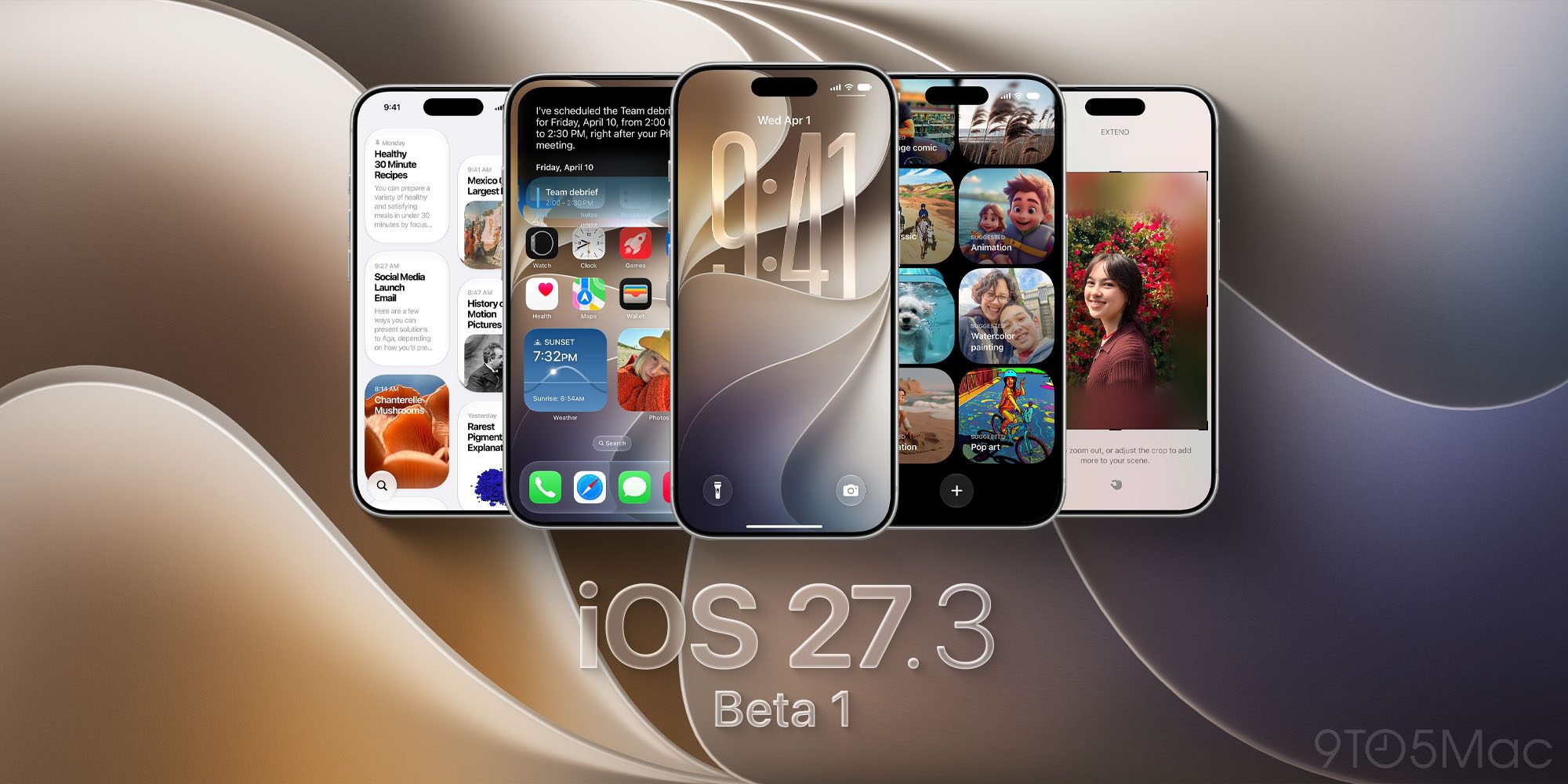
Apple’s latest iOS 27.3 update, unveiled by MacRumors.com, brings StandBy mode to every iPhone 11 and newer. Originally a niche feature on the iPhone Duo, StandBy now offers a richer set of faces—analog and digital clocks, photos, calendar, and weather—alongside enhanced customization. The update also introduces vertical tabs in Safari, a redesigned Health app, and selective Apple Intelligence features in China. While the developer beta hit the market earlier today, the public release is slated for December.
Why It Matters
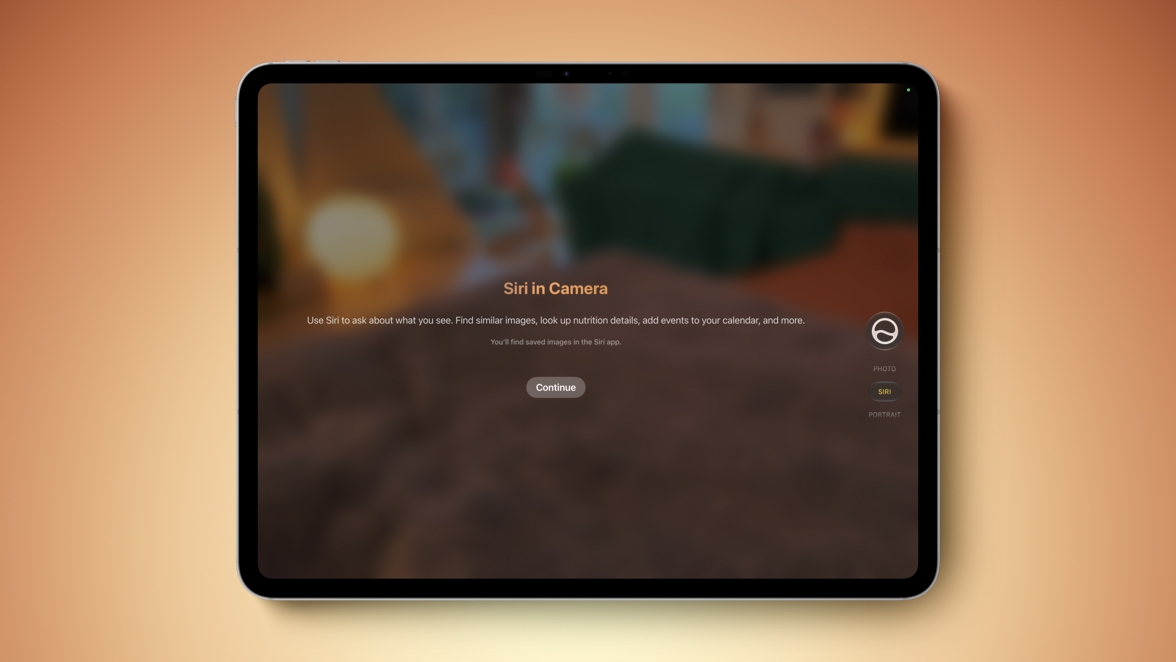
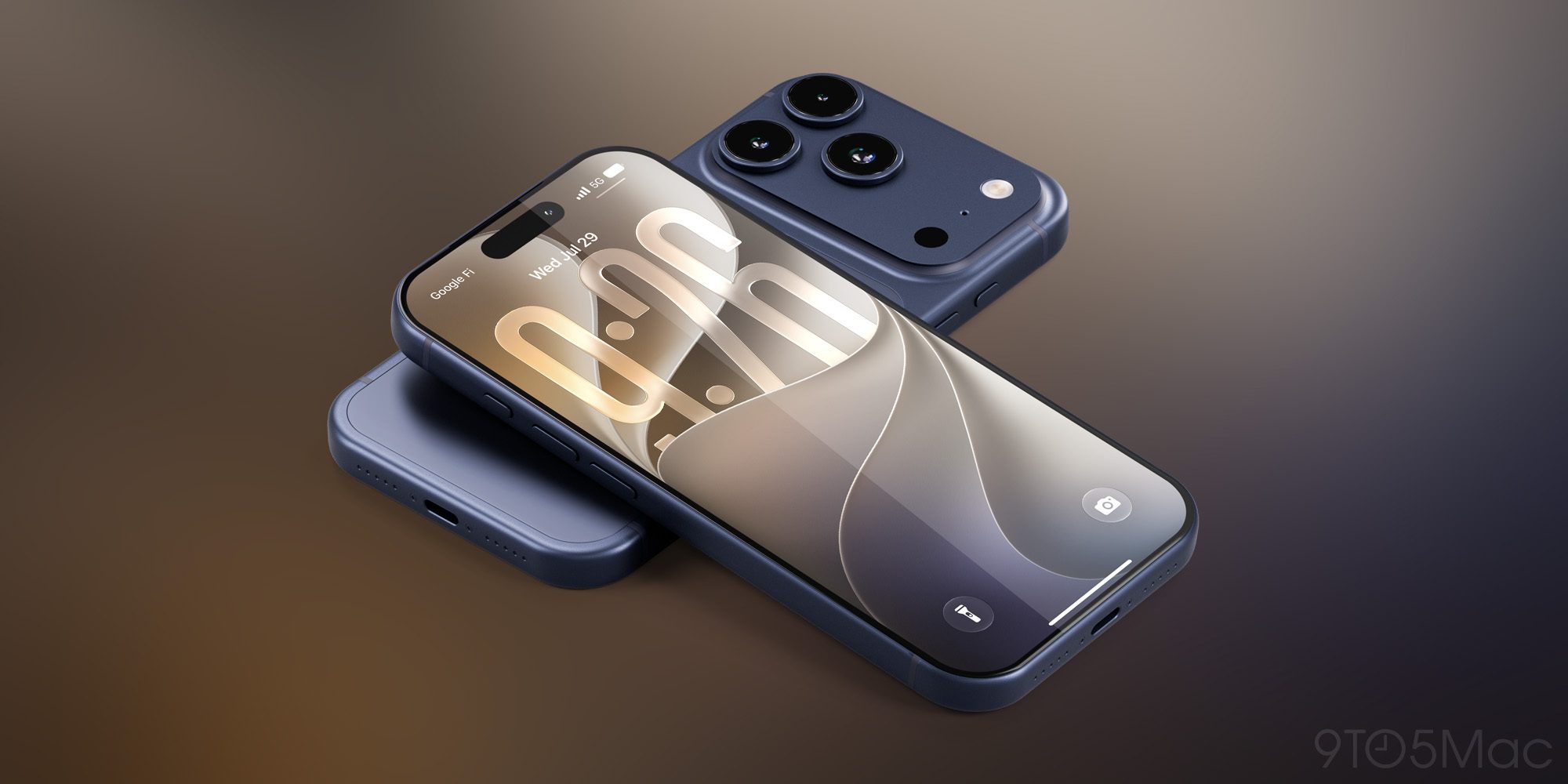
StandBy mode transforms a charging iPhone into a bedside or desk companion. By enabling a landscape orientation while plugged in, users can glance at time, weather, photos, or calendar events without unlocking the device. Expanding this functionality to the iPhone 11 and newer broadens the user base from a handful of Duo owners to the majority of iPhone users. This shift aligns with Apple’s strategy of turning the iPhone into a multi‑purpose hub, similar to how the iPad has evolved with iPadOS 27.3’s Siri Camera Mode. The move also dovetails with Apple’s broader focus on health and productivity, as evidenced by the Health app’s redesign and Safari’s vertical tabs, which aim to streamline daily workflows.
Technical Breakdown
StandBy Mode Architecture
StandBy operates when the device is in landscape mode and connected to a power source. The system boots a lightweight “standby” UI that runs in the background, consuming minimal power. Key components include:
- Display Controller: Switches to a low‑power mode that keeps the screen on while throttling refresh rates to 30 Hz for analog clocks and 60 Hz for dynamic faces.
- Face Manager: Handles creation, storage, and swiping between multiple face versions. Each face type (clock, photo, calendar, weather) is a lightweight widget that pulls data from system services.
- Power Management: Detects charging state via the USB‑C port, ensuring the display remains active only when the phone is plugged in. This ties into the USB‑C on Your Phone: More Than Just Charging and Data article, which explains how the port’s power delivery profile supports continuous display without draining the battery.
Face Customization
- Analog & Digital Clocks: Users can select from a palette of colors and complications (e.g., battery level, next event). The UI exposes a JSON schema that developers can extend for third‑party complications.
- Photos Face: Now supports Shared Albums, pulling images from iCloud Photo Library. The face fetches thumbnails asynchronously to keep the UI responsive.
- Calendar & Weather: These faces tap into the Calendar and Weather APIs, respectively, and display localized data. The Weather face also supports custom icons and temperature units.
- Multiple Versions: Users can create up to three versions per face type and swipe left or right to cycle through them. The system caches the most recent faces to reduce load times.
Integration with Other iOS 27.3 Features
- Safari Vertical Tabs: StandBy can display a quick preview of open Safari tabs, allowing users to switch tabs without unlocking the phone.
- Health App Redesign: The new Health UI can be added as a StandBy face, giving instant access to daily step counts or heart rate data.
- Apple Intelligence: In China, select AI features are enabled, potentially allowing predictive content on StandBy faces based on user habits.
Industry Impact
Apple’s decision to democratize StandBy mode signals a shift toward more pervasive device integration. Competitors such as Samsung and Google have long offered “always‑on” displays on their flagship phones, but Apple’s implementation is more tightly coupled with the ecosystem. By leveraging iCloud Photo Library, Calendar, and Weather services, Apple deepens its data moat, encouraging users to stay within its ecosystem for a seamless experience.
From a hardware perspective, the reliance on the USB‑C port for power and data underscores the importance of this connector. The USB‑C on Your Phone: More Than Just Charging and Data article highlights how the port’s power delivery and data lanes enable features like StandBy without compromising battery life.
Financially, the expansion of StandBy could drive incremental revenue through the App Store. Developers can create custom faces or companion apps that sync with StandBy, opening new monetization avenues. Apple’s Q4 2026 earnings report, which noted a record services revenue, suggests that such ecosystem enhancements could sustain growth in the services segment. For more context on Apple’s financial trajectory, see the Apple Q4 2026 Earnings: Stock Slip, Services Record article.
Future Outlook
StandBy’s expansion sets the stage for further innovations:
- Dynamic Content: Future updates may allow real‑time data feeds, such as news headlines or stock tickers, directly on the standby screen.
- Third‑Party Widgets: Apple could open the Face Manager API to developers, enabling custom widgets that integrate with third‑party services.
- Cross‑Device Sync: Synchronizing StandBy faces across iPhone, iPad, and Apple Watch could create a unified “bedside” experience.
- AI‑Driven Personalization: Leveraging Apple Intelligence, StandBy could adapt its face selection based on user routines, showing the most relevant information at the right time.
These possibilities echo the trajectory of iPadOS 27.3, which added Siri Camera Mode to the iPad, further blurring the lines between device categories. As Apple continues to push the envelope, users can expect StandBy to evolve from a simple clock to a fully integrated personal assistant.
FAQ
Q: Which iPhone models support the new StandBy mode? A: iOS 27.3 extends StandBy to all iPhone 11 and newer models, including the iPhone 12, 13, 14, and the latest 15 series.
Q: Does StandBy consume battery when the phone is not charging? A: StandBy activates only when the device is plugged into a power source. If the phone is not charging, the feature remains inactive, preserving battery life.
Q: Can I use custom images from my device in the Photos face? A: Yes, you can select any photo from your library, including Shared Albums, to display on the Photos face.
Q: Are there any privacy concerns with StandBy showing calendar or weather data? A: StandBy accesses only the data you have granted the system permission to use. Calendar and Weather faces rely on system services that respect user privacy settings.
Q: Will StandBy be available on iPad? A: StandBy is currently limited to iPhone. However, iPadOS 27.3 introduced Siri Camera Mode, indicating Apple’s interest in expanding similar features across devices.
Q: How do I enable StandBy mode? A: After installing iOS 27.3, place your iPhone in landscape orientation while it’s charging. The StandBy UI will appear automatically. You can customize faces in Settings > StandBy.
Source: Original Article