




Introduction to Dual Monitor Setup
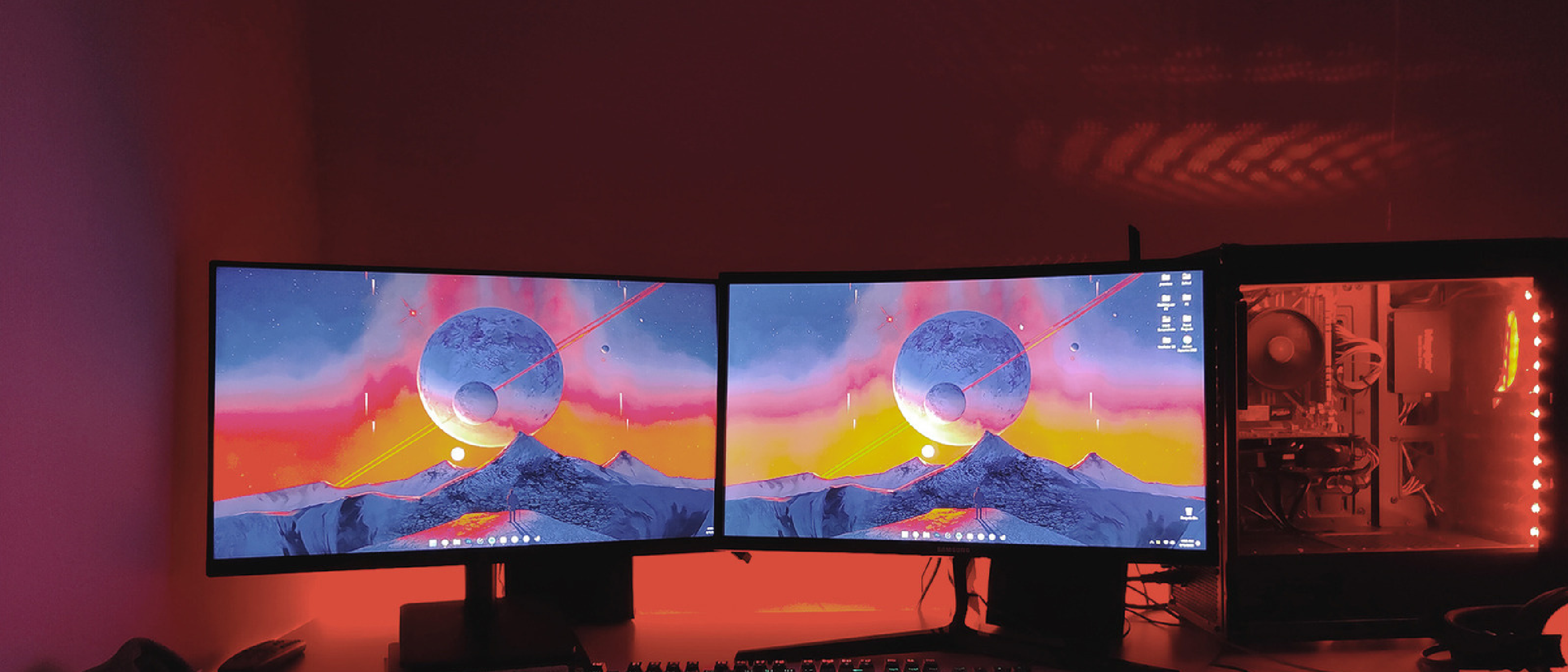
A dual monitor setup can significantly enhance your computing experience, especially for those who work from home or spend a lot of time at their desks. Adding another display to your setup can provide additional screen real estate, allowing you to have more windows open at the same time. This can be particularly beneficial for tasks that require multitasking, such as programming or writing.
Setting Up a Dual Monitor Setup
Setting up a dual monitor setup is relatively simple. You can plug the second monitor into an available DisplayPort or HDMI port on your computer. If you’re using a laptop with limited port options, a docking station can come in handy. For example, you can use a laptop as a second screen instead of docking it away with its lid shut, as discussed in the article on Wooting 60HE v2 Review .
Benefits of a Dual Monitor Setup
The biggest practical benefit of a dual monitor setup is the ability to have more windows open at the same time. This can increase productivity and reduce the need to constantly switch between windows. You can position the monitors side by side or stack one above the other, depending on your available desk space. Some workflows, such as programming or writing, can also benefit from having one monitor positioned vertically.
Choosing the Right Monitors
When choosing monitors for a dual monitor setup, it’s essential to consider factors such as size, resolution, refresh rates, and color balance. Ideally, you should choose monitors with matching specifications to ensure a seamless viewing experience. You can also use a laptop as a second monitor, but you’ll need to consider the differences in size and resolution between the two displays.
Using a Laptop as a Second Monitor
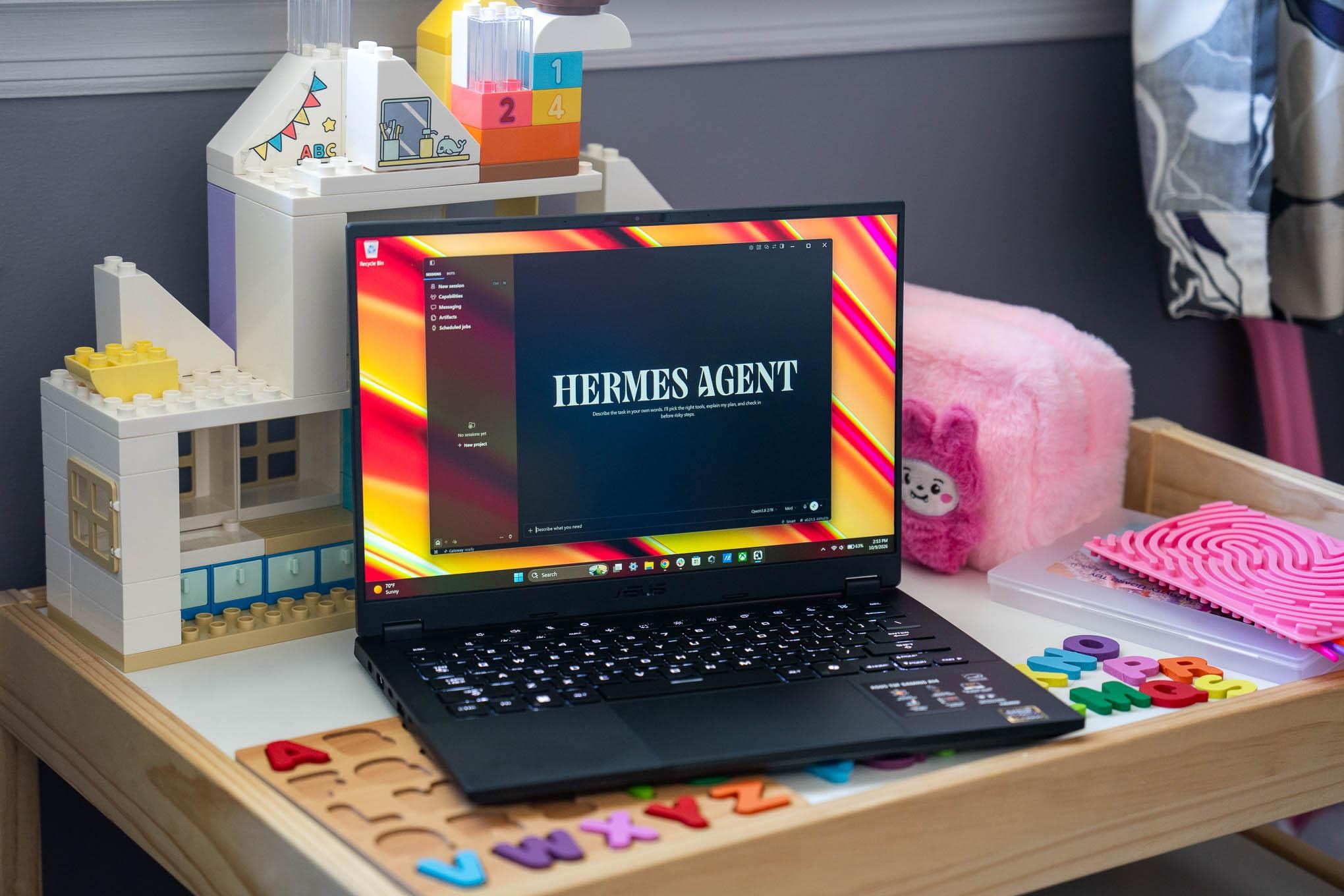
Using a laptop as a second monitor can be a cost-effective way to add another display to your setup. You can place the laptop directly underneath the main monitor, allowing you to use the laptop’s built-in keyboard and trackpad. This setup can also solve the problem of having to buy a separate webcam for video calls. However, you’ll need to get used to the differences in size and resolution between the two displays.
Conclusion
A dual monitor setup can be a valuable upgrade for anyone looking to enhance their computing experience. By providing additional screen real estate, a dual monitor setup can increase productivity and reduce the need to constantly switch between windows. Whether you choose to use two separate monitors or a laptop as a second monitor, the benefits of a dual monitor setup are clear. For more information on how to optimize your workflow, check out our article on Mac Antivirus Intego One . Additionally, you can learn more about the importance of having the right peripherals, such as keyboards, by reading our review of the Wooting 60HE v2 .
FAQ
- Q: What are the benefits of a dual monitor setup?
- A: A dual monitor setup can increase productivity, reduce the need to constantly switch between windows, and provide additional screen real estate.
- Q: How do I set up a dual monitor setup?
- A: You can set up a dual monitor setup by plugging the second monitor into an available DisplayPort or HDMI port on your computer, or by using a docking station.
- Q: Can I use a laptop as a second monitor?
- A: Yes, you can use a laptop as a second monitor by placing it directly underneath the main monitor and using the laptop’s built-in keyboard and trackpad.
- Q: What should I consider when choosing monitors for a dual monitor setup?
- A: You should consider factors such as size, resolution, refresh rates, and color balance to ensure a seamless viewing experience. You can also read about the latest developments in tech, such as the Valve’s Steam Machine , to stay up-to-date on the latest trends and innovations.
Source: Original Article