

Why Run Android Apps on a Windows PC?
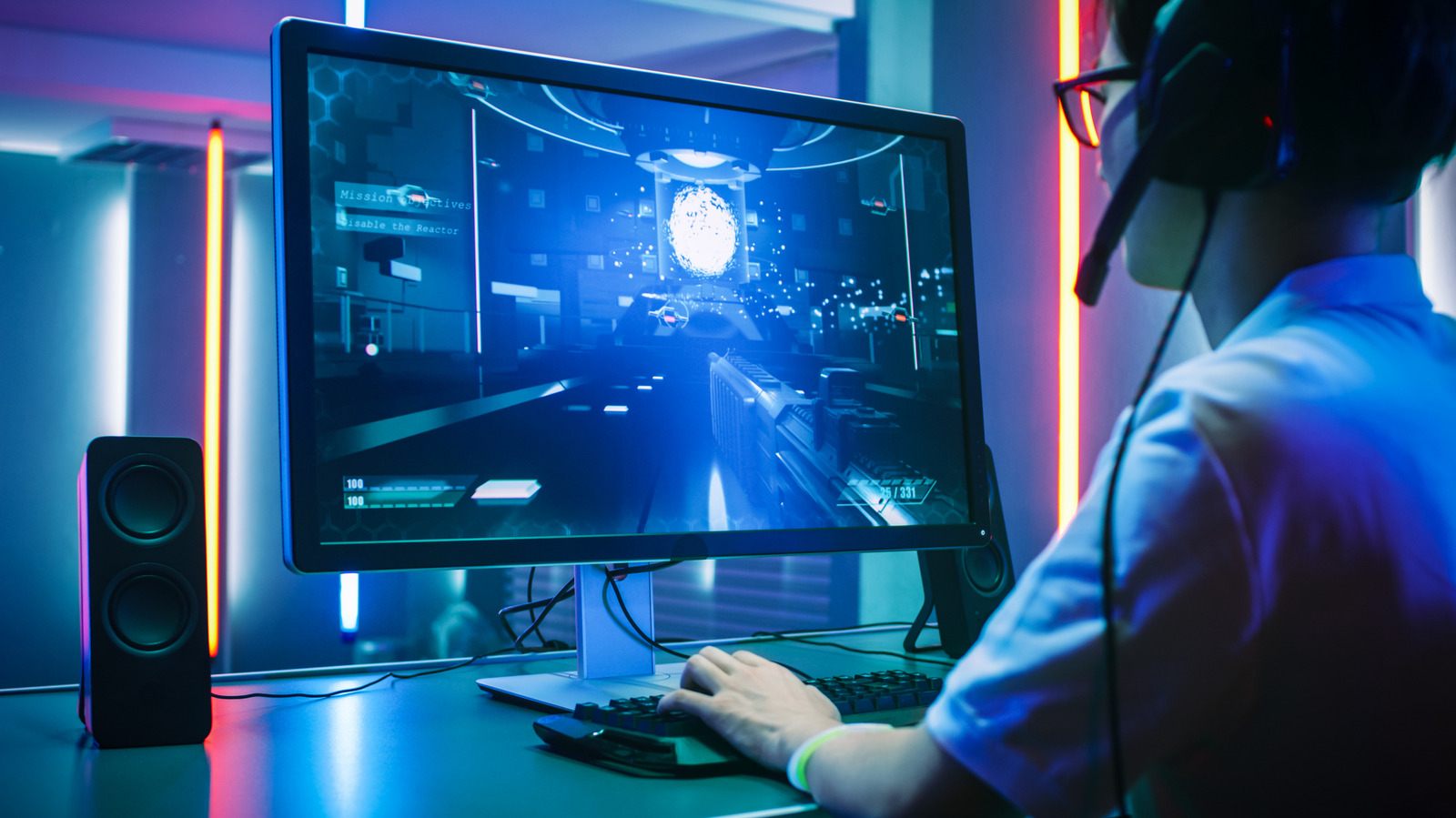
The appeal of bringing Android software onto a desktop environment goes beyond novelty. For gamers like Max Miller, the motivation is concrete: a mobile title such as Destiny: Rising feels cramped on a 6‑inch screen, throttled at 60 FPS, and limited to touch controls. A Windows PC equipped with an Nvidia RTX 4070 Ti Super can deliver higher frame rates, ultra‑wide resolutions, and precise mouse‑keyboard input—all without sacrificing the original mobile experience.
Beyond gaming, developers benefit from a native testing surface that mirrors real devices while leveraging the speed of a desktop CPU. Content creators can record gameplay or stream directly from the emulator, avoiding the extra step of capturing from a phone. Even everyday users find value in accessing Android‑only apps—Instagram, TikTok, or niche landlord‑portal tools—without juggling a separate handset.
In short, the convergence of mobile convenience and PC horsepower creates a workflow that satisfies performance‑hungry gamers, efficiency‑seeking professionals, and curious hobbyists alike.
Emulation Landscape: Tools and Trade‑offs
The market offers several pathways to run Android on Windows. Each solution balances ease of use, ad load, hardware demands, and ecosystem openness.
BlueStacks – The most recognizable Android emulator. It offers a polished UI and extensive game‑optimisation settings, but the interface is saturated with ads that can distract during long sessions. As Max Miller notes, “Bluestacks is a legitimate app, but it’s chock full of ads that it seems to prioritize over all else.”
Mu Mu Player – Developed by Net Ease, this free emulator recently upgraded to Android 15. It serves as a portal for Net Ease’s own titles and keeps advertising to loading screens only, making it a cleaner alternative for gamers who prefer a minimalist experience.
Google Play Games for PC – A lightweight virtual‑machine project that translates selected Android games directly to Windows. The catalog is limited to titles whose developers have opted in, such as Genshin Impact and Clash of Clans. Unfortunately, Destiny: Rising is not among the supported games, leaving power users to rely on full emulators.
Windows Subsystem for Android (WSA) – Microsoft’s native compatibility layer launched with Windows 11. WSA was discontinued in 2024, but its legacy informs current third‑party solutions that still emulate the same low‑level Android runtime.
Phone Link (Your Phone) – A casting utility that mirrors an Android device’s screen onto a Windows desktop. The app runs on the phone’s hardware, so it does not provide the performance boost that true emulation does, but it is useful for quick access to mobile productivity apps.
Choosing the right tool depends on the primary use case. Gamers chasing frame‑rate gains gravitate toward BlueStacks or Mu Mu, while developers may prefer the lightweight, API‑friendly environment of Google Play Games for PC.
Technical Deep‑Dive: How Emulators Work Under the Hood
At a high level, an Android emulator replicates the hardware stack of a smartphone inside a virtual machine (VM). The process can be broken into three layers:
CPU Emulation – Modern emulators leverage hardware‑accelerated virtualization (Intel VT‑x or AMD‑V) to run the ARM or x86 Android kernel directly on the host CPU. This eliminates the need for binary translation, dramatically reducing overhead.
GPU Pass‑Through – Graphics calls from the Android OpenGL ES layer are intercepted and translated to DirectX 12 or Vulkan calls that the Windows GPU driver can execute. Nvidia’s RTX 4070 Ti Super, for example, can render mobile shaders at native desktop resolutions, unlocking visual fidelity that the original device could never achieve.
Input Mapping – Touch events are mapped to mouse clicks or controller inputs. Emulators expose configurable key‑bindings, allowing titles like Destiny: Rising to be played with a full keyboard and mouse, effectively turning a mobile shooter into a PC‑style experience.
The “parallel instances” feature mentioned in the summary relies on spawning multiple isolated VMs, each with its own virtual device ID and storage sandbox. This is useful for managing multiple game accounts or separating work and personal app environments.
Performance Considerations and Hardware Pairings
While the statement “any computer made in the past decade can run an Android emulator” holds true for basic usage, high‑performance gaming demands a more robust setup.
CPU – A modern 8‑core processor (e.g., Intel i7‑13700K or AMD Ryzen 7 7700X) provides enough cores to allocate separate threads for the VM and the host OS, preventing frame drops.
GPU – The RTX 4070 Ti Super’s ray‑tracing cores are overkill for most mobile games, but they excel when upscaling textures or applying DLSS‑style super‑sampling. Users on mid‑range GPUs (RTX 3060) will still see a noticeable improvement over a tablet’s integrated graphics.
RAM – Allocate at least 4 GB of RAM to the emulator; 8 GB is recommended for parallel instances. Insufficient memory leads to stuttering and longer load times.
Storage – SSDs dramatically reduce app launch latency. Emulators store their virtual device images as large VHDX files; a fast NVMe drive ensures quick snapshot restores.
When comparing to the Samsung Galaxy Tab S10 Ultra, which caps at 60 FPS, a well‑tuned PC can push Destiny: Rising to 120 FPS with reduced input lag, delivering a smoother competitive edge.
Future Outlook: From Subsystems to Cloud Gaming
The discontinuation of Windows Subsystem for Android in 2024 signaled a shift in Microsoft’s strategy. Rather than maintaining a native Android runtime, the focus appears to be moving toward cloud‑based solutions. Google’s “Play Games for PC” hints at a future where the heavy lifting occurs on Google’s servers, streaming the rendered frames to the client device. This model would eliminate the need for powerful local hardware, making Android gaming accessible on low‑end laptops.
However, cloud latency remains a barrier for fast‑paced shooters. Until 5G and edge‑computing networks mature, local emulation will retain its niche for performance‑critical titles. Meanwhile, developers may increasingly ship “PC‑compatible” builds alongside Android packages, reducing the reliance on emulation altogether.
For power users, the evolution of emulators will likely focus on tighter integration with Windows’ graphics stack, better support for Vulkan, and more granular control over resource allocation. Expect upcoming releases to offer “GPU‑direct” modes that bypass the translation layer, delivering near‑native performance.
FAQ
Q: Can I run any Android app on Windows using an emulator?
A: Most apps will launch, but some rely on hardware sensors (e.g., GPS, accelerometer) that are not fully emulated. Gaming titles generally work best.
Q: Do I need a Google account for all emulators?
A: BlueStacks and Mu Mu include their own app stores, but signing into Google Play provides the widest library. Google Play Games for PC requires a Google account for supported titles only.
Q: How do parallel instances affect performance?
A: Each instance consumes additional CPU, RAM, and GPU resources. Running two instances on a high‑end PC is feasible; more than three may cause noticeable slowdown.
Q: Is Phone Link a viable alternative for gaming?
A: No. Phone Link mirrors the phone’s screen, so you are limited by the phone’s hardware. It’s useful for productivity apps but not for performance‑intensive games.
Q: Will future Windows updates bring back native Android support?
A: Microsoft has not announced plans to revive WSA. The current direction leans toward cloud‑based solutions and third‑party emulators.
For readers interested in how hardware pricing influences PC‑gaming decisions, see the recent analysis of Apple’s 2026 MacBook Pro pricing: Amazon Just Knocked 900 Off Apples Latest 16 Inch Macbook Pro.
If you’re curious about mobile‑first design considerations that affect app performance on emulators, the iPhone 18 Pro case guide offers insights into device ergonomics: Best Iphone 18 Pro Cases Now Available For Purchase Update 2.
Security researchers have highlighted potential vulnerabilities in remote‑desktop tools, a reminder to keep your emulator software up to date: Zoomsday Hack Uncovered Using Fewer Than 20 Ai Prompts.
Source: Original Article