






Why Router Security Matters
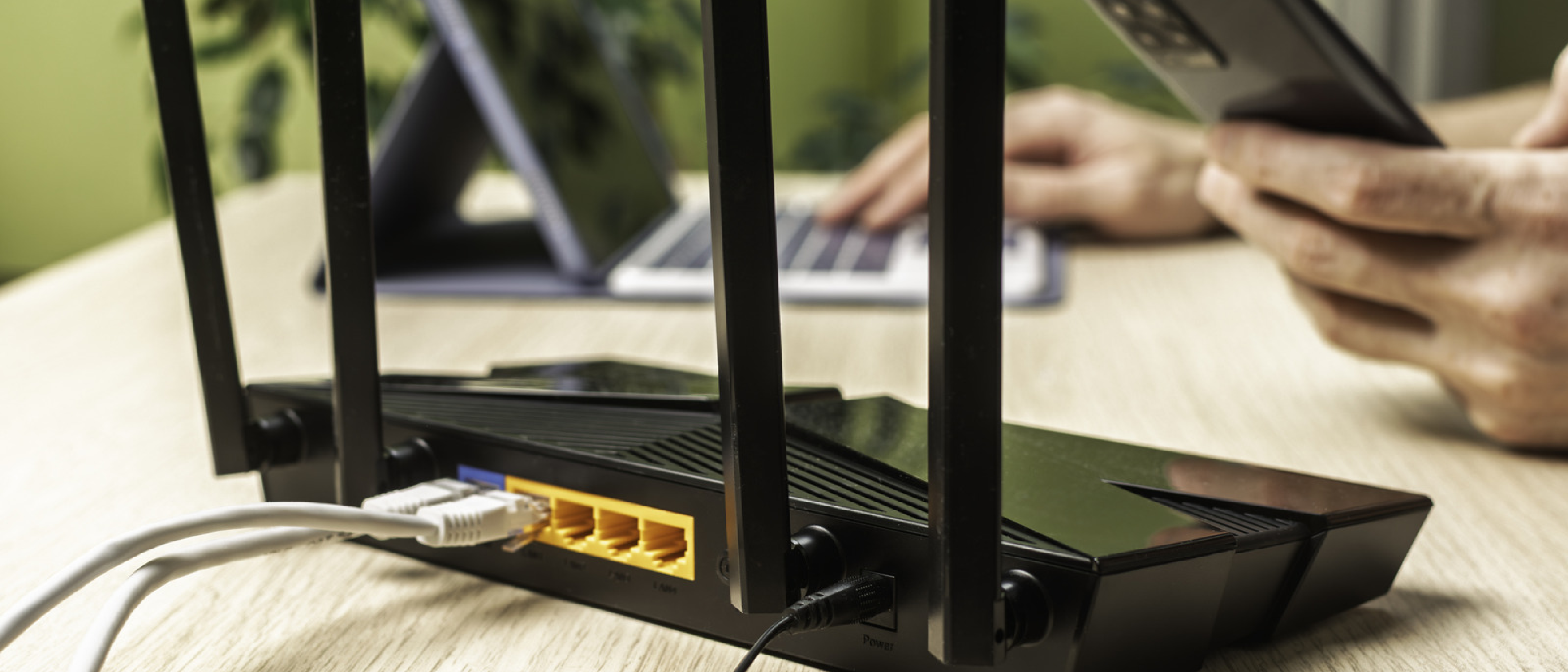
A router is the first line of defense between every device in your house and the global internet. When compromised, an attacker can intercept traffic, inject malware, or use your bandwidth for illicit activities. The quote, “Since the router is the gatekeeper between traffic on your network and the entire internet, it’s important to keep it as secure as possible,” captures the urgency. Modern threats such as credential stuffing, WPA‑3 downgrade attacks, and IoT botnets specifically target weak default configurations. By reducing the router’s attack surface, you protect not only laptops and smartphones but also smart‑home devices that often lack their own security layers.
Understanding the Attack Surface
The term attack surface refers to every point where an unauthorized user could try to gain entry. On a typical consumer router, these include:
- Default admin credentials printed on a sticker, easily discoverable by anyone with physical access.
- WPS (Wi‑Fi Protected Setup), which relies on an 8‑digit PIN that can be split into two 4‑digit numbers, dramatically reducing brute‑force effort.
- Remote management interfaces that expose the admin panel to the WAN, allowing attackers to scan for open ports from anywhere.
- Legacy encryption protocols (WPA‑2 only) that lack the protections introduced in WPA‑3.
- Unrestricted guest networks that share the same LAN segment, giving compromised IoT devices a pathway to the main network.
Understanding these vectors helps you prioritize the configuration steps that deliver the greatest security return.
Step‑by‑Step Hardening of ASUS Routers
Below is a practical, ordered checklist that uses the ASUS web UI as a reference point. The same concepts apply to most modern routers, even if the menu names differ.
1. Access the Admin Panel
- Open a browser and navigate to
http://192.168.1.1orhttp://192.168.0.1. - Locate the default username/password on the router’s label (often “admin/admin”).
- Log in immediately; you’ll be prompted to change credentials in the next step.
2. Change Admin Login Credentials
- Path:
Administration→System→Router Account. - Replace the default username (“admin”) with a unique identifier; this prevents automated username‑guessing scripts.
- Choose a strong password: at least 12 characters, mixing upper‑case, lower‑case, numbers, and symbols.
- Save changes and re‑login to confirm the new credentials work.
3. Rename SSID and Set a Strong WPA‑3 Passphrase
- Path:
Wireless→General. - Change the SSID to something non‑identifying (avoid “ASUS‑RT‑AX88U”).
- Set the WPA Pre‑Shared Key to a random 16‑character passphrase.
- Authentication Method: Select WPA3‑Personal. If older devices need support, enable Mixed WPA2/WPA3 mode, but plan to upgrade those devices soon.
4. Disable WPS
- Path:
Wireless→WPS→ toggle Enable WPS to Off. - The PIN method’s vulnerability stems from its split‑into‑two‑four‑digit structure, making it trivial for attackers to brute‑force in minutes.
5. Turn Off Remote Management
- Path:
Administration→System. - Set Enable Telnet, Enable SSH, and Enable Web Access from WAN to No.
- This ensures the admin interface is reachable only from the LAN, eliminating exposure to internet‑wide scans.
6. Enable Access Restrictions
- Path:
Administration→System→ Enable Access Restrictions. - Add the MAC addresses of all trusted devices (your laptop, phone, etc.).
- Caution: Add at least two devices; otherwise you risk locking yourself out if the primary device fails.
7. Configure Guest Network Pro
- Path:
Wireless→Guest Network. - Create separate guest SSIDs for visitors, children, and IoT devices.
- Enable Bandwidth Limiting and Active Hour Restrictions to prevent abuse.
- Each guest network can have its own WPA‑3 passphrase, further isolating traffic.
8. Activate Instant Guard VPN
- Path:
VPN→Instant Guard. - Install the Instant Guard app on Android or iOS devices (see the Android Desktop Mode guide for integration tips: https://ltdeveloperblogs.github.io/posts/how-to-use-androids-desktop-mode-to-turn-your-phone-into-a-tiny-pc ).
- This creates an encrypted tunnel for mobile traffic, protecting you on public Wi‑Fi and adding a second layer of privacy at home.
9. Schedule Firmware Updates and Restarts
- Path:
Administration→Firmware Upgrade. - Enable Auto Firmware Upgrade and Security Upgrade to receive patches automatically.
- Set a weekly router reboot (many ASUS models have a “Scheduled Reboot” option) to clear transient malicious sessions.
10. Consider Alternative Firmware for End‑of‑Life Devices
If ASUS discontinues updates for a model, flash DD‑WRT or Fresh Tomato. Both provide granular firewall rules, VLAN support, and more frequent security patches. However, flashing voids warranties and requires careful backup of the original configuration.
Advanced Options: Guest Networks, VPN, and Firmware Alternatives
Guest Networks as a Segmentation Tool
Guest networks are more than a convenience; they are a practical implementation of network segmentation. By placing IoT devices on a dedicated guest SSID, you prevent a compromised smart bulb from reaching your laptop or NAS. ASUS’s “Guest Network Pro” lets you spin up multiple isolated networks, each with independent encryption and bandwidth caps.
Instant Guard VPN vs. Traditional VPN Solutions
Instant Guard is optimized for ASUS hardware, offering one‑click mobile client setup. Compared with generic OpenVPN or WireGuard deployments, it integrates directly with the router’s NAT table, reducing latency. For power users, you can still run a separate WireGuard server on the router, but Instant Guard provides a low‑maintenance entry point.
When to Switch to Third‑Party Firmware
- EOL hardware: No official firmware updates for >12 months.
- Advanced firewall needs: Custom iptables rules, QoS granularity, or VLAN tagging not exposed in the stock UI.
- Performance tuning: Some DD‑WRT builds unlock higher transmit power or advanced channel selection algorithms.
Flashing is a trade‑off: you gain control but lose official support. Always keep a backup of the stock firmware and test in a controlled environment before deploying.
Future Outlook and Industry Impact
The shift toward WPA‑3 and integrated VPN solutions reflects a broader industry trend: security by default. Major manufacturers, including ASUS, are gradually removing WPS from new models and enforcing stronger default passwords. However, the consumer market still lags because many users never change the out‑of‑the‑box settings.
Emerging standards such as Wi‑Fi Easy Connect (DPP) aim to replace WPS with QR‑code‑based provisioning, which is resistant to brute‑force attacks. Until DPP becomes ubiquitous, the manual hardening steps outlined here remain the most reliable defense.
From a business perspective, ISPs and device vendors are increasingly offering “managed security” bundles that automatically apply these hardening steps. While convenient, they often lock users into proprietary ecosystems. Knowledgeable homeowners can achieve comparable protection without surrendering control, especially by leveraging open‑source firmware.
Finally, the rise of IoT security regulations in several jurisdictions (e.g., the EU’s Cybersecurity Act) may soon mandate that routers ship with WPA‑3 enabled and remote management disabled. Early adopters who have already hardened their routers will find compliance effortless.
Frequently Asked Questions
Q1: Do I need to change the SSID if I’m using WPA‑3?
A: Changing the SSID is not a security requirement for encryption, but it prevents attackers from instantly identifying the device model and associated default passwords.
Q2: Will disabling WPS affect my smart‑home devices?
A: Most modern devices support WPA‑2/WPA‑3 and can connect without WPS. For legacy devices that only support WPS, consider placing them on a dedicated guest network with a separate, strong password.
Q3: How often should I reboot my router?
A: A weekly reboot is sufficient for most households. It clears temporary memory and can terminate lingering malicious sessions.
Q4: Is Instant Guard VPN necessary if I already use a VPN on my phone?
A: Instant Guard protects traffic from any device on the LAN, not just mobile phones. It also secures traffic from devices that cannot run a VPN client (e.g., smart TVs).
Q5: Can I use DD‑WRT and still receive ASUS firmware updates?
A: No. Once you flash third‑party firmware, the router will no longer accept official ASUS updates. You must rely on the community’s update cycle.
Q6: How does WPA‑3 improve security over WPA‑2?
A: WPA‑3 introduces Simultaneous Authentication of Equals (SAE), which replaces the vulnerable Pre‑Shared Key (PSK) handshake with a more resistant password‑based key exchange, mitigating offline dictionary attacks.
By following the checklist above, you dramatically shrink the router’s attack surface, protect every device on your home network, and stay ahead of emerging threats. A secure router is the cornerstone of a resilient digital household—invest the ten minutes today, and reap peace of mind for years to come.
Source: Original Article