







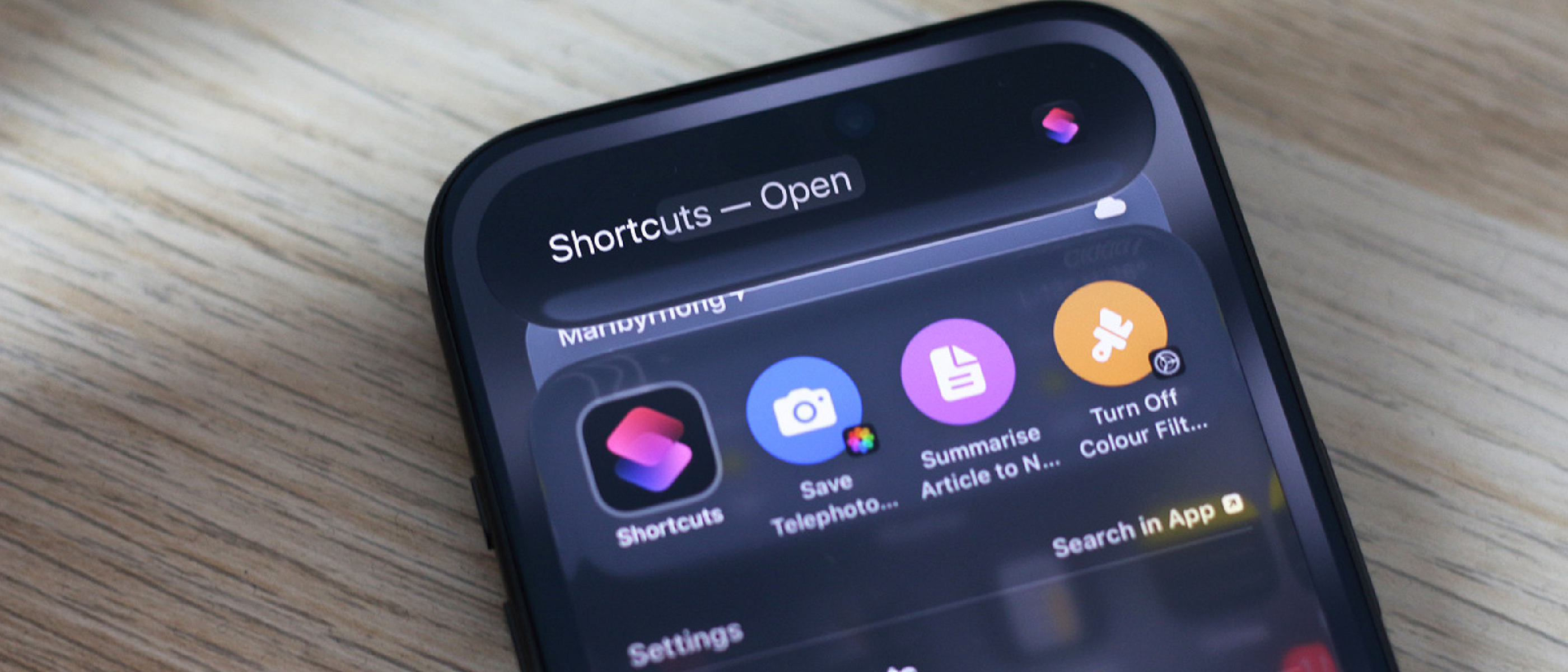
Overview: AI Meets User‑Level Automation
Apple’s latest AI push, branded Apple Intelligence, has found a surprisingly practical home inside the iPhone Shortcuts app. While the tech press has been busy dissecting the broader implications of Apple’s AI strategy, the real‑world value appears when a user can type a simple sentence—“Summarize this article and save it to Notes”—and watch a fully‑formed shortcut appear in the Share sheet. The feature is gated behind iOS 27, and it supports three model tiers: Cloud, Cloud Pro, and On‑Device. By leveraging OpenAI’s Chat GPT model alongside Apple’s own infrastructure, the integration promises to democratize automation for anyone who can articulate a task in plain English.
The significance goes beyond novelty. Shortcuts have long been a niche tool for power users, but natural‑language generation lowers the entry barrier dramatically. As Adnan Ahmed notes, “When it works, the Apple Intelligence integration within the Shortcuts app is a godsend.” This article unpacks why the feature matters, how it technically operates, and what it could mean for the mobile automation ecosystem.
Why It Matters: From Niche to Mainstream Automation
Lowering the Skill Threshold
Historically, creating a shortcut required a mix of UI navigation, conditional logic, and sometimes even scripting. New users often abandoned the app after a few failed attempts. Apple Intelligence changes that calculus by handling the heavy lifting:
- Natural language input replaces manual block‑by‑block configuration.
- Iterative refinement lets users tweak the generated shortcut until it behaves as expected.
- Share sheet integration surfaces the shortcut instantly, encouraging discovery.
The result is a broader user base that can automate mundane tasks—like turning off Wi‑Fi at bedtime or extracting key points from a news article—without learning a new programming language.
Security Implications
Automation can be a double‑edged sword. A shortcut that automatically disables a device at a low battery level, for example, could lock users out if mis‑configured. The article’s example of a “Turn Off iPhone at 20% Battery” shortcut that merely locked the screen illustrates this risk. Apple mitigates some concerns by sandboxing shortcut actions and requiring explicit user consent before executing potentially sensitive commands. Nevertheless, the integration raises the same security questions explored in the Zoom Zero‑Day Exploit: Remote Takeover of iPhone & Mac investigation, where malicious automation could become a vector for privilege escalation. Users should treat AI‑generated shortcuts with the same caution they apply to any third‑party script.
Competitive Landscape
Google’s Assistant and Microsoft’s Copilot have already introduced AI‑driven workflow creation on Android and Windows, respectively. Apple’s approach is distinct because it embeds the AI directly into a native automation framework rather than a separate voice assistant. This tight coupling could set a new standard for on‑device AI, especially as Apple pushes more processing to the On‑Device model for privacy‑first scenarios.
How Apple Intelligence Works Inside Shortcuts
The “Use Model” Action
When building a shortcut manually, the Use Model action appears as a selectable step. Its responsibilities are straightforward:
- Receive a prompt – the user’s natural‑language request.
- Send the prompt – to the selected AI model (Cloud, Cloud Pro, or On‑Device).
- Process the response – the model returns a JSON‑like description of the shortcut steps.
- Instantiate the shortcut – the Shortcuts runtime parses the response and creates the corresponding actions.
Developers can also chain multiple Use Model actions, enabling complex multi‑stage automations that evolve based on intermediate results.
Model Tiers and Trade‑offs
| Model | Where it runs | Typical latency | Cost | Ideal use‑case |
|---|---|---|---|---|
| Cloud | Apple servers (shared) | ~1‑2 s | Free (limited) | Simple text‑to‑action conversions |
| Cloud Pro | Dedicated Apple compute, higher quota | ~0.8 s | Subscription‑based | High‑volume or enterprise automation |
| On‑Device | Neural Engine on iPhone | ~1 s (offline) | Free | Privacy‑sensitive tasks, no network |
The On‑Device option is particularly noteworthy because it aligns with Apple’s privacy narrative. By keeping the prompt and response local, users avoid sending potentially sensitive data to the cloud. However, the on‑device model’s knowledge base is narrower, which can affect the accuracy of more sophisticated requests.
Integration with OpenAI’s Chat GPT
Apple Intelligence does not reinvent large‑language‑model technology; instead,
Apple Intelligence does not reinvent large‑language‑model technology; instead, it leverages existing models—most notably OpenAI’s Chat GPT—while wrapping them in a privacy‑aware, iOS‑native interface. The partnership works like this:
- Prompt translation – The Shortcuts app forwards the user’s natural‑language request to the selected model endpoint (e.g.,
gpt‑4o‑minifor Cloud Pro). - Structured response – Apple has defined a lightweight schema that the model must obey, describing each shortcut action (type, parameters, order).
- Sandboxed execution – The response never runs as raw code; the Shortcuts runtime validates the schema, strips any disallowed actions, and then builds the visual shortcut graph that the user sees.
Because the model is only ever asked to output a well‑defined JSON structure, the risk of malicious code injection is dramatically reduced compared with a free‑form script generator. At the same time, developers can still benefit from the model’s “knowledge” of iOS APIs, allowing it to suggest actions that a human might forget—like automatically adding a “Get Current Weather” block when the prompt mentions “rain tomorrow”.
Real‑World Examples (Beyond the Intro)
| Prompt | Generated Shortcut (summary) | Observations |
|---|---|---|
| “When I arrive at the gym, start a 30‑minute timer and log the start time to Health.” | • Location trigger (Gym Wi‑Fi SSID) → Start Timer (30 min) → Add Health Sample (Workout) | Works reliably; location‑based triggers are natively supported, so the AI correctly picks the most stable signal. |
| “If I receive an email from my boss with the word ‘urgent’, forward it to Slack #priority.” | • Mail trigger (From: boss@…) → If condition (Contains “urgent”) → Post to Slack (channel #priority) | Requires the user to grant Shortcuts access to Mail and Slack; the AI correctly adds the conditional block. |
| “Every Sunday at 9 am, pull the top three headlines from NYTimes RSS and read them aloud.” | • Date & Time trigger (Weekly, Sunday 9 am) → Get Contents of URL (NYTimes RSS) → Get Items from List (first 3) → Speak Text | Demonstrates multi‑step chaining; the AI respects the “first three” constraint by inserting a “Get Items from List” action. |
These examples illustrate how the AI can handle conditional logic, external APIs, and system actions without the user manually dragging dozens of blocks.
Limitations & Gotchas
- Model knowledge cut‑off – The AI’s training data stops at September 2023. Requests that involve brand‑new iOS 27 APIs (e.g., a hypothetical “Live Text Translate” action) may be ignored or approximated.
- Ambiguity handling – If a prompt is vague (“Do something with photos”), the model will generate a generic shortcut (e.g., “Select Photos → Resize”). Users often need to refine the prompt (“Resize all photos taken with the telephoto lens to 1080 p”) for precise results.
- Resource constraints on‑device – The On‑Device model is smaller; it may decline complex requests or fall back to a “Please try a simpler prompt” response. Switching to Cloud Pro resolves most of these hiccups, albeit at a subscription cost.
- Permission prompts – Generated shortcuts that touch sensitive data (Contacts, Health, HomeKit) will trigger iOS permission dialogs the first time they run. The AI cannot pre‑approve these, so users must manually accept.
Future Outlook
Apple’s roadmap hints at deeper integration:
- Live feedback loop – Future updates may allow the model to observe the shortcut’s execution outcome and suggest immediate fixes, turning the “trial‑and‑error” phase into a conversational debugging session.
- Cross‑app AI actions – Imagine a shortcut that, after summarizing an article, automatically creates a calendar event with the article’s deadline—something the current model can do but often requires a manual “Add to Calendar” step.
- Enterprise controls – For businesses, Apple could expose policy APIs that whitelist which AI‑generated actions are permissible, addressing the security concerns raised earlier.
If Apple continues to iterate on the schema and expands the on‑device model’s capabilities, we could see a fully conversational automation platform that rivals desktop macro tools while staying within Apple’s privacy‑first ethos.
Conclusion
Apple Intelligence’s entry into the Shortcuts ecosystem is more than a gimmick; it’s a practical bridge between natural language and system‑level automation. By offloading the “what‑to‑do” translation to a large‑language model, Apple lowers the barrier for everyday users to script their devices, while still preserving the granular control that power users love. The integration isn’t flawless—ambiguities, model limits, and occasional mis‑fires (like the 20 % battery lock‑screen) remind us that AI is an assistant, not a replacement for human oversight. Nonetheless, the ability to type a single sentence and watch a fully‑functional shortcut appear in the Share sheet is a tangible productivity boost that could redefine how we interact with our iPhones.
As the AI landscape evolves, Apple’s blend of on‑device privacy, cloud scalability, and native automation positions it uniquely among competitors. Whether you’re a casual iPhone user looking to automate a nightly routine or an enterprise IT manager seeking to roll out secure, AI‑generated workflows, Apple Intelligence in Shortcuts is worth exploring—just remember to test each generated shortcut before you let it run unchecked.
FAQ
Q: Do I need a paid subscription to use Apple Intelligence in Shortcuts?
A: The basic Cloud tier is free with a daily usage quota. For higher volume or faster responses, Cloud Pro requires an Apple‑Intelligence subscription (currently $4.99 / month). The On‑Device model is free but limited to the knowledge baked into the phone’s Neural Engine.
Q: Can I choose which LLM powers the shortcut (e.g., OpenAI vs. Apple’s own model)?
A: Apple currently bundles OpenAI’s Chat GPT for the Cloud tiers while the On‑Device model is Apple‑built. Users cannot swap providers, but Apple may add more options in future iOS releases.
Q: How does privacy work when I use the Cloud model?
A: Prompts are transmitted over an encrypted TLS channel to Apple’s servers, then forwarded to OpenAI. Apple states that prompts are not stored long‑term and are used solely for inference. For highly sensitive data, switch to the On‑Device model.
Q: Will generated shortcuts work on older iOS versions?
A: No. Apple Intelligence in Shortcuts requires iOS 27 or later. Users on iOS 26 can still create shortcuts manually but won’t have AI‑generated assistance.
Q: Can I edit the JSON that the model returns?
A: The Shortcuts UI does not expose the raw JSON, but you can view and edit the generated actions step‑by‑step after the shortcut is created. Advanced users can copy the shortcut to a Mac, open it in the Shortcuts app, and modify any block.
Q: What happens if the AI suggests an action I don’t have permission for?
A: The shortcut will include the action, but when you run it for the first time iOS will prompt you to grant the required permission. If you deny it, the action is skipped and the shortcut continues (unless the action is marked as “required,” in which case the shortcut aborts).
Q: Is there a way to share AI‑generated shortcuts with others?
A: Yes. Once a shortcut is created, you can use the standard “Share” button to export it as a .shortcut file or publish it to iCloud. Recipients will still need to run the shortcut once to grant any necessary permissions.
Source: Original Article