

Why Monitor Specs Matter More Than Ever
The gaming landscape of 2026 is a mosaic of ultra‑high‑frame‑rate shooters, ray‑traced open worlds, and console‑exclusive experiences. A monitor that fails to keep pace with the GPU’s output can become a bottleneck, turning a powerful RTX 5070 or AMD 5600 into a source of stutter and input lag.
Beyond raw performance, visual fidelity influences immersion. HDR‑capable panels reveal the neon glow of Cyberpunk 2077 or the subtle shadows in a stealth title, while low‑input‑lag panels preserve the tactile feel of a competitive FPS. As the Steam Hardware Survey (Sept 2026) shows, the median PC gamer now runs a mid‑range RTX 4060 or AMD 5600, making the monitor‑to‑GPU match a decisive factor in overall experience.
Choosing the right monitor is therefore a balancing act between hardware capability, game genre, and personal environment—much like selecting an outfit for a specific occasion, as one industry analyst quipped.
Panel Technologies Explained
OLED – The Premium Choice
- Infinite contrast: Each pixel emits its own light, delivering true blacks and vibrant HDR peaks.
- Near‑instant response: Sub‑millisecond pixel transition eliminates motion blur.
- Color accuracy: Wide color gamut and self‑emissive nature produce lifelike hues.
Drawbacks: Potential burn‑in on static UI elements, reduced brightness in bright rooms, occasional text fringing, and a higher price floor (~$400 in late 2026). OLED is ideal for single‑player immersion and content creators who prioritize color fidelity.
Fast IPS – The Versatile Workhorse
- Improved gray‑to‑gray response compared with standard IPS, reducing perceived blur.
- Wide viewing angles and consistent color reproduction across the screen.
- Higher brightness than OLED, making it suitable for well‑lit gaming spaces.
Fast IPS panels strike a sweet spot for budget‑conscious gamers who need solid performance in both gaming and productivity tasks.
Choosing Between Them
| Factor | OLED | Fast IPS |
|---|---|---|
| Contrast | ★★★★★ | ★★☆☆☆ |
| Brightness (cd/m²) | 400‑600 | 350‑500 |
| Burn‑in risk | Yes | No |
| Price (starting) | ~$400 | <$300 |
| Best use case | HDR‑heavy titles, cinematic play | Bright rooms, mixed work/gaming |
Refresh Rate, Resolution, and Aspect Ratio Trade‑offs
Refresh Rate Realities
- 1,000 Hz is technically achievable in low‑resolution modes (e.g., 720p), but few games or GPUs can sustain it.
- 144 Hz–240 Hz is the sweet spot for 1080p and 1440p panels, delivering fluid motion without demanding top‑tier hardware.
- Competitive edge: 1080p panels paired with 240 Hz+ give the highest frame‑rate ceiling for titles like Valorant or CS:GO.
- Console ceiling: PS5 Pro and Xbox Series X lock at 120 Hz, making 120 Hz panels the logical choice for console gamers.
Resolution Considerations
| Resolution | Typical Use | GPU Demand |
|---|---|---|
| 1080p | Competitive esports, high‑FPS | Low‑to‑mid |
| 1440p | Balanced performance & visuals | Mid‑to‑high |
| 4K | Cinematic immersion, content creation | High‑end |
A 1440p 144 Hz monitor often offers the best value‑performance ratio for most PC gamers in 2026.
Aspect Ratio Impact
- 16:9 remains the universal standard, ensuring UI elements and HUDs display correctly.
- Ultra‑wide (21:9, 32:9) expands peripheral vision, beneficial for simulation and RPG titles, but can cause HUD stretching in HUD‑dense shooters.
- Squatter ratios (4:3, 5:4) are niche, favoring productivity and retro gaming.
Variable Refresh Rate (VRR) and Compatibility
G‑Sync vs. FreeSync vs. Adaptive Sync
- G‑Sync (NVIDIA): Requires a proprietary module; delivers the most stable VRR experience but adds cost.
- FreeSync (AMD): Open standard, widely adopted; many monitors are “FreeSync Premium” and also G‑Sync compatible.
- Adaptive Sync: The baseline VRR protocol built into DisplayPort 1.2a and HDMI 2.1, supported by both NVIDIA and AMD GPUs.
When building a system, verify that the monitor’s VRR version matches the GPU. For example, an RTX 5070 paired with a FreeSync‑Premium monitor will work via G‑Sync Compatibility mode, but you may miss the lowest latency benefits of a native G‑Sync panel.
Practical Testing
Benchmark tools like 3DMark and in‑game frame‑rate counters (e.g., Cyberpunk 2077’s built‑in performance overlay) are essential for confirming that VRR is active and that frame‑time variance stays below 2 ms. Consistent VRR performance translates directly into smoother aiming and reduced screen tearing.
Connectivity and Future‑Proofing
Port Landscape in 2026
| Port | Max Bandwidth | VRR Support | Typical Use |
|---|---|---|---|
| HDMI 2.1 | 48 Gbps | Full VRR, 4K 120 Hz, 8K 60 Hz | Consoles, high‑end PCs |
| DisplayPort 1.4a | 32.4 Gbps | Full VRR, 4K 144 Hz | Gaming PCs |
| DisplayPort 1.2a | 17.28 Gbps | Basic VRR | Older GPUs |
When selecting a monitor, prioritize HDMI 2.1 if you plan to game on a next‑gen console or a GPU that supports it. For PC‑only builds, a robust DisplayPort 1.4a connection offers the highest refresh‑rate ceiling.
Port Selection Tips
- Dual‑port setups: A monitor with both HDMI 2.1 and DisplayPort 1.4a lets you switch between console and PC without swapping cables.
- USB‑C with DP Alt‑Mode: Emerging on premium ultrawide monitors; useful for laptops that support external GPU enclosures.
- Audio pass‑through: Some monitors embed speakers; ensure the chosen port carries audio if you rely on the monitor’s sound system.
Real‑World Buying Workflow
- Identify your primary platform (PC, PS5 Pro, Xbox Series X).
- Match GPU output: Use the Steam Survey data to gauge typical frame rates for your card.
- Select panel type based on lighting conditions and HDR needs.
- Pick resolution & refresh rate that your GPU can sustain at >60 % of the monitor’s max.
- Confirm VRR compatibility (G‑Sync, FreeSync, Adaptive Sync).
- Check connectivity: Ensure the monitor has the ports your system provides.
- Validate with benchmarks: Run 3DMark or a demanding title like Cyberpunk 2077 to verify real‑world performance.
Related Reads
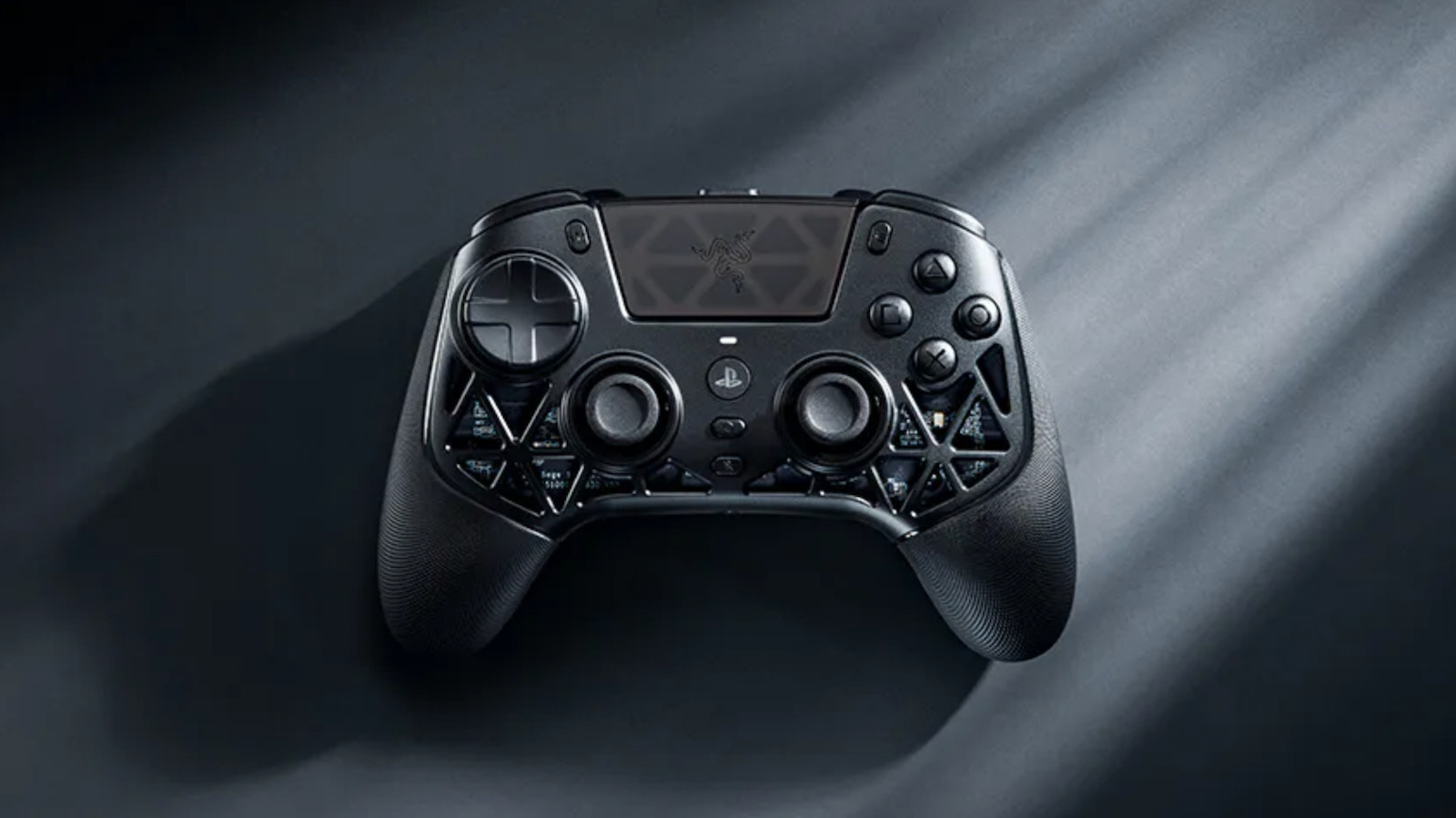
- For console enthusiasts, the Razer Raiju V3 Pro Signature: Premium PS5 Controller article dives into hardware that pairs perfectly with a 120 Hz HDMI 2.1 monitor.
- Mobile gamers can extend the life of their Android device—crucial for on‑the‑go play—by following tips in Extend the Life of Your Android Phone: Proven Tips .
- Audiophiles who use headphones for immersive gaming audio may find Revive Your Old AirPods: Repair, Repurpose, Recycle useful for maintaining a high‑quality sound chain alongside a premium monitor.
FAQ
Q: Do I need a G‑Sync monitor if I own an NVIDIA RTX 4060? A: Not strictly. A FreeSync‑Premium monitor works with NVIDIA GPUs via G‑Sync Compatibility, but native G‑Sync eliminates occasional flicker at the lowest frame rates.
Q: Is 4K 144 Hz realistic for a mid‑range GPU? A: Generally no. A RTX 4060 or AMD 5600 will struggle to exceed 60‑70 fps at 4K 144 Hz in demanding titles. Pair 4K with 60‑120 Hz for a smoother experience.
Q: Can I use an OLED monitor for competitive esports? A: OLED’s near‑zero response time is excellent, but the risk of burn‑in from static HUD elements makes it less ideal for long‑hour esports sessions.
Q: What HDMI version do I need for 120 Hz on a PS5 Pro? A: HDMI 2.1 is required to achieve 4K 120 Hz or 1080p 240 Hz on the PS5 Pro.
Q: How important is HDR for gaming? A: HDR dramatically improves contrast and color depth in supported games. An OLED or high‑brightness Fast IPS panel with HDR10+ support will deliver the most noticeable benefit.
Choosing the right gaming monitor is a nuanced decision that blends technical specifications with personal habits. By aligning panel technology, refresh rate, resolution, VRR, and connectivity with your hardware and play style, you ensure every frame looks and feels exactly as intended.
Source: Original Article