



Introduction to Google Gemini
Google has rolled out Gemini for Chrome in the UK, marking a significant expansion of its AI-powered features. Gemini, Google’s AI assistant, is now integrated into the Chrome browser, providing users with a range of tools and capabilities. This move follows the previous rollout of Gemini’s Chrome integration to the US, Latin America, the Middle East, Canada, India, and New Zealand, among other countries.
Key Features of Gemini in Chrome
The Gemini integration in Chrome includes several key features, such as:
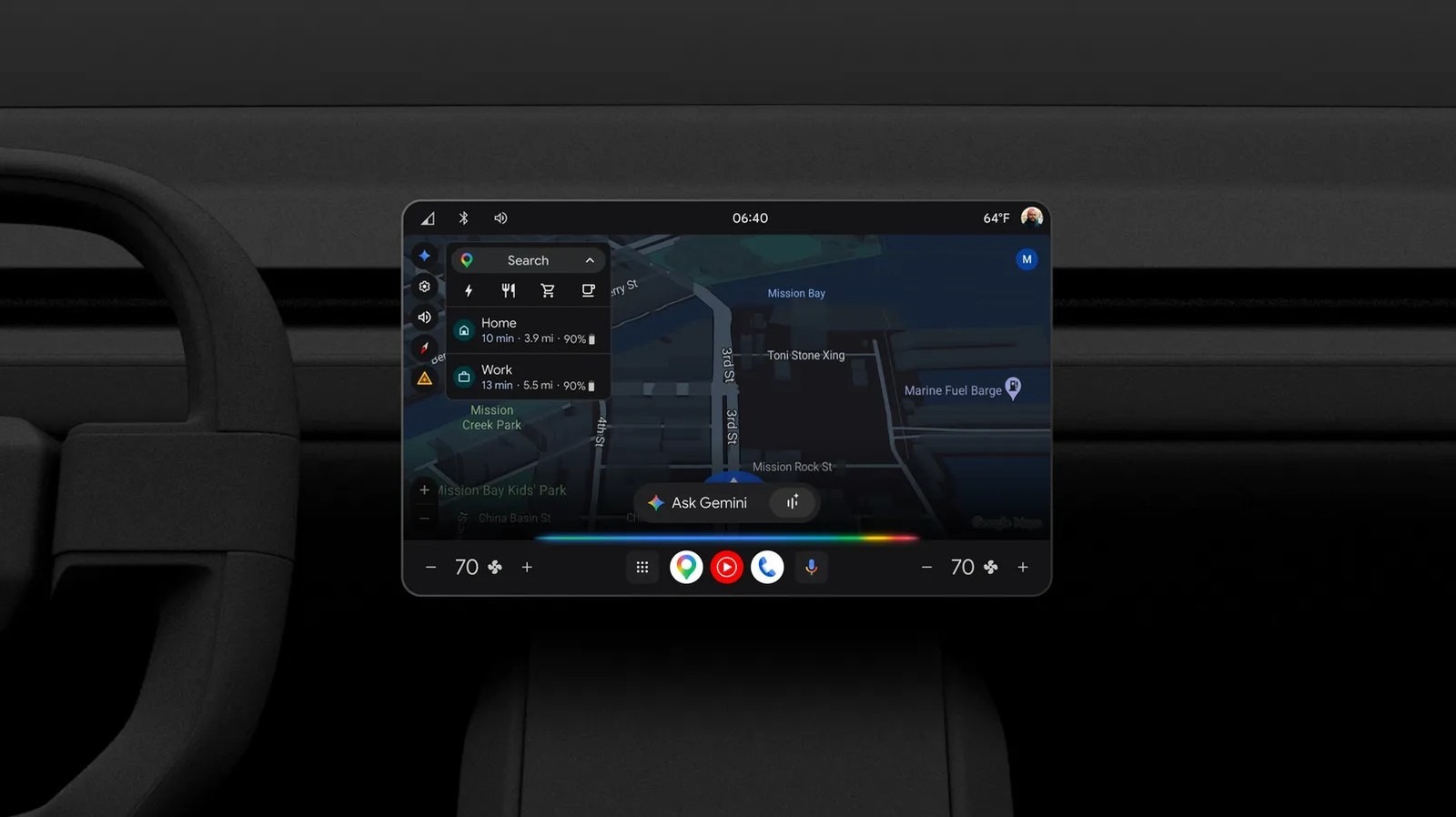
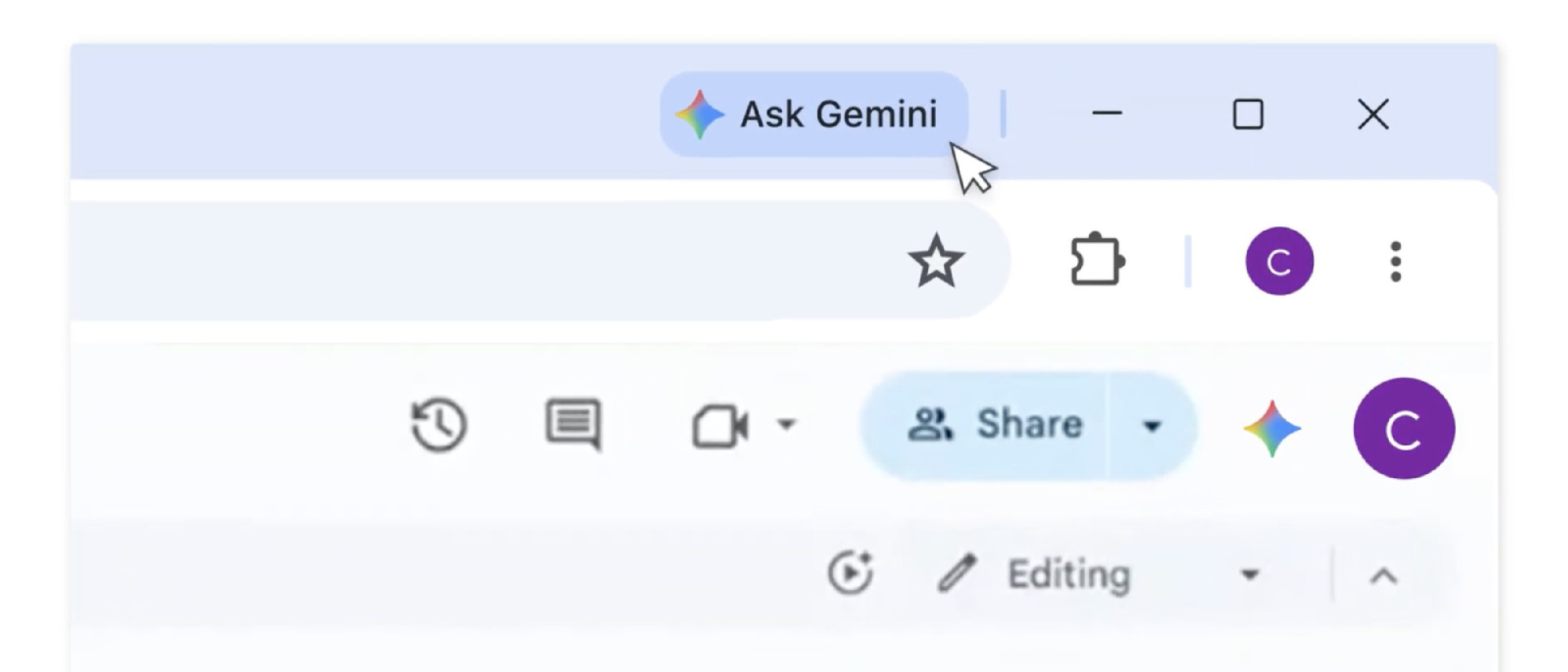
- An ‘Ask Gemini’ button with a sparkle icon, allowing users to access Gemini’s capabilities
- Ability to summarize lengthy content opened in the browser
- Ability to compare information across multiple open tabs
- Deep integration with various Google apps, including Gmail, Maps, Calendar, YouTube, and more
- Ability to check locations in Maps, add events to Calendar, and draft emails
- Access to Google’s in-house image generator (Nano Banana) from the sidebar
These features are designed to enhance the user experience and provide more efficient and effective ways to manage information and tasks. For more information on Google’s AI initiatives, you can refer to our previous article on Google Buys Solar Farm Output .
Gemini’s Chrome Integration
Gemini’s Chrome integration was previously exclusive to AI Pro or AI Ultra subscribers. However, with the rollout to the UK and other countries, more users can now access these features. The integration allows users to share tabs with Gemini, enabling the AI assistant to provide more relevant answers. As Google notes, “Tabs are shared for more relevant answers,” and “Google uses the content and URL of shared tabs. Your current tab is shared in new chats.” Users can change this setting anytime, providing control over their data and privacy.
Comparison with Other AI Initiatives
The rollout of Gemini in Chrome is part of a broader trend of AI adoption in the tech industry. Other companies, such as Anthropic, are also working on AI safety and development, as discussed in our article on Anthropic’s Fable 5: The AI Safety Crisis . Additionally, the use of AI in various applications, including X Algorithm Update Prioritizes Replies , highlights the growing importance of AI in shaping the tech landscape.
Frequently Asked Questions
What is Gemini, and how does it work?
Gemini is Google’s AI assistant, integrated into the Chrome browser. It provides various features, such as summarizing content, comparing information across tabs, and deep integration with Google apps.
How can I access Gemini in Chrome?
To access Gemini, look for the ‘Ask Gemini’ button with a sparkle icon in your Chrome browser.
Can I change the setting for sharing tabs with Gemini?
Yes, you can change the setting anytime, providing control over your data and privacy.
By expanding its AI-powered features to more users, Google aims to enhance the overall user experience and provide more efficient ways to manage information and tasks. As the tech industry continues to evolve, it will be interesting to see how AI adoption shapes the future of software and technology. For more information on AI and its applications, you can refer to our article on AI Startups Grow Revenue Fast .
Source: Original Article