







The Announcement That Redefines the Desktop
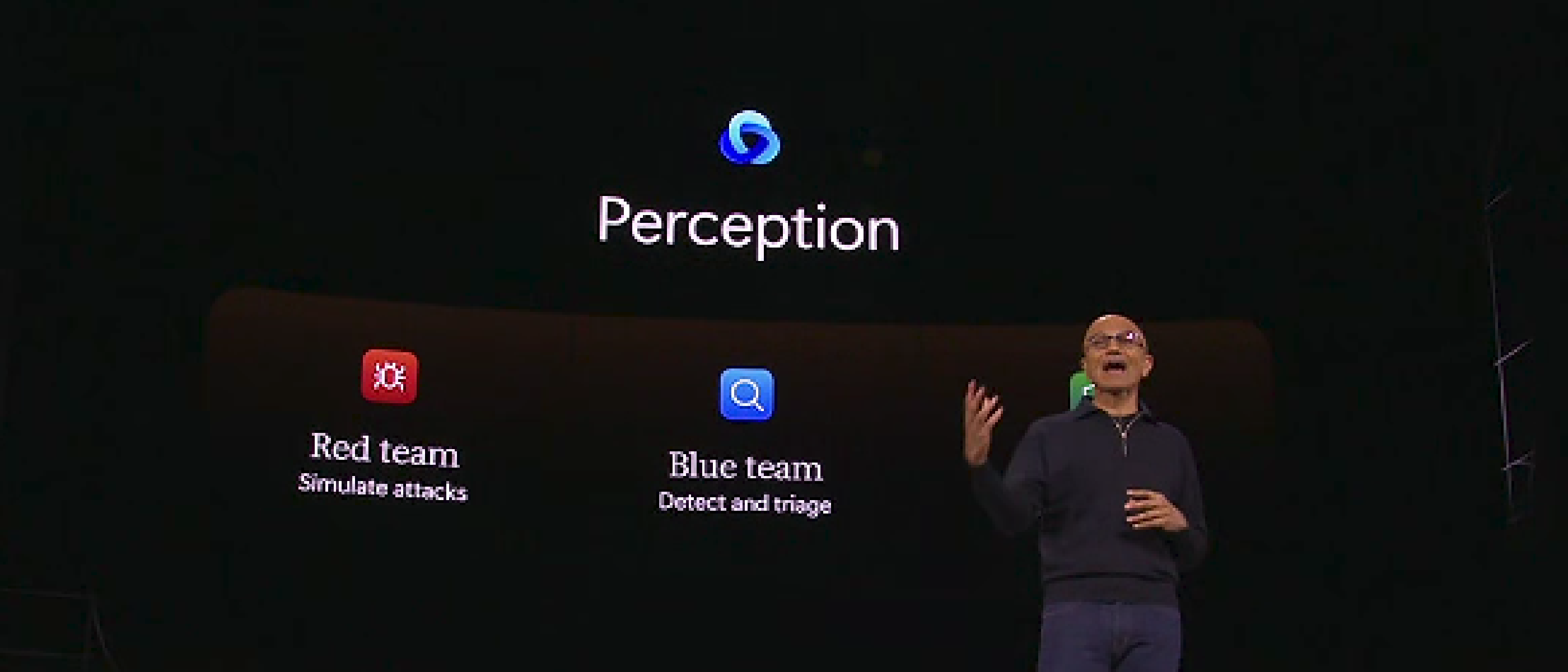
At Microsoft’s Ignite conference, CEO Satya Nadella declared that Word, Excel, and PowerPoint are now generally available inside Copilot. The phrasing “the new OS for work” signals a strategic pivot: rather than treating Office apps as the primary attraction with a peripheral assistant, Microsoft envisions an AI‑centric environment where the assistant drives the workflow and the traditional apps act as specialized plugins.
The rollout is not a mere UI overlay. Copilot becomes the execution layer, pulling context from an organization’s email, calendar, chats, meetings, and files—a “knowledge layer” that supplies the AI with the data it needs to generate, edit, and refine content on the fly. The resulting artifacts remain native Word, Excel, or PowerPoint files, ensuring compatibility with existing collaboration pipelines.
Technical Architecture: How Copilot Embeds Office
1. Plugin‑Style Integration
- API Surface: Each Office app exposes a set of REST‑ful endpoints that Copilot calls to create, read, and write documents. The endpoints are versioned to guarantee backward compatibility.
- Session Context: When a user opens Copilot, a secure token links the session to the organization’s Microsoft 365 tenant, granting scoped access to the knowledge layer.
- Data Flow: User prompts travel to Azure OpenAI Service, where a large language model (LLM) processes the request, enriches it with retrieved organizational data, and returns a structured response that the Office plugin renders.
2. Organizational Knowledge Layer
The knowledge layer aggregates:
- Emails (Exchange Online)
- Meeting transcripts (Teams)
- Calendar events
- Chat history (Teams, Outlook)
- File repositories (OneDrive, SharePoint)
These sources are indexed in Azure Cognitive Search, enabling low‑latency retrieval. Security is enforced through Azure AD Conditional Access and data‑loss‑prevention policies, ensuring that Copilot never exposes privileged information outside the tenant.
3. Real‑Time Collaboration
Because the generated files are native Office documents, they inherit all existing collaboration features:
- Co‑authoring in real time via the cloud.
- Version history stored in SharePoint.
- Compliance checks (eDiscovery, retention) remain intact.
This hybrid model preserves the familiar Office experience while adding AI‑driven productivity.
Why It Matters: The Shift From Apps to Agents
Productivity Gains
- Speed: Drafting a 10‑page report can be reduced from hours to minutes when Copilot assembles outlines, pulls data, and formats tables automatically.
- Consistency: Corporate branding, tone, and data standards are enforced by the AI, reducing the need for manual proofreading.
- Accessibility: Users with limited design or data‑analysis skills can generate polished presentations and complex spreadsheets through natural language.
Strategic Implications
- Platform Lock‑In: By making Copilot the primary interaction surface, Microsoft deepens reliance on its cloud ecosystem. Organizations that adopt the model are less likely to migrate away from Microsoft 365.
- Data Monetization: The knowledge layer creates a feedback loop—more usage yields richer context, which in turn improves the AI’s suggestions, reinforcing the value proposition.
- Competitive Edge: Rivals such as Google Workspace and Apple’s productivity suite still treat AI as an add‑on. Microsoft’s “OS for work” narrative positions it ahead in the enterprise AI race.
Industry Impact: Ripple Effects Across the Tech Landscape
Enterprise Software Vendors
Companies building niche SaaS tools now face a decision: integrate with Copilot’s plugin framework or risk being bypassed. Microsoft has already opened a developer portal for third‑party plugins, encouraging ecosystems to build on top of the AI layer.
AI Startup Funding
The surge in AI‑driven productivity has spurred capital inflows. For instance, Yvonne Bajela’s $17 M fund targeting EU AI startups reflects investor confidence in the market segment that Copilot exemplifies. See the full story here: Yvonne Bajela Is Bringing 17M In Fresh Capital To Europes Startup Scene
Security Considerations
Embedding AI into core workflows raises new attack surfaces. Recent incidents—such as the Zoom annotation flaw exploited via AI prompts—highlight how generative models can be manipulated to inject malicious content. Microsoft’s approach must therefore incorporate robust prompt‑validation and sandboxing. Details on the Zoom exploit can be read at: Zoomsday Hack Uncovered Using Fewer Than 20 Ai Prompts
Regulatory Landscape
Data residency and privacy regulations (GDPR, CCPA) now intersect with AI‑generated content. Because Copilot processes organizational data, enterprises must audit consent mechanisms and ensure that AI outputs do not inadvertently expose personal information.
Future Outlook: What Comes After the First Wave?
Expanded App Ecosystem
Microsoft has hinted at bringing additional services—such as Teams, Planner, and Dynamics—into the Copilot surface. Each would become a “skill” that the AI can invoke, turning the workspace into a modular, command‑driven environment.
Adaptive Learning
Future iterations may allow Copilot to learn individual user preferences over time, adjusting tone, formatting, and data sources without explicit prompts. This would require on‑device fine‑tuning to respect privacy constraints.
Cross‑Platform Reach
While the current rollout focuses on Windows and web, a roadmap includes deeper integration with macOS, iOS, and Android, ensuring that the “OS for work” truly spans every device an employee uses.
Competitive Responses
Google’s Gemini and Apple’s rumored “Intelligence Engine” are expected to launch comparable AI layers. The race will likely accelerate standards for AI‑office interoperability, possibly leading to an open protocol for AI‑driven productivity.
Frequently Asked Questions
Q1: Do I need a separate Copilot license to use Word, Excel, and PowerPoint inside it? A: Yes. Copilot is sold as an add‑on subscription on top of existing Microsoft 365 plans. The Office apps remain accessible without Copilot, but the AI‑enhanced experience requires the add‑on.
Q2: How does Copilot handle confidential information? A: All data stays within the tenant’s Azure environment. Microsoft employs end‑to‑end encryption, role‑based access controls, and does not retain prompts after processing.
Q3: Can I export a Copilot‑generated document to a non‑Microsoft format? A: Absolutely. Since the output is a native Office file, you can save it as PDF, ODT, or other formats using the standard Office “Save As” dialog.
Q4: Will Copilot replace traditional Office training? A: Not entirely. While many routine tasks become AI‑driven, advanced features (macros, complex formulas) still require user expertise. Training will shift toward prompt engineering and AI‑workflow design.
Q5: How does this affect third‑party Office add‑ins? A: Existing add‑ins continue to work, but Microsoft encourages developers to adopt the new Copilot plugin model for tighter integration and better security.
Conclusion
Microsoft’s decision to embed Word, Excel, and PowerPoint directly inside Copilot marks a decisive move toward an AI‑first productivity paradigm. By treating the assistant as the operating system and the classic Office suite as modular plugins, Microsoft not only streamlines everyday tasks but also reshapes the competitive dynamics of enterprise software. The integration leverages a robust knowledge layer, maintains compliance, and opens avenues for third‑party innovation—all while prompting a broader industry conversation about security, data governance, and the future of work.
As organizations begin to adopt this new model, the true test will be how seamlessly AI can augment human creativity without eroding control or privacy. If Microsoft’s vision holds, the “new OS for work” could become the default interface for the modern digital office.
Source: Original Article