




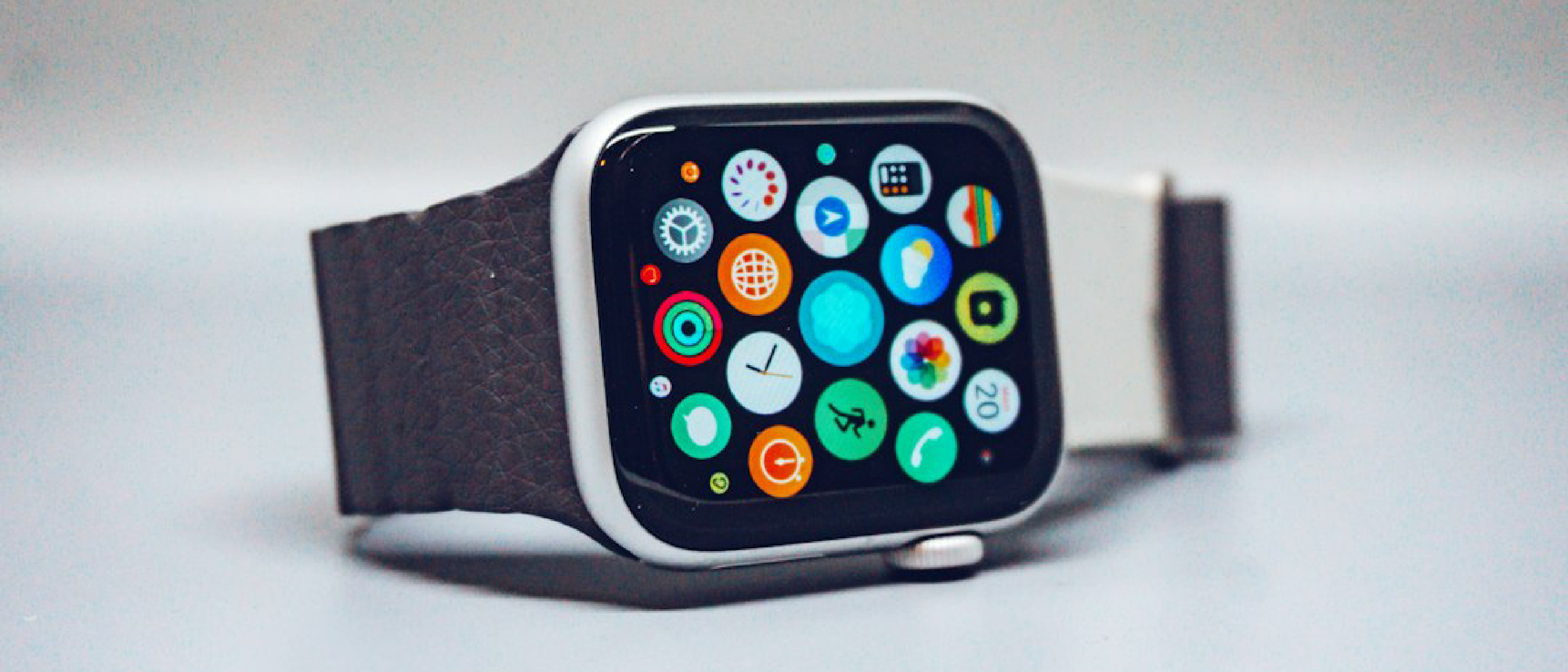
Overview of Apple’s Audio Intelligence Rollout
On Tuesday, November 2 2026, Apple announced the beta launch of its Audio Intelligence suite for the Apple Watch. The feature set, first teased at the September “Surprise and Shine” event, is now available to developers via the iOS 27.3 update. Early adopters with the Series 12 and Ultra 4 models can opt‑in to four distinct AI‑driven capabilities:
- Sound Recognition – alerts for sirens, alarms, doorbells, etc.
- Song Recognition – Shazam‑powered music identification.
- Live Rewind – a 15‑second conversational snippet captured by double‑pressing the digital crown.
- Siri Recaps – concise bullet‑point summaries of recent dialogues.
The rollout follows Apple’s broader strategy of embedding on‑device intelligence while keeping raw audio off Apple’s servers. By leveraging the new S11 processor, a secure enclave, and the Private Cloud Compute (PCC) framework, Apple promises a seamless experience that does not compromise battery life.
Why It Matters: Accessibility, Productivity, and Privacy
Accessibility Gains
The Sound Recognition feature directly addresses the needs of deaf and hard‑of‑hearing users. Traditional smartwatch alerts rely on vibration or visual cues; now a watch can audibly flag critical environmental sounds, expanding the device’s utility as an assistive technology.
Real‑World Productivity
Both Live Rewind and Siri Recaps target everyday friction points:
- Missed a quick instruction while juggling groceries? Double‑press the crown, retrieve the last 15 seconds, and decide whether to save or ask Siri for clarification.
- In a fast‑paced meeting, a recap can surface key dates, pricing, or action items without the user having to manually take notes.
These capabilities reduce cognitive load and keep users in the flow of conversation, a hallmark of effective wearable AI.
Privacy‑First Architecture
Apple’s claim that “none of these features impact battery life” is matched by a robust privacy model:
- On‑device detection: The S11 chip continuously monitors ambient audio for trigger phrases but never stores raw recordings.
- Secure enclave buffering: A short‑lived audio buffer holds up to 15 seconds for Live Rewind; the data is encrypted and purged after processing.
- PCC usage: Only condensed, filler‑free text is sent to Apple’s Private Cloud Compute for summarization. The cloud never sees the original audio, and all generated summaries are deleted from PCC immediately after delivery.
This approach aligns with Apple’s long‑standing emphasis on user‑controlled data, echoing the privacy narrative found in its Mac Antivirus Intego One coverage. Read more about Apple’s security stance here.
Technical Breakdown: From Mic to Summary
Hardware Foundations
- S11 Chip: An always‑on low‑power processor with a dedicated neural engine. It runs lightweight audio models that flag potential conversational content.
- Secure Enclave: Isolates the audio buffer, ensuring that even the iOS kernel cannot access raw recordings.
- Microphone Array: Optimized for directional pickup, improving detection accuracy in noisy environments.
Software Pipeline
- Audio Capture – The microphone streams to the S11’s audio buffer.
- On‑Device Classification – Tiny AI models evaluate whether the sound is relevant (e.g., a siren vs. background chatter).
- Transfer to iPhone – If relevance is confirmed, the snippet is encrypted and handed off to the paired iPhone’s secure enclave.
- Text Condensation – The iPhone runs a speech‑to‑text model that strips filler words, producing a concise transcript.
- Cloud Summarization – The transcript is sent to PCC, where a larger language model generates the final recap or snippet.
- Return & Cleanup – The result is encrypted, sent back to the watch, and all intermediate data is erased from PCC.
Battery Impact
Apple’s engineering team reports that the S11’s neural engine consumes less than 0.5 mW during continuous listening, a negligible addition to the watch’s typical 1‑2 W power envelope. The iPhone performs the heavier speech‑to‑text conversion only when a user explicitly triggers a feature, further limiting energy draw.
Feature Deep Dive
1. Sound Recognition
- Supported sounds: Emergency sirens, fire alarms, doorbells, and a curated list of public safety tones.
- User control: Users can toggle individual sound categories in the Settings → Accessibility → Sound Recognition menu.
- Feedback loop: When a sound is detected, the watch vibrates and displays a concise label (e.g., “Fire alarm”). The notification can be forwarded to the iPhone for logging.
2. Song Recognition
- Shazam integration: The watch leverages the existing Shazam database, delivering song title, artist, and a link to Apple Music within seconds.
- Offline fallback: If the watch loses connectivity, it stores the audio fingerprint locally and resolves the match when a network becomes available.
3. Live Rewind
| Step | Action | Outcome |
|---|---|---|
| Double‑press digital crown | Starts 15‑second buffer capture | Audible chime + animation |
| Snippet displayed | Text appears on screen | User can save, ask Siri, or ignore |
| No interaction | Snippet auto‑deletes after 30 s | No residual data |
The feature is particularly useful for quick “what did they just say?” moments without pulling out a phone.
4. Siri Recaps
- Summarization style: One‑sentence overview plus bullet points (dates, amounts, tasks).
- Storage options: Save to Notes or Journal; both apps encrypt data end‑to‑end.
- Retention policy: Unsaved recaps self‑destruct after seven days, reinforcing privacy.
- Customization: Users can schedule recaps (e.g., only during work hours) or disable them entirely via Control Center.
Privacy & Security Considerations
Apple’s architecture mirrors its broader ecosystem safeguards:
Zero‑knowledge encryption: All data in transit between watch, iPhone, and PCC is
Zero‑knowledge encryption: All data in transit between watch, iPhone, and PCC is encrypted with keys that never leave the device, meaning Apple’s servers cannot decrypt the payloads even if they were intercepted.
Ephemeral buffers: The 15‑second audio buffer lives for a maximum of 30 seconds on the watch and is wiped the moment the user dismisses the snippet or after the auto‑delete timer expires.
On‑device speech‑to‑text: The initial transcription happens locally on the iPhone’s secure enclave, ensuring raw audio never leaves the user’s personal hardware.
PCC data hygiene: Summaries generated in Private Cloud Compute are stored only for the milliseconds required to formulate the response and are then purged, with audit logs confirming zero‑retention.
User‑controlled opt‑in: All four features are disabled by default; users must explicitly enable them in Settings → Privacy → Audio Intelligence, and can revoke consent at any time from the Control Center.
Developer Implications
Apple has opened the Audio Intelligence APIs to developers through the iOS 27.3 SDK. Key points for developers include:
| API | Primary Use‑Case | Permissions Required |
|---|---|---|
AIAudioSoundRecognition | Register custom sound patterns (e.g., workplace alarms) | audioRecognition |
AIAudioSongRecognition | Access Shazam fingerprinting on‑device | mediaLibrary |
AIAudioLiveRewind | Retrieve the most recent 15‑second transcript | audioCapture (opt‑in) |
AIAudioSiriRecap | Request a concise summary of recent conversations | speechRecognition + privateCloudCompute |
Apple mandates that any third‑party implementation must adhere to the same privacy guarantees: no raw audio may be logged, and any data sent to PCC must be anonymized and encrypted. Failure to comply will result in rejection from the App Store during the beta review process.
Future Outlook
While the beta currently targets only the Series 12 and Ultra 4, Apple’s roadmap hints at broader integration:
- Cross‑device continuity: Planned updates for macOS 15 and iPadOS 17 will allow Live Rewind snippets to be accessed from a Mac’s Notification Center, enabling seamless hand‑off for note‑taking.
- Expanded sound library: Apple is collecting anonymized metadata (with user consent) to train models that recognize a wider array of environmental cues, such as baby cries or specific vehicle horns.
- Multilingual support: Early testing suggests that Siri Recaps will soon handle up to 12 languages, leveraging the same on‑device language models that power Translate.
Analysts predict that Apple’s emphasis on privacy‑preserving AI could set a new industry benchmark, especially as regulatory bodies worldwide tighten requirements around voice data.
Conclusion
Apple’s Audio Intelligence beta marks a significant step toward making wearables truly conversational assistants without sacrificing the privacy that has become a core brand promise. By confining raw audio to the watch and iPhone, encrypting every transmission, and ensuring that cloud‑side processing is both transient and anonymized, Apple delivers useful features—Sound Recognition, Song Recognition, Live Rewind, and Siri Recaps—while keeping user data under the owner’s control.
For developers, the new APIs open a playground for innovative, context‑aware apps, but they also come with strict compliance obligations. For end‑users, the immediate benefits are clear: fewer missed cues, less reliance on manual note‑taking, and a reassurance that the conversations captured by their watch stay private.
As the beta matures into a public release, we’ll be watching how Apple balances feature richness with its privacy‑first ethos—and whether competitors can match the seamless integration Apple has achieved across its hardware ecosystem.
FAQ
Q: Do these features work on older Apple Watch models?
A: In the current beta, only Series 12 and Ultra 4 are supported because they contain the S11 chip required for on‑device audio classification. Apple may back‑port limited functionality to earlier models in future updates, but full feature parity is unlikely.
Q: Will Live Rewind record conversations without my knowledge?
A: No. Live Rewind only activates when you double‑press the digital crown, producing an audible chime and on‑screen animation. The buffer is limited to 15 seconds and is automatically cleared after 30 seconds if you take no action.
Q: Can I view the raw transcript that Siri Recaps is based on?
A: Apple deliberately does not expose raw transcripts to protect privacy. Recaps are generated from a condensed, filler‑free text that is never stored long‑term.
Q: How does battery life hold up with continuous listening?
A: Apple reports that the S11’s neural engine consumes under 0.5 mW during idle listening, which translates to less than a 1 % daily battery impact on the watch under typical usage.
Q: Is my data ever used to improve Apple’s AI models?
A: Apple’s privacy policy states that any data used for model training is fully anonymized and aggregated, and only after explicit user opt‑in. Raw audio never leaves the device, and summaries are deleted from PCC immediately after generation.
Q: How do I disable a specific feature if I change my mind?
A: Open Settings → Privacy → Audio Intelligence on your iPhone, then toggle off the individual capabilities (Sound Recognition, Song Recognition, Live Rewind, Siri Recaps). You can also turn off all features quickly from the Control Center on the watch.
Source: Original Article