

Overview of the New Mac Studio Lineup
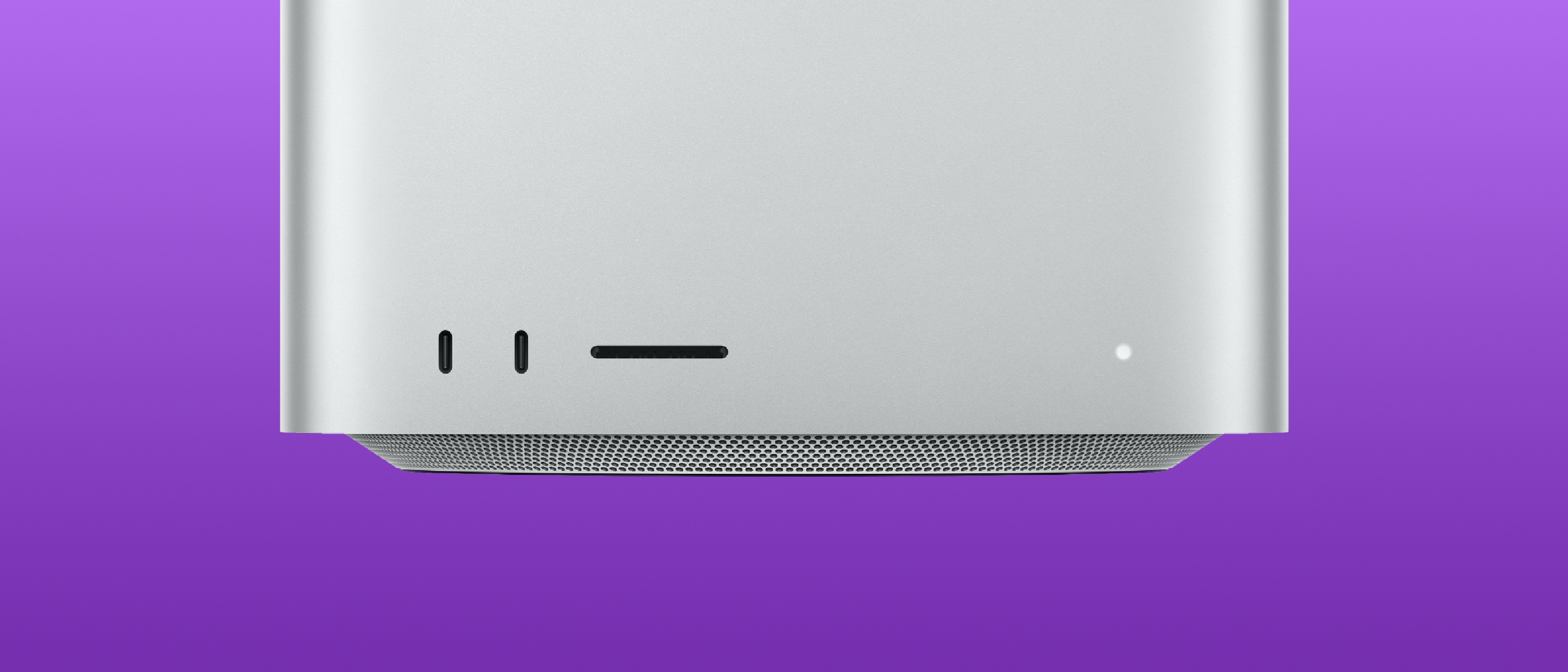
Apple’s latest Mac Studio refresh arrives with two distinct silicon options: the M5 Max and the M5 Ultra. While the M5 Max targets power‑hungry creators who need a balance of CPU, GPU, and memory, the M5 Ultra pushes the envelope of on‑device compute, positioning the Mac Studio as a desktop‑class AI workstation.
Key launch details:
- Pre‑orders are live; the base models ship on September 22, with the 512 GB unified‑memory configuration arriving in late October.
- Both models adopt a next‑generation SSD architecture built on PCIe Gen 6, which Apple claims is up to twice as fast as before.
- Connectivity upgrades include Thunderbolt 5, Wi‑Fi 7, and Bluetooth 6, all powered by a dedicated N1 chip.
For a quick recap of the earlier launch, see our coverage of the Apple Launches New Mac mini & Mac Studio – Pre‑Orders .
Technical Deep Dive: M5 Max vs. M5 Ultra
CPU Architecture
| Chip | CPU Cores | Core Mix | Single‑Thread Gain vs. M3 Ultra | Multi‑Thread Gain vs. M3 Ultra |
|---|---|---|---|---|
| M5 Max | 18 | 6 super + 12 performance | — | — |
| M5 Ultra | 36 | 12 super + 24 performance | 1.25× | 1.3× |
The M5 Ultra’s 36‑core layout is achieved through Ultra Fusion Technology, which stitches together two dual‑die M5 Max chips. This creates a single logical processor with 4.4 TB/s inter‑die bandwidth, a six‑fold increase in connection density over the previous generation.
GPU and AI Engine
- M5 Ultra: Up to 80‑core GPU with second‑gen Dynamic Caching, hardware‑accelerated mesh shading, and third‑gen ray tracing. Apple states a 40 % faster graphics performance versus the M3 Ultra.
- AI Compute: The Ultra’s GPU delivers 4.5× peak compute for AI tasks over the M3 Ultra and 6× over the M1 Ultra. A 32‑core Neural Engine further accelerates on‑device machine‑learning workloads.
The M5 Max, while more modest, still offers up to 40 GPU cores and a 3.9× AI performance boost compared with its predecessor.
Memory, Bandwidth, and Storage
- Unified Memory: M5 Ultra supports up to 512 GB of unified memory with 1.2 TB/s bandwidth (a 50 % jump over M3 Ultra). The M5 Max caps at 128 GB and 614 GB/s.
- SSD: Both models use PCIe Gen 6 flash, delivering 2× the throughput of the prior generation. This directly benefits large‑dataset handling and high‑resolution media workflows.
Media Engine
Apple continues to emphasize professional media creation:
- Dedicated H.264 and HEVC hardware encoders/decoders.
- Four ProRes encode/decode engines for real‑time 8‑K editing.
- Hardware‑accelerated AV1 decode, future‑proofing streaming workflows.
AI, LLMs, and On‑Device Data
Apple’s messaging around the M5 Ultra is unmistakably AI‑centric. The company highlights that the added memory and bandwidth “allows users to store large datasets locally, increase tokens per second, and run large language models with hundreds of billions of parameters entirely on device.” This claim signals a shift from cloud‑only inference to edge‑centric AI, where latency‑sensitive applications—such as real‑time video analytics, generative art, and scientific simulations—can run without a network round‑trip.
Clustering for Scalable AI
A novel feature is Thunderbolt 5 + RDMA support, enabling Mac Studio clusters. Apple demonstrates a four‑system cluster that delivers 3× faster AI inference than a single unit, effectively turning a desktop environment into a scalable compute fabric.
Practical Implications
- Content creators can train or fine‑tune large diffusion models locally, preserving proprietary data.
- Enterprises gain the ability to run confidential LLM workloads on‑premises, mitigating data‑privacy concerns.
- Researchers can experiment with massive parameter spaces without provisioning external GPU farms.
Connectivity, Display Support, and Expansion
Thunderbolt 5 and Peripheral Ecosystem
Thunderbolt 5 brings 120 Gb/s bandwidth, enough for dual 8K displays, high‑speed external storage, and GPU enclosures. The inclusion of genlock over USB‑C ensures frame‑accurate multi‑display setups for broadcast and live‑event production.
Wi‑Fi 7 and Bluetooth 6
Apple’s first foray into Wi‑Fi 7 promises up to 30 Gbps raw throughput, reduced latency, and improved multi‑device handling—critical for studios that rely on wireless peripherals and network‑attached storage. Bluetooth 6 adds higher data rates and better coexistence with Wi‑Fi 7.
Display Capabilities
- Up to eight external displays can be driven simultaneously.
- Support for high‑dynamic‑range (HDR) 10‑bit color across all outputs.
For readers interested in peripheral optimization, our guide on Apple Updates Magic Keyboard Glyphs for US Layouts offers tips on pairing keyboards with the new Mac Studio.
Industry Impact and Future Outlook
Redefining the Desktop AI Workstation
The M5 Ultra’s on‑device AI horsepower challenges the traditional separation between consumer desktops and enterprise GPU servers. By delivering hundreds of billions of parameters capability locally, Apple may catalyze a new class of AI‑first creative tools that run natively on macOS.
Competitive Landscape
- NVIDIA continues to dominate the discrete GPU market, but Apple’s integrated approach reduces latency and power consumption.
- AMD’s upcoming Ryzen 9000 series will likely compete on raw compute, yet Apple’s tight hardware‑software integration and unified memory architecture remain differentiators.
Potential Software Ecosystem
While Apple has not announced new macOS features, developers can anticipate Core ML updates to exploit the larger Neural Engine and the expanded memory bandwidth. Existing frameworks like Metal will need to support the new Dynamic Caching and mesh shading pipelines.
Market Positioning
The Mac Studio’s price point (not disclosed in the source) will be crucial. If Apple positions the M5 Ultra model competitively against high‑end workstations, it could attract film studios, AR/VR developers, and scientific labs that previously relied on Windows‑based rigs.
Frequently Asked Questions
Q1: When will the 512 GB unified‑memory Mac Studio be available?
A: Apple plans to ship the 512 GB model in late October.
Q2: Does the M5 Ultra support external GPUs?
A: With Thunderbolt 5, external GPU enclosures are supported, but the internal GPU already offers up to 80 cores, reducing the need for eGPUs in most workflows.
Q3: Can I run macOS‑based LLMs larger than 100 B parameters on the M5 Ultra?
A: Apple states the chip can handle “large language models with hundreds of billions of parameters entirely on device,” provided the model fits within the available unified memory.
Q4: How does the new SSD performance compare to the previous Mac Studio?
A: The PCIe Gen 6 SSD architecture is “up to twice as fast as before,” delivering roughly 2× the sequential read/write speeds of the prior generation.
Q5: Is the new Mac Studio compatible with existing Mac mini accessories?
A: Yes. The Thunderbolt 5 ports are backward compatible with Thunderbolt 4/
Q5: Is the new Mac Studio compatible with existing Mac mini accessories?
A: Yes. The Thunderbolt 5 ports are backward compatible with Thunderbolt 4/USB‑C devices, and the same power adapters used for the Mac mini will work.
Q6: What Wi‑Fi 7 performance can I realistically expect in a studio environment?
A: In optimal conditions, Wi‑Fi 7 can deliver raw throughput up to 30 Gbps, but real‑world speeds will depend on router capabilities, channel congestion, and antenna placement. For most studio workflows—large file transfers to NAS, wireless audio‑video monitoring, and collaborative editing—users can expect a noticeable reduction in latency and higher sustained transfer rates compared with Wi‑Fi 6E.
Q7: Will the new Mac Studio support macOS Ventura updates or require a fresh OS release?
A: Apple announced that macOS 15 (code‑named “Sonoma II”) will ship alongside the M5‑based Macs, bringing native support for the new hardware features such as Dynamic Caching, enhanced Core ML APIs, and Thunderbolt 5‑enabled clustering. Existing Ventura installations will receive a free upgrade to macOS 15 when it becomes generally available.
Q8: How does the power consumption of the M5 Ultra compare to the previous M1 Ultra?
A: Apple claims the M5 Ultra delivers roughly 30 % more performance per watt than the M1 Ultra, thanks to a refined 3‑nm process and more efficient Ultra Fusion interconnects. In typical workstation loads, the Mac Studio draws around 250 W, staying within the same thermal envelope as the prior generation.
Q9: Are there any plans for a desktop‑class GPU enclosure that can pair with the Mac Studio?
A: While Apple has not announced a dedicated eGPU for the M5 line, the Thunderbolt 5 bandwidth (120 Gb/s) is sufficient to drive high‑end external GPU enclosures from third‑party vendors. Developers can also leverage the new Metal 3 extensions to offload specific workloads to external accelerators if needed.
Closing Thoughts
Apple’s refreshed Mac Studio line marks a decisive step toward on‑device AI dominance. By marrying a massive unified memory pool, blister‑fast PCIe Gen 6 storage, and a GPU architecture tuned for both graphics and machine‑learning workloads, the M5 Ultra positions the Mac Studio as a single‑box solution that can replace many traditional workstation‑plus‑GPU‑server setups.
For creators who have long relied on external GPU rigs, high‑end NAS arrays, and cloud‑based inference services, the promise of local, low‑latency AI—combined with the convenience of Apple’s ecosystem—could reshape workflows across film, design, scientific research, and enterprise AI. The real test will be pricing and software adoption; if Apple can keep the cost competitive and developers can tap the new hardware through updated Core ML and Metal APIs, the M5 Ultra‑powered Mac Studio may become the new benchmark for desktop AI workstations.
Stay tuned for our hands‑on performance benchmarks once the units are in the hands of our testing team, and be sure to check out the Mac Studio Buyer’s Guide for configuration tips and accessory recommendations.
Source: Original Article