


Overview of the iOS 27.3 / iPadOS 27.3 Beta Release
Apple’s developer portal announced the first public betas of iOS 27.3 and iPadOS 27.3 a week after the 27.2 point releases. The rollout follows Apple’s traditional cadence: a minor update (27.2) stabilizes the platform, and the subsequent 27.3 build introduces a mix of incremental AI‑driven features, regional connectivity upgrades, and refinements that were previously announced but never shipped.
Developers can fetch the betas through Settings → General → Software Update after opting into the Apple Developer Program. The beta is signed with the same certificate used for the 27.2 release, meaning it can be installed on any device that supports iOS 16 and later. Early adopters will be able to test new APIs for Apple Intelligence, health‑data handling, and the emerging RCS messaging stack.
Apple’s approach mirrors the recent macOS Golden Gate 27.3 beta launch, where the company used the beta period to gather telemetry on AI‑
AI‑related usage patterns and crash data to fine‑tune the on‑device models before a public rollout. This strategy gives developers early access while allowing Apple to iterate quickly based on real‑world feedback.
What’s New in iOS 27.3 / iPadOS 27.3
Below is a rundown of the most noteworthy additions and refinements that appear in the beta builds.
1. Redesigned Health app with Apple Intelligence insights
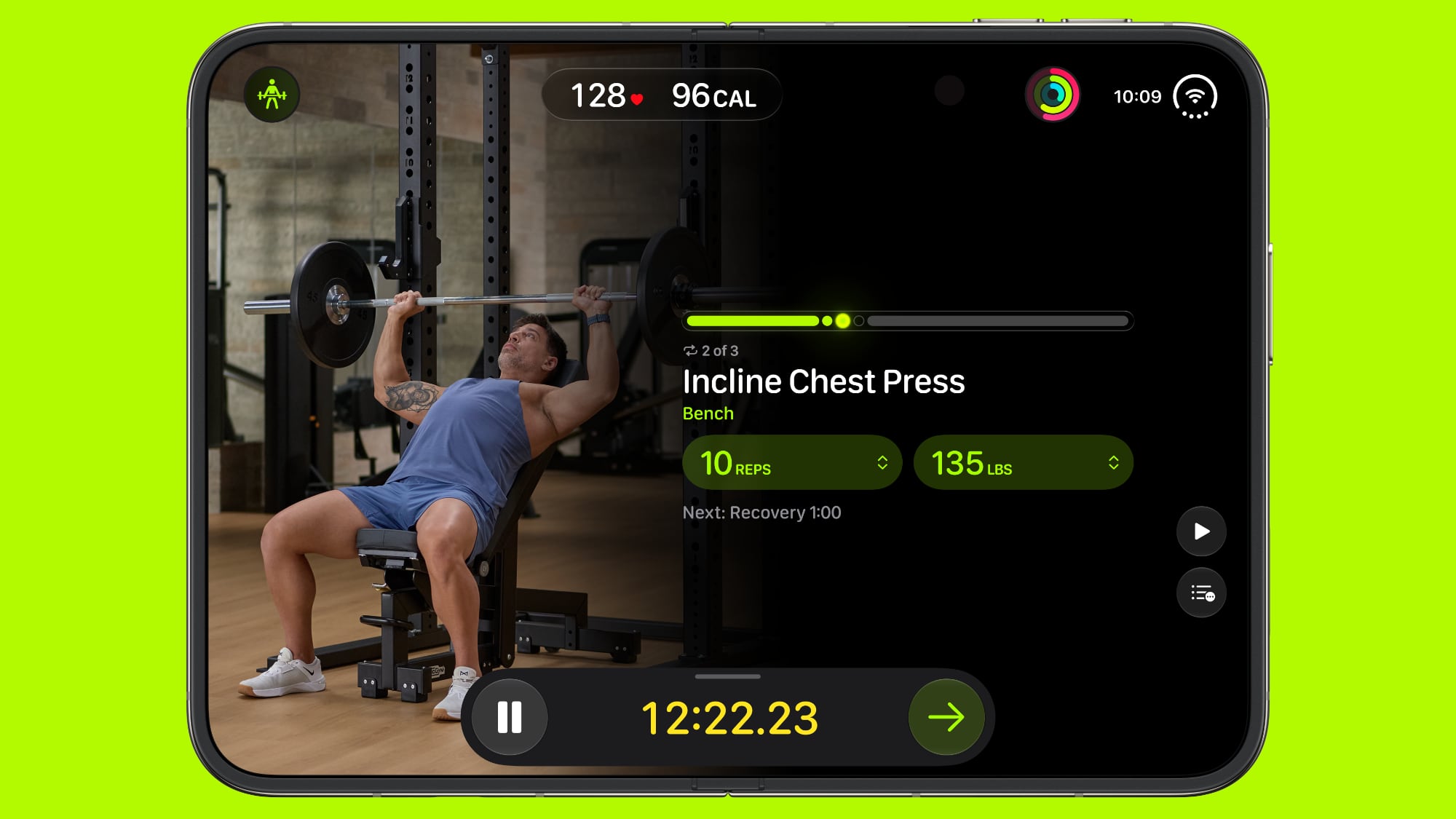
The Health app receives a visual overhaul and deeper integration with Apple Intelligence. The new “Insights” tab surfaces personalized health recommendations—such as sleep‑quality tips, activity nudges, and medication reminders—generated by on‑device machine‑learning models. Developers can tap the HealthKitIntelligence framework to retrieve these suggestions and embed them into third‑party wellness apps.
2. Reachability on iPhone Duo
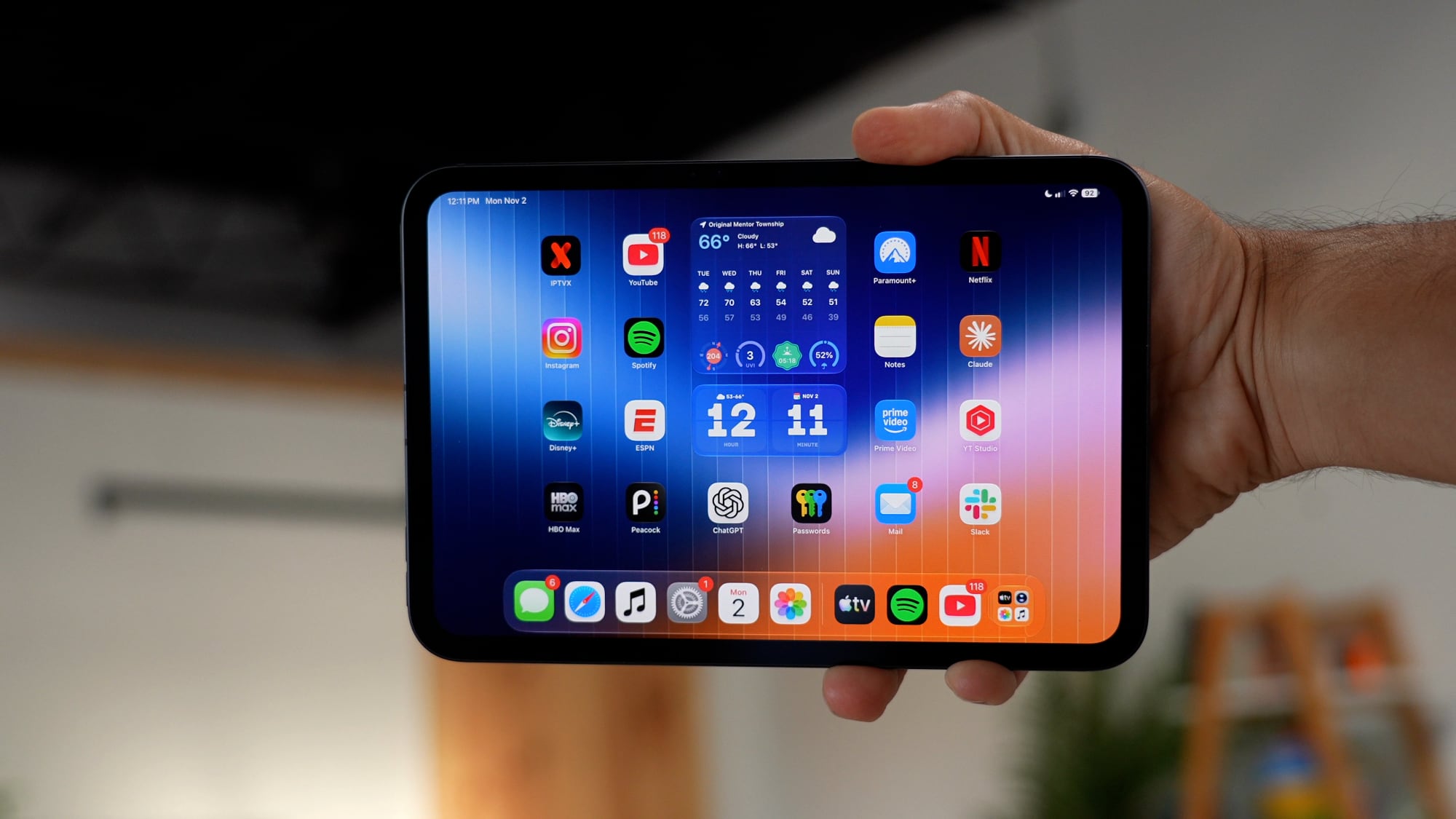
Apple finally ships the long‑promised Reachability gesture for the iPhone Duo lineup. A quick double‑tap on the lower‑half of the screen pulls the UI upward, making one‑handed use on the larger 6.9‑inch display more comfortable. The feature is toggled in Settings → Accessibility → Touch and can be disabled for users who prefer the classic behavior.
3. Safari password‑fix powered by Apple Intelligence
Safari now offers an automated “Password Fix” prompt when it detects weak, reused, or compromised credentials stored in iCloud Keychain. Leveraging Apple Intelligence, the browser suggests stronger alternatives and can update the password across supported sites with a single tap. The feature is optional and can be enabled under Settings → Safari → Passwords → Password Fix.
4. Apple Intelligence expansion to China
With iOS 27.3, Apple extends its on‑device AI capabilities to users in mainland China. The rollout includes localized language models, region‑specific health insights, and compliance with local data‑privacy regulations. Developers targeting Chinese users will notice new API flags (AIRegionChinaEnabled) that allow them to tailor content without sacrificing performance.
5. RCS support for Australian carrier Telstra
The beta introduces Rich Communication Services (RCS) support for Telstra customers, bringing features such as read receipts, typing indicators, and high‑resolution media sharing to the native Messages app. While the implementation is currently limited to Telstra’s network, Apple has hinted at broader carrier rollouts in future updates.
How to Install the Beta
- Enroll in the Apple Developer Program – A paid membership is required to receive beta builds.
- Open Settings → General → Software Update – The iOS 27.3 / iPadOS 27.3 beta should appear as an available update.
- Tap “Download and Install” – The device will restart and apply the beta profile automatically.
- Verify the installation – Go to Settings → General → About; the version number should read “27.3 Beta (1)”.
Tip: Keep a backup of your device before installing a beta. While Apple’s beta signing process is stable, occasional regressions can cause data loss on older hardware.
Known Issues & Workarounds
| Issue | Description | Workaround |
|---|---|---|
| Battery drain on iPhone Duo | Reachability combined with Apple Intelligence background tasks can cause a 5‑10% faster drain. | Disable Reachability in Accessibility until the next patch. |
| Safari password‑fix not triggering | The prompt may not appear for passwords stored before iOS 27.2. | Manually edit the password in iCloud Keychain to trigger the AI analysis. |
| RCS messages appear as SMS | On some Telstra accounts, the Messages app falls back to SMS for group chats. | Ensure “RCS enabled” is toggled in Settings → Messages → Advanced and restart the device. |
| Health app insights lag | Initial AI model loading can cause a brief freeze when opening the Insights tab. | Open the Health app once, wait a few seconds, then close; the model caches for subsequent launches. |
Apple typically addresses the most critical bugs within a week of the beta’s release, so keep an eye on the Developer Forums for patches.
What to Expect Next
The 27.3 beta cycle will run for roughly three weeks, after which Apple will release a public 27.3 update. Based on past patterns, the public version will likely include:
- Minor UI tweaks to the Health app based on developer feedback.
- Expanded RCS support to additional Australian carriers and possibly New Zealand.
- Performance optimizations for Apple Intelligence on older devices (iPhone 8 and later).
If the beta proves stable, Apple may also bundle a handful of security patches that were held back from the 27.2 release.
Frequently Asked Questions
Q: Can I downgrade from the 27.3 beta back to 27.2? A: Yes. Use iTunes/Finder to restore a previously saved backup or download the signed 27.2 IPSW from Apple’s developer portal.
Q: Will the beta affect my App Store apps?
A: Most apps will continue to work unchanged. However, apps that rely on deprecated APIs (e.g., UIWebView) may crash. Check the Release Notes for a full list of removed APIs.
Q: Is the RCS feature limited to SMS‑based carriers? A: Currently, RCS is only enabled for Telstra’s LTE/5G network. Other carriers will receive support in later updates.
Q: Does the Health app redesign require any new permissions? A: The new Insights module uses existing HealthKit permissions. If you have not granted “Read & Write” access to the Health app, you’ll be prompted the first time you open the Insights tab.
Q: How does Apple Intelligence handle data privacy in China? A: All AI processing remains on‑device; no raw health or personal data is transmitted to Apple servers. The localized models comply with China’s Personal Information Protection Law (PIPL).
Final Thoughts
The iOS 27.3 and iPadOS 27.3 betas mark a subtle but meaningful shift toward AI‑enhanced everyday experiences. By finally delivering Reachability on the iPhone Duo and integrating Apple Intelligence into Safari and Health, Apple is turning concepts announced months ago into usable features. The addition of RCS for Telstra also signals a broader push to modernize native messaging across regions.
Developers who dive into the beta now will gain early access to the new HealthKitIntelligence and AIRegionChinaEnabled APIs, positioning their apps to take advantage of Apple’s expanding on‑device AI ecosystem. As always, keep backups handy, report bugs through the Feedback Assistant, and enjoy the glimpse of what the next public release will bring.
Source: Original Article